


Imagine landing on a website, only to wait five agonising seconds for it to load, squinting at tiny text on your phone, and giving up in frustration.
If you’ve felt that annoyance, you’re not alone. Today’s customers compare every business site they visit to the seamless experiences delivered by Amazon, Canva, Netflix, and Service NSW. When a site lags or feels cluttered, users leave in seconds, and they rarely come back.
This shifting consumer behaviour is why searches for “what makes a website good” and modern website design best practices for 2026 have skyrocketed across Australia. Recent insights from HubSpot and Adobe confirm that online attention spans are shorter than ever. A modern website can no longer just act as a digital business card; it must load instantly, perform flawlessly across every device, and instantly guide visitors toward a clear action.
In this guide, we break down the exact features, performance metrics, and strategic changes that define a truly great website in 2026 and how you can use them to turn casual visitors into loyal customers.
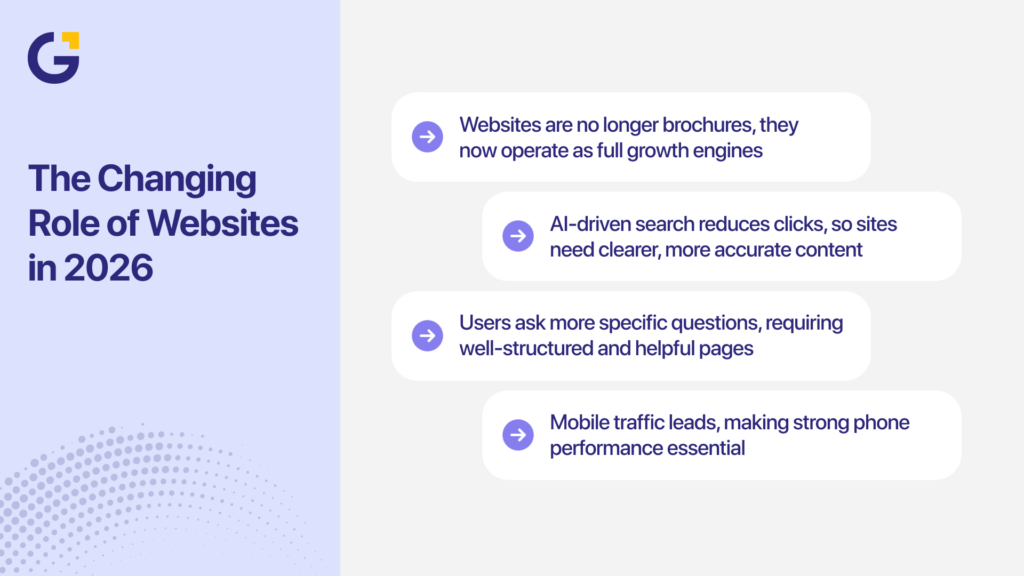
The Changing Role of Websites in 2026
A website used to act like a digital brochure listing basic services and contact details. In 2026, a truly good website is a growth engine. It supports sales, marketing, customer service, and data collection in one place, serving both human users and AI-driven search engines.
Google’s AI Overviews and other AI summaries appear on a rising share of search results. Studies from Search Engine Journal show that when these AI summaries appear, some sites lose between 34 and 46٪ of clicks because users get answers at the top of the page. This shift makes it critical to align with modern strategies like those covered in SEO, AEO, GEO: The New Era of Search in 2026 and Beyond.
At the same time, mobile traffic continues to lead. According to Exploding Topics, mobile devices account for more than 64% of global website traffic, with Oceania sitting well above 50٪.
To remain competitive, your site needs to:
- Answer real questions in plain language to rank in AI Overviews and traditional SERPs.
- Guide users smoothly from awareness to enquiry.
- Act as a central performance hub for SEO, paid ads, and email campaigns.
- Deliver a fast, secure, and intuitive cross-device experience.
How does this change what your website must do?
In 2026, your site needs to:
- Answer real questions in plain language, so it can work with AI Overviews and standard search results.
- Guide users from awareness to enquiry or purchase without friction.
- Act as a central hub for marketing: SEO, paid ads, email, and social.
- Support tracking, so you can see what works and where users drop off.
- Feel fast, safe, and easy to use on any device.
For example, a Sydney accounting firm notices that traffic from Google dropped after AI Overviews rolled out on more “how to set up a business” searches. They respond by:
- Publishing stronger how-to guides with clear headings and step-by-step lists.
- Adding “Ask a question” forms on key pages.
- Improving internal links to keep users on-site.
Within a few months, they regain traffic for more specific queries and increase enquiries from users who do click through.
The role of your site is no longer just to “be online.” It must help people decide, take action, and come back.
Core Elements of a Good Website in 2026
If you want to understand what makes a website good, you need to combine UX, content, SEO, and performance into a single cohesive system.
| Area | What it covers | Why it matters in 2026 |
| UX and UI | Layout, menus, forms, visual hierarchy | Drives conversions and ease of use (Learn more via UI/UX for B2B businesses: 10 page patterns that convert) |
| Mobile-First Design | Phone-led layouts and responsive touch targets | Most visits and first impressions start on mobile |
| Performance Optimisation | Load time, code, clean hosting, CDNs | Direct link to bounce rate, user retention, and search rankings |
| Accessibility | Colour contrast, text size, semantic alt text | Reduces legal risk and broadens audience reach |
| Security & Trust | SSL, privacy policies, reviews, badges | Directly affects form fills, leads, and sales |
A modern website with strong UX and UI in modern websites will address each area at a practical level, not just at a design or “look” level.
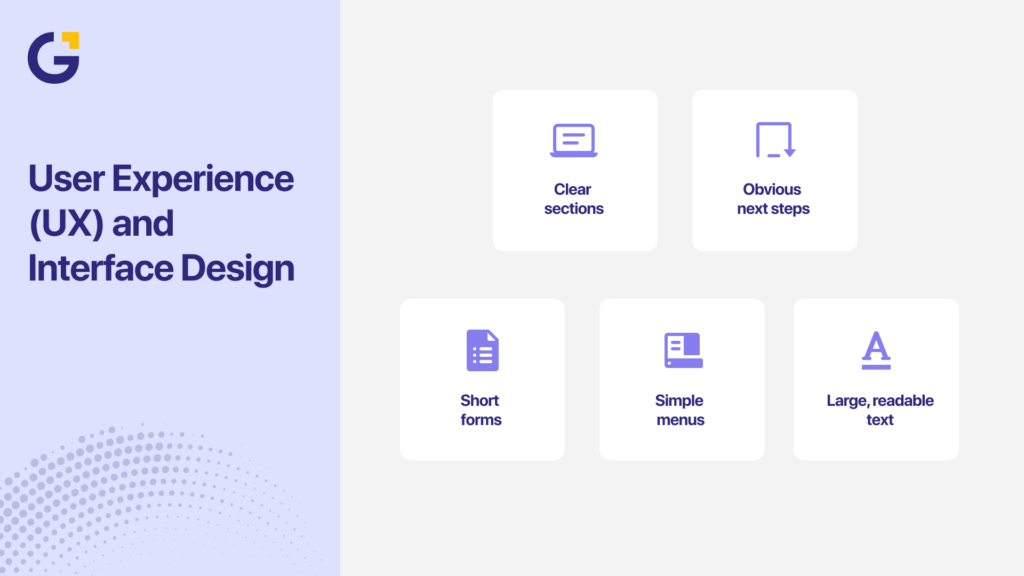
User Experience (UX) and Interface Design
Good UX and UI decide whether visitors feel in control or frustrated. Users expect the clarity found on apps like Apple, Xero, and Canva. Forrester Research notes that a well-crafted user interface can boost website conversion rates by up to 200%.
Forrester Research shows that a well-crafted user interface can boost website conversion rates by up to 200%. These numbers show why UX is not just a design issue. It is a revenue issue.
UX and UI improvements are often the fastest way to get better results from existing traffic.
Mobile-First and Multi-Device Optimisation
Mobile-first design is how people actually browse in 2026. Mobile devices now generate most web traffic worldwide, and users leave quickly when a site is cramped or slow on a phone. This reality has made mobile-first design one of the core website design best practices in 2026.
A mobile-first layout starts with small screens, then scales up to tablet and desktop. Pages should use a simple single-column layout on phones, clear menus, thumb-friendly CTAs, and body text of at least 16 px. Forms must be short enough to complete on a phone. Tools like Google’s PageSpeed Insights help you check mobile performance and highlight issues such as tiny text, crowded buttons, heavy sliders, or desktop menus that do not work well on touch screens.
For instance, a law firm in Melbourne notices that most visitors come from mobile devices, but very few submit enquiry forms. On review, they find:
- Their contact form asks for too many details.
- Phone numbers are not clickable.
- The menu hides important pages.
They fix these issues and add a clear “Request a callback” button on every page. Within a quarter, completed forms from mobile users doubled.
Mobile-first design does not mean mobile only. It means making sure the phone experience is solid before you refine the desktop.
Website Speed and Performance
Speed is one of the most important parts of website performance optimisation. Users feel speed before they notice design. If your site feels slow, they do not wait to see the rest. Google says, “The probability of bounce increases 32% as page load time goes from 1 second to 3 seconds.”
Key performance metrics to track
| Metric | Target | Why it matters |
| Time to First Byte (TTFB) | Under 0.5 seconds | Shows server speed |
| Largest Contentful Paint (LCP) | Under 2.5 seconds | Core Web Vitals metric |
| Total Blocking Time (TBT) | As low as possible | Affects how “snappy” the site feels |
| Cumulative Layout Shift (CLS) | Close to 0 | Prevents layout jumps on load |
Practical steps to improve speed
- Hosting: Choose reliable hosting that delivers strong performance instead of the cheapest option. Using local servers for Australian traffic can also reduce load times for local users.
- Images: Compress your images using tools like TinyPNG or built-in CMS plugins to reduce file size. Use modern formats like WebP when possible, and apply lazy loading so images below the fold only load when needed.
- Code and scripts: Remove any plugins or scripts that you do not use, since each one adds extra load. Combine and minify CSS and JavaScript files when it is safe to do so, and load analytics or third-party scripts after the main content has loaded.
- Content Delivery Network (CDN): Use a CDN to deliver content from servers closer to the user. This reduces delays for visitors across different regions and improves consistency in page speed.
Speed gains often come from removing or trimming features, not adding more. For a deeper dive into performance fixes, check out Website Speed Optimisation for Sydney Businesses: What Actually Affects Leads.
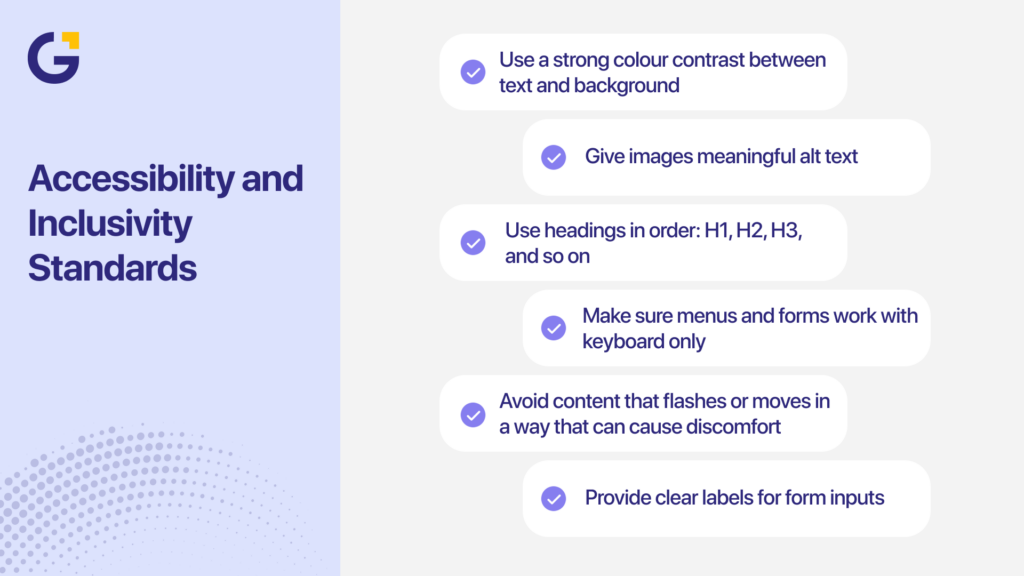
Accessibility and Inclusivity Standards
Accessibility is not only about legal compliance. It is about making your website usable to more people. This includes users with low vision, colour blindness, motor limits, reading difficulties, or those using assistive tech.
Global guidelines like the Web Content Accessibility Guidelines (WCAG) set clear targets for text contrast, keyboard navigation, and content structure. Many governments and large brands now treat these as standard practice, and users are starting to expect the same from smaller sites.
Accessible sites also tend to be easier for everyone to use. Clear headings, readable fonts, and simple layouts support both accessibility and UX.
Core accessibility practices
- Use a strong colour contrast between text and background.
- Give images meaningful alt text.
- Use headings in order: H1, H2, H3, and so on.
- Make sure menus and forms work with keyboard only.
- Avoid content that flashes or moves in a way that can cause discomfort.
- Provide clear labels for form inputs.
Accessibility should not be an afterthought. When built into the process, it improves the overall quality of the site.
Security, Privacy, and Trust Factors
Security and trust signals influence whether users stay on your site, submit a form, or make a purchase. People are more cautious with personal data, and even small issues like missing HTTPS or unclear contact details can cause them to leave.
Core security practices for 2026:
- HTTPS on all pages: Install and renew SSL certificates and avoid mixed content warnings.
- Safe data handling: Keep your CMS, plugins, and themes updated, use strong passwords, and enable multi-factor authentication for admin access.
- Trusted payments: Use secure gateways like Stripe or PayPal instead of custom-built payment logic.
- Backup and recovery: Run regular offsite backups and test restore processes so you can recover quickly if needed.
Trust signals users look for:
- Clear contact details, including phone and email
- Physical address and ABN for Australian businesses
- Links to privacy policy and terms of use
- Recent reviews or case studies
- Recognised payment and security badges
Security and trust often decide whether a visitor becomes a customer or leaves your site without taking action.
SEO and Content Strategy in 2026
Search behaviour in 2026 looks different from the past decade. People type longer questions, use AI tools, and expect clear answers fast. A good website in 2026 needs an SEO strategy that supports both search engines and AI systems that summarise web content. This means clean structure, helpful content, and signals that show your site is reliable.
Ahrefs found that most keywords people search for are long-tail phrases with low monthly search volume. These queries tend to be more specific and reflect real user intent, which makes them valuable for SEO in 2026.
Google’s Search Relations team also highlights three major ranking priorities for 2026: clear intent matching, strong page experience, and helpful content backed by expertise. These updates link directly to how AI tools such as ChatGPT, Perplexity, and Google’s Overviews pull information.
A strong SEO strategy for 2026 has three layers:
- Technical clarity so your pages load fast and send the right signals.
- Content that answers questions in simple language.
- Structure that helps users and AI understand how topics connect.
A site that follows these layers is more likely to appear in AI Overviews, standard Google results, and voice-led tools.
To ensure your structure supports your conversion goals, review our guide on Internal Linking Strategy for Service-Based Websites: How to Support Money Pages.
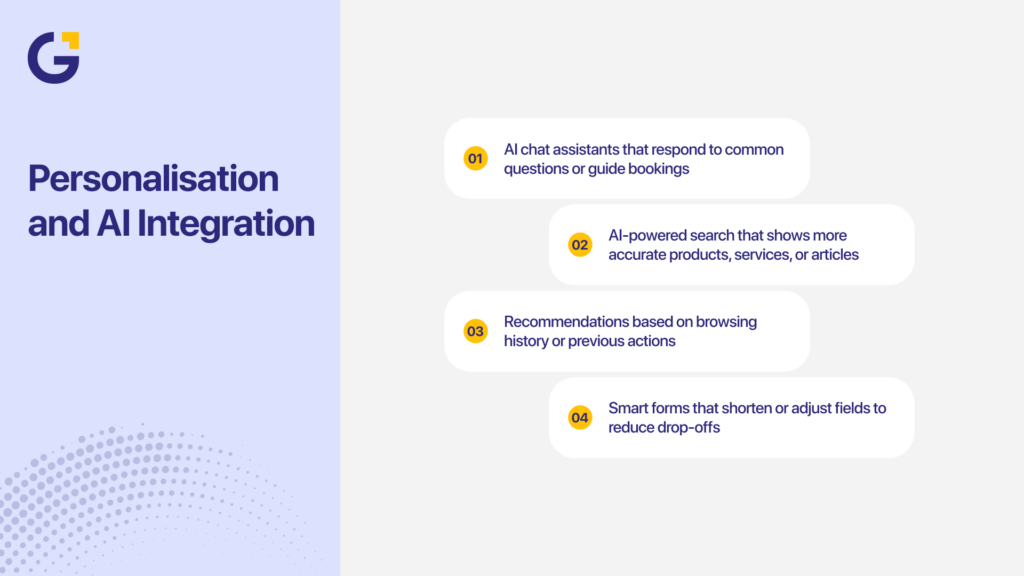
Personalisation and AI Integration
AI in websites has become an expectation in 2026, with users wanting faster support, smarter search, and content that feels relevant. Brands like Shopify, Canva, and HubSpot use AI-driven chat tools, recommendations, and personalised content to guide users smoothly. Smaller Australian businesses can apply the same approach to improve engagement and reduce friction. AI supports a good website in 2026 through personalised suggestions, quicker answers, and forms that adjust to user behaviour.
Practical AI uses that work well for SMEs:
- AI chat assistants that respond to common questions or guide bookings
- AI-powered search that shows more accurate products, services, or articles
- Recommendations based on browsing history or previous actions
- Smart forms that shorten or adjust fields to reduce drop-offs
AI should make your website clearer and easier to use, not overwhelm visitors or replace real human support.
Future-Ready Technologies (Voice, AR, Automation)
Future-ready websites support how people search and make decisions in 2026, and three technologies now play a practical role for businesses of all sizes:
- Voice search: More users ask questions through Siri, Google Assistant, and Alexa, so content should use natural, question-based headings and short answers that AI tools can read easily.
- Augmented reality (AR): Browser-based AR previews help users see products, spaces, or service outcomes before enquiring, similar to how IKEA and Specsavers use AR to build confidence.
- Automation: Tools for online bookings, follow-up emails, SMS reminders, and review requests reduce manual work and guide users from interest to enquiry more smoothly.
These features make websites more helpful, efficient, and aligned with how people interact online today.
Data Analytics and Continuous Improvement
A website in 2026 should update based on data, not guesswork. User behaviour changes often, and your site needs to adjust to it. When businesses review their analytics monthly, they fix problems sooner and convert more visitors.
Tools like GA4, Microsoft Clarity, Hotjar, and server logs help you see what users do on your site. These insights show:
- Pages that load slowly
- Forms that users stop filling out
- Menus that cause confusion
- Sections where users stop scrolling
- Channels that bring the most engaged visitors
A simple improvement cycle works well for most teams:
- Review traffic and user behaviour each month.
- Spot friction points such as slow pages, broken links, or confusing layouts.
- Make small adjustments to content, forms, and navigation.
- Review results after changes to confirm improvements.
When a site is reviewed regularly, performance improves steadily. You get better insights, fewer surprises, and a site that matches how users behave today.
Common Mistakes to Avoid
Many websites fail for predictable reasons. Fixing these issues often improves results before adding advanced features.
- Unclear structure. When headings or menus do not make sense, users struggle to find what they need. Clear structure helps users move quickly and reduces frustration.
- Slow hosting. Cheap hosting slows everything down, especially during busy times. Slow sites lose traffic and conversions.
- Walls of text. Large blocks of text without spacing or headings cause users to skim or leave. Short paragraphs and clear subheadings improve reading flow.
- Confusing CTAs. When a page has too many buttons or vague labels, users don’t know the next step. Clear, simple CTAs improve actions.
- Outdated content. Old blog posts, expired offers, and dated service descriptions reduce trust. Users expect current information.
- No security signals. Missing HTTPS, unclear contact details, and absent policy links make users hesitate before submitting forms.
- Poor mobile layout. Text that is too small, buttons that sit too close together, or menus that are hard to tap create a bad mobile experience. This is one of the main reasons users leave fast.
Avoiding these mistakes gives your website a stronger baseline before you add advanced features or automation.
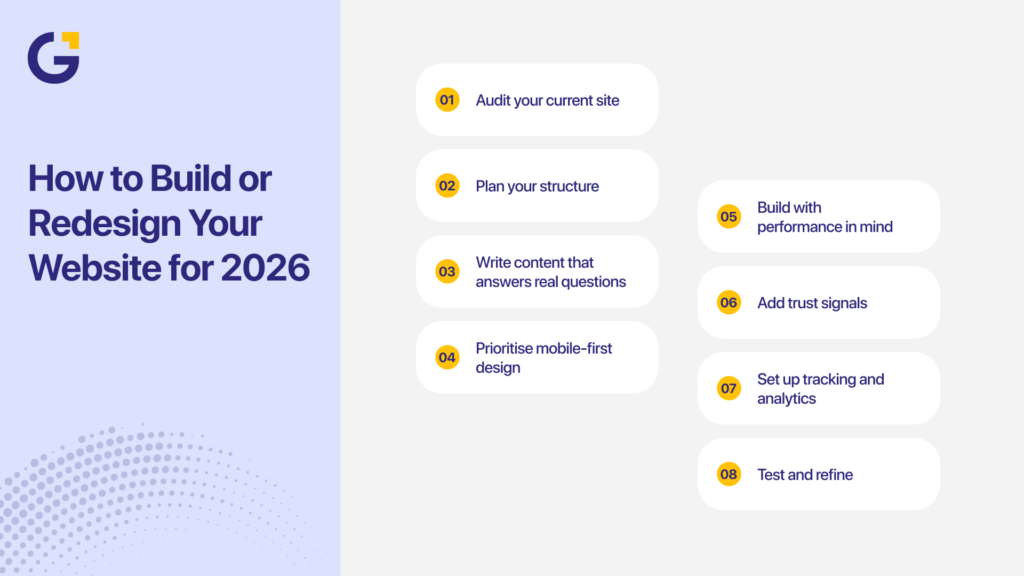
How to Build or Redesign Your Website for 2026
A good website in 2026 needs a simple, structured plan. Most Australian SMEs can follow the same blueprint and get strong results without guessing.
- Audit your current site. Check your speed, SEO structure, mobile experience, content quality, and UX. Tools like PageSpeed Insights, Screaming Frog, and GA4 reveal what needs fixing.
- Plan your structure. Map the core pages your site needs: Home, Services, Locations, About, Contact, Blog, and FAQs. This structure gives users and search engines clear paths.
- Write content that answers real questions. Use plain language. Match what people search for. Add examples, simple steps, and short explanations.
- Prioritise mobile-first design. Start with mobile layouts before designing desktop versions. Focus on clear menus, thumb-friendly CTAs, readable text, and short forms.
- Build with performance in mind. Choose strong hosting, compress images, reduce plugins, and keep code clean.
- Add trust signals. Include your ABN, physical address, reviews, and policy links in visible positions.
- Set up tracking and analytics. Install GA4, heatmaps, and event tracking so you can understand user behaviour and measure results.
- Test and refine. Test your forms, CTAs, menus, and mobile settings. Then review again after changes. Small adjustments often deliver large gains.
How Genix Digital Can Help You Stay Ahead
Genix Digital helps Australian businesses build websites that support growth, enquiries, and simple user journeys. The team focuses on long-term results, not just design. Genix covers strategy, UX, development, content, SEO, and ongoing support.
Genix can assist with:
- Website strategy that supports business goals
- Mobile-first UX and UI
- Custom WordPress, Shopify, and Webflow builds
- Performance and speed improvements
- SEO foundations and structure
- AI-ready content frameworks
- Monthly reporting and optimisation
Clients work with Genix because they want a partner who understands small and medium business needs. Genix works across trades, medical clinics, real estate, professional services, ecommerce, and finance. The goal is always the same: better user journeys, stronger leads, and a site that grows with the business.
If your site is outdated or not converting, the team can review your current setup and give clear steps for improvement.
Conclusion: Build a Growth Engine, Not Just a Website
A successful website in 2026 requires flawless UX, fast loading speeds, mobile-first layouts, and content that answers real user questions directly. By aligning your site with modern web standards, your online platform transforms into a powerful, reliable driver of long-term growth and high-quality leads.
Ready to upgrade your online presence? Book a consultation with Genix Digital today to review your current setup and discover the exact steps needed to outperform your competitors.
FAQs
1-Do you still need a website in 2026?
Yes. While social media and AI platforms build initial awareness, a dedicated website remains the primary destination where customers verify your credibility, review pricing, and complete purchases or bookings.
2-What are the top website design best practices for 2026?
Key practices include mobile-first development, lightning-fast load times, clean typography, strict accessibility compliance, and streamlined navigation designed for quick decision-making.
3-How can I improve my website’s conversion rate?
Simplify your forms, shorten your checkout or enquiry paths, speed up your pages, and add strong trust signals like customer reviews and clear contact information.
4-Is custom web design better than using templates?
Custom builds offer superior performance, tailored user journeys, better security, and unique branding that helps your business stand out from competitors relying on generic templates.
5-How often should a business redesign its website?
Most business websites benefit from a major redesign or structural audit every 3 to 4 years to keep pace with changing user expectations, mobile standards, and core web performance updates.





 5 Aug 2026
 8 Min Read