
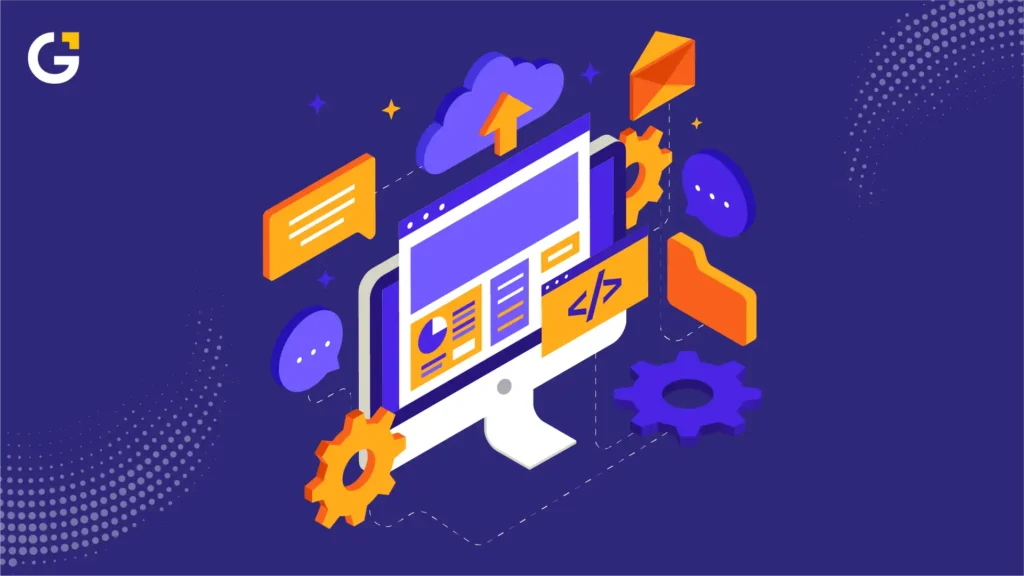
Website automation helps Sydney small businesses reduce repetitive administration and keep customer workflows organised. It connects website forms, CRMs, booking tools, email platforms, and internal systems so routine steps happen consistently without staff copying information between platforms.
For example, a new enquiry can create a CRM record, notify the right team member, and send a basic acknowledgement. A booking can trigger a confirmation and a reminder. A quote request can create an internal task with a clear owner.
The goal is not to automate every customer interaction. It is to remove predictable work while keeping people involved where judgment, empathy, compliance, or specialist knowledge is needed.
Businesses planning to connect forms, booking tools, and customer systems can explore website automation and integration support.
Why Website Automation Matters for Small Teams
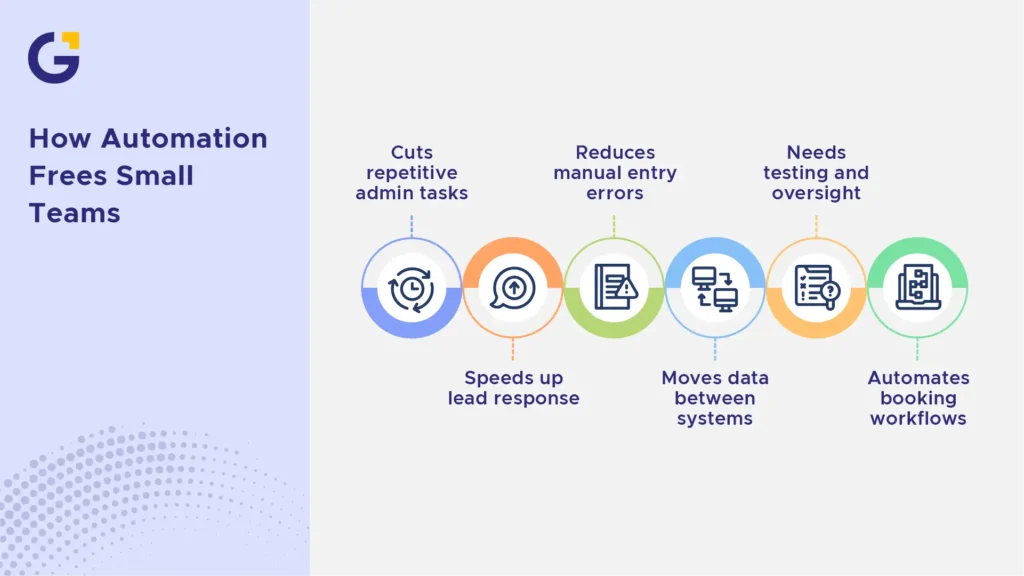
Small teams often manage enquiries, customer service, scheduling, and operations at the same time. Manual tasks such as moving form submissions into a CRM, sending booking confirmations, or checking whether someone followed up can take attention away from higher-value work.
Small business website automation can help by moving accurate information between systems and creating clearer ownership. It can reduce missed enquiries, repeated data entry, and inconsistent follow-up.
Automation can also improve the customer experience when used carefully. An immediate acknowledgement lets a customer know their enquiry arrived, while an internal alert helps the right person respond promptly. It should support a real response, not replace one.
Automation Ideas Worth Considering
Start with an operational problem, not a software product. Look for tasks that occur often, follow a clear process, and affect leads, bookings, or customer service.
Useful starting points often include lead routing, booking communication, and quote-management workflows.
Lead Capture and CRM Routing
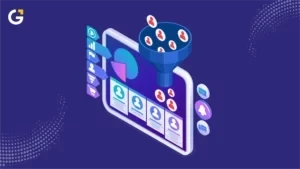
Form-to-CRM automation sends website enquiries into a customer relationship management system instead of leaving staff to process unstructured inbox messages.
A lead-routing workflow may:
- Create or update a customer record
- Record the requested service
- Assign the enquiry to the right employee
- Send a basic acknowledgement email
- Create a follow-up task
- Notify staff about urgent requests
For example, a building company could use a quote form that asks about project type, location, and preferred timing. The workflow can route renovation enquiries to one estimator and maintenance requests to another.
Before building the workflow, define the required fields, duplicate-handling rules, assignment logic, and customer message. This reduces the risk of incomplete records or leads going to the wrong person.
Data, Consent and Access
Website automation should collect only the information the business genuinely needs for the stated purpose. Organisations covered by the Australian Privacy Principles must collect personal information only when it is reasonably necessary for their functions or activities. They must also take reasonable steps to protect information from unauthorised access, loss or misuse. Read the OAIC guidance on collection and security of personal information.
Before connecting systems, check:
- Where customer data is stored
- Which staff members need access
- Whether access levels are limited appropriately
- How long is information retained
- What happens when an integration fails
- Who checks and corrects failed transfers
Businesses handling health, financial, or other sensitive information should complete provider-specific privacy, security, and access-control reviews before connecting systems. Sensitive customer information should not be sent through generic automation tools by default.
Booking, Reminders, and Follow-Up Emails
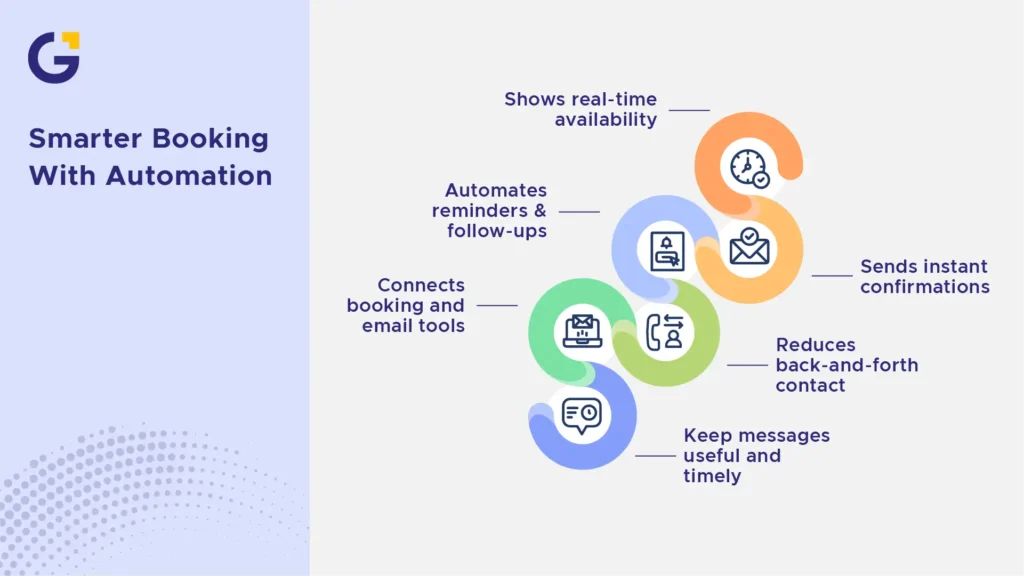
Booking automation can let customers choose an available time and receive immediate confirmation without back-and-forth scheduling emails.
Depending on the business, a booking workflow may:
- Show available appointment times
- Add appointments to staff calendars
- Send confirmations and reminders
- Provide preparation instructions
- Allow approved cancellations or rescheduling
- Notify staff about booking changes
Operational emails are different from marketing emails. Booking confirmations, reminders, and service updates are usually sent to support a specific customer action. Promotional email workflows require proper consent, clear sender identification and a working unsubscribe option. A one-off enquiry or booking should not automatically place someone on a marketing list. ACMA guidance explains the consent and unsubscribe requirements for commercial electronic messages.
Businesses needing more advanced customer communication can discuss email marketing automation setup after confirming consent settings, audience rules, and message purposes.
Quote Request and Internal Task Alerts
Quote requests often need more than an email notification. Staff may need to review photos, check service areas, request missing details, and assign the opportunity to the right person.
A quote workflow can:
- Capture project details and uploads
- Create or update a CRM record
- Create an internal task
- Assign the task by service type or postcode
- Notify the responsible employee
- Send a clear acknowledgement to the customer
- Escalate overdue tasks
Define the owner, response deadline, escalation rule, and after-hours fallback before launching the workflow.
Automation can organise the request and assign work, but people should still review pricing, scope, feasibility, and customer expectations.
What Not to Automate Too Early
Do not automate a process your team cannot explain clearly. Automation repeats the rules it is given, including unclear or inefficient ones.
Avoid automating these areas too early:
- Sensitive complaints or customer disputes
- Legal, medical or financial guidance
- High-value negotiations
- Safety or compliance decisions
- Processes that change significantly each time
- Messages that need empathy or detailed personal context
For example, an automation can confirm that a complaint was received and alert a manager. It should not decide whether the complaint is valid or send a generic resolution without human review.
Automation should remove predictable work, not replace judgment, empathy or compliance review.
How to Prioritise Automation by Business Impact
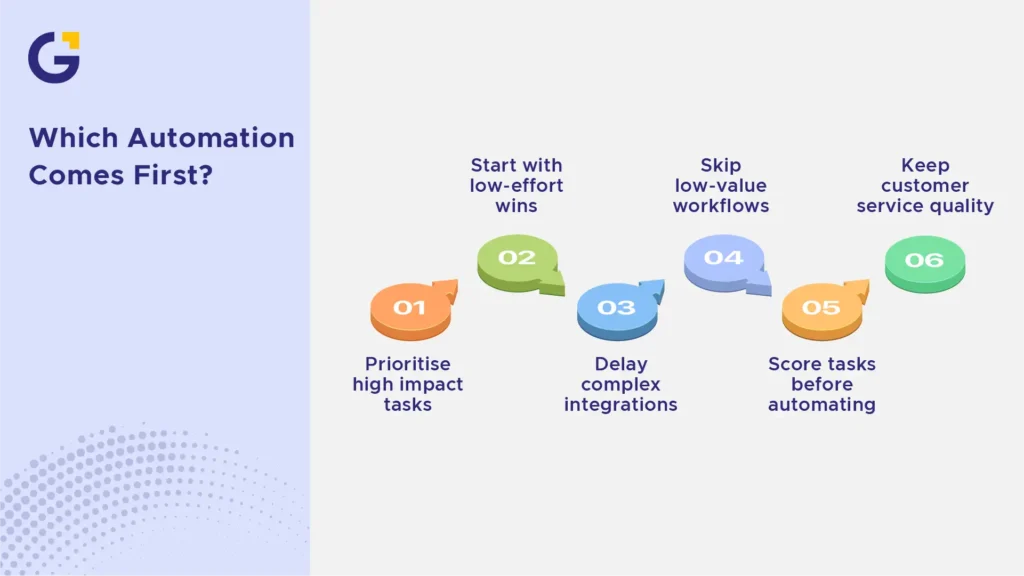
Use an impact-and-effort review before choosing what to automate first. Focus on workflows that are frequent, time-consuming, low-risk, and connected to customer service, bookings or qualified leads.
| Workflow Type | Business Impact | Implementation Effort | Risk Level | Recommended Next Action |
| Form-to-CRM lead routing | High | Low | Low to medium | Start here after confirming field mapping and lead ownership |
| Booking confirmations and reminders | High | Low to medium | Medium | Launch after testing calendars, time zones and cancellation rules |
| Quote request task alerts | High | Medium | Medium | Build after setting response deadlines and escalation ownership |
| Newsletter subscriber tagging | Low to medium | Low | Low | Consider after priority lead and booking workflows are stable |
| Complex customer portal or proprietary database connection | High | High | High | Plan as a separate project with technical, privacy and support reviews |
| Detailed internal report with limited use | Low | High | Low | Avoid unless it supports a clear business or compliance need |
A team can also assess each workflow by asking:
- How often does this task happen?
- How much staff time does it take?
- Does delay affect customers, bookings, or leads?
- What happens if the workflow fails?
- Can existing systems support it without excessive custom work?
Teams that need support mapping processes and technical requirements can explore web development for small business workflows.
Before launching an automation, define the trigger, required fields, destination system, workflow owner, customer message, and failure path. This creates a practical record of what should happen when the workflow works correctly and when it does not.
Tools and Integrations to Discuss With Your Web Team
The right tools depend on your current website, systems, budget, workflow complexity and internal capacity. Choose tools based on what the workflow needs, not on how many integrations a platform advertises.
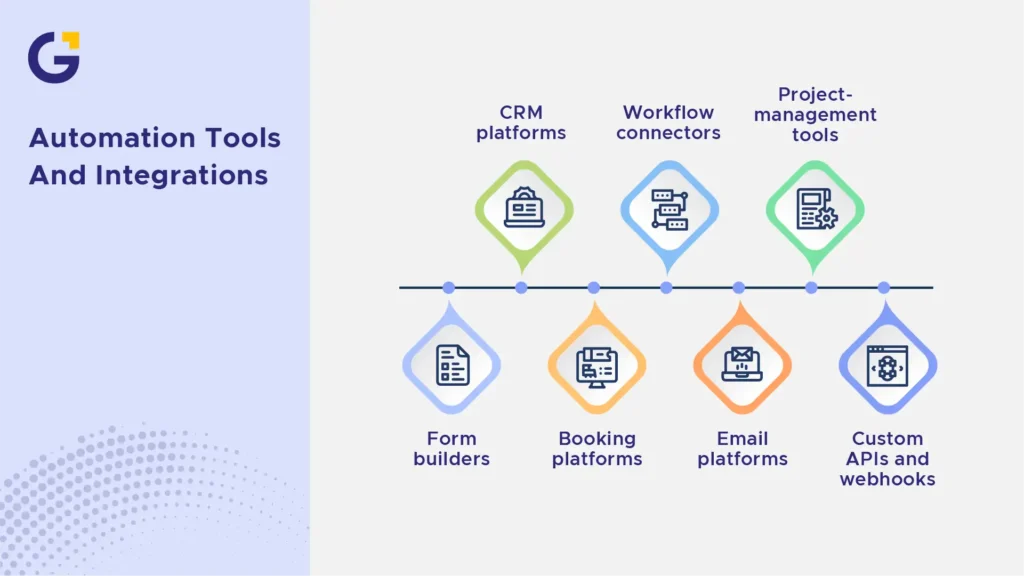
Discuss these tool categories with your web team:
| Tool Category | What It Can Help With | What to Check |
| Form tools | Enquiries, uploads, quote requests, and booking details | Required fields, spam protection, CRM compatibility, and file handling |
| CRM platforms | Lead records, follow-up tasks, and customer history | User access, duplicate prevention, reporting, and data storage |
| Booking tools | Availability, confirmations, reminders, and calendar updates | Time zones, staff calendars, cancellation rules, and payment options |
| Workflow connectors | Moving data between supported systems | Error handling, branching needs, ongoing costs, and testing options |
| Email platforms | Operational sequences and consent-based marketing | Consent settings, sender identity, unsubscribe functions, and segmentation |
| Project-management tools | Internal assignments and task tracking | Ownership, deadline alerts, and staff adoption |
| Custom APIs or webhooks | Complex or proprietary system connections | Documentation, maintenance responsibility, and security review |
Workflow connectors such as Zapier or Make may suit some businesses, depending on the number of systems, workflow logic, and data-handling needs. Neither should be assumed to support every workflow without testing.
Before approving an integration, ask:
- Does it connect to our current systems?
- Which plan includes the required features?
- Where will customer data be stored?
- Who can access the information?
- How are failed transfers identified?
- Who owns maintenance and updates?
- Can the workflow be tested before launch?
- Can the business replace the tool later if needed?
Simple Website Automation Checklist
Use this checklist to plan one or two practical workflows.
1. Identify the problem
- List repetitive tasks that start with a website action
- Note common delays, errors and missed follow-ups
- Estimate how often the task happens
2. Choose the first workflow
- Prioritise high-impact, low-effort tasks
- Start with leads, bookings or quote requests
- Avoid sensitive or unclear processes
- Keep human review where needed
3. Map the workflow
- Define the trigger
- List the required information
- Choose the destination system
- Assign an owner for the next action
- Write the customer-facing message
- Set the fallback process
4. Review data and consent
- Collect only necessary customer information
- Check staff access permissions
- Confirm where data is stored
- Separate service messages from marketing messages
- Confirm consent and unsubscribe settings for promotional emails
5. Test before launch
- Submit complete and incomplete forms
- Check every field in the receiving system
- Test mobile and desktop submissions
- Confirm calendar times and staff notifications
- Test failed transfers and duplicate records
- Review automated messages for accuracy
6. Monitor and improve
- Check for missed or duplicated enquiries
- Review customer and staff feedback
- Update workflows when tools or processes change
- Expand only after the first automation is stable
Conclusion
Website automation can help Sydney small businesses reduce predictable administration and create more reliable customer workflows.
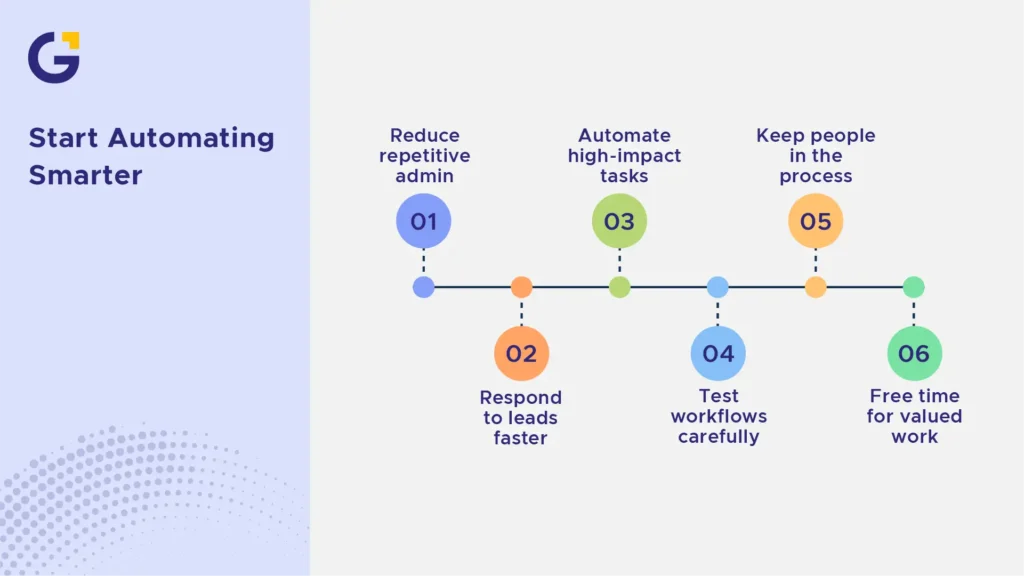
Start with one or two proven processes, such as form-to-CRM routing, booking confirmations, or quote task alerts. Test them carefully, keep clear ownership in place, and retain human review when the work requires judgment or empathy.
For support in planning practical website integrations, Genix Digital offers a free consultation to discuss your current workflow and suitable next steps.
Frequently Asked Questions
What is website automation?
Website automation connects forms, tools, and workflows so routine tasks happen automatically. Examples include sending an enquiry to a CRM, creating an internal task, confirming a booking, or triggering a reminder.
What can a small business automate on its website?
Common automations include enquiry routing, CRM updates, booking confirmations, appointment reminders, quote requests, document uploads and internal notifications. The best starting points are predictable, repetitive, and low-risk.
Does automation replace staff?
Usually not. Good automation removes repetitive administrative tasks so staff can focus on customer service, sales, problem-solving, and work that requires human judgment.
Can WordPress support automation?
Yes. WordPress can connect to CRMs, email platforms, booking tools and workflow systems through plugins, APIs, webhooks and custom integrations. Available features depend on the selected tools and plans.
What should not be automated first?
Avoid automating unclear, inconsistent, or high-risk processes. Sensitive complaints, complex advice, and decisions requiring context should continue to involve a qualified person.
How do I protect customer data when automating website workflows?
Collect only the information needed for the workflow, limit staff access, check where data is stored, and document what happens when an integration fails. For sensitive health, financial, or personal information, complete an appropriate privacy, security, and access-control review before connecting systems.



 10 Jul 2026
 6 Min Read