


You’ve spent months or even years building your website’s organic visibility, and now you’re preparing to redesign, switch platforms, or migrate to a new domain. That nervous feeling is entirely justified; poorly executed site transitions routinely wipe out organic search traffic. However, with a comprehensive SEO migration checklist, that drop isn’t inevitable.
Search engines don’t automatically recognise that your new site is the same business with the same established authority. Every URL structure change, template update, or content revision sends signals that Google must re-evaluate. Skip the crucial preparation steps, and you risk watching your search engine rankings plummet overnight.
The good news? Traffic drops during a site transition are almost entirely preventable. Follow this practical SEO migration checklist to successfully redesign your website without losing rankings.
Not sure if your upcoming digital project even counts as a site transition? Keep reading; the next section clears that up.
What Counts as an SEO Migration?
An SEO migration is any substantial update that alters how search engines crawl, index, or evaluate your site. It is not strictly limited to moving to a brand-new domain name.
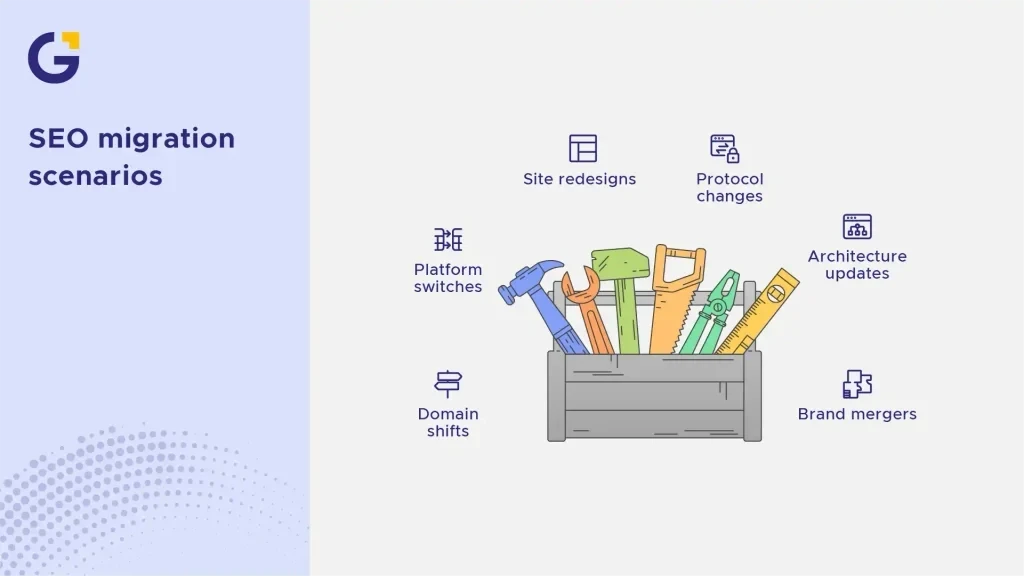
Common migration scenarios include:
- Domain shifts (e.g., migrating from olddomain.com.au to newdomain.com.au)
- Platform switches (e.g., moving from WordPress to Shopify)
- Site redesigns (updating layouts, page structure, or UI/UX design)
- Protocol changes (moving from HTTP to HTTPS)
- Architecture updates (restructuring site taxonomy or consolidating subdomains)
- Brand mergers or acquisitions (combining two separate web domains into one)
Example Case: An Australian e-commerce store decides to redesign its website to modernise design elements and enhance mobile responsiveness. Even if the domain name stays identical, modifying URL paths and rewriting core landing page copy counts as a migration requiring the exact same risk management as a full domain relocation.
- If your URL structures change, it’s a migration.
- If content structure changes significantly, it’s a migration.
- If your content management system (CMS) changes, it’s a migration.
Pre-Migration SEO Checklist
Everything you execute prior to launch dictates how much volatility you will experience afterwards. In fact, most website migration failures stem from inadequate preparation weeks before launch rather than errors on deployment day.
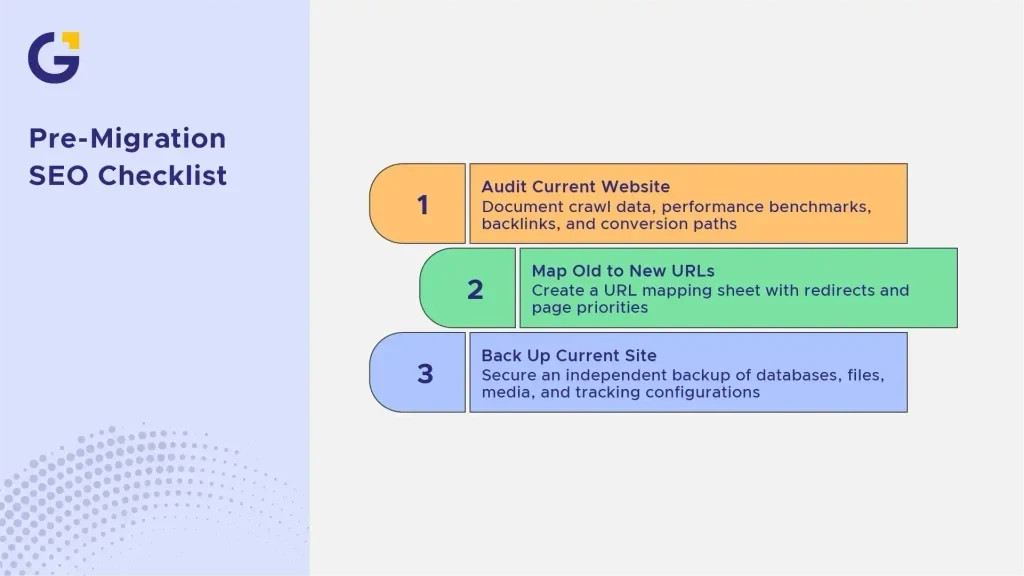
Auditing Your Current Website
Before making structural changes, document your current assets thoroughly. You cannot safeguard rankings for assets you haven’t tracked.
Your pre-migration audit must involve:
- Crawl Data: A complete crawl of all existing live URLs using diagnostic tools like Screaming Frog or Sitebulb.
- Performance Benchmarks: Documenting top organic URLs, impressions, and click data via Google Search Console.
- Backlink Profile Audit: Identifying high-value landing pages with strong external authority using tools like Ahrefs Backlink Checker.
- Conversion Pathways: Documenting key conversion pages to preserve commercial performance alongside organic traffic.
Example Case: A Melbourne B2B firm conducting a web upgrade discovered during their audit that an old guide contributed 30% of their inbound leads. Without a structured discovery phase, this page would have been mistakenly archived during the redesign.
Mapping Old URLs to New URLs
URL mapping is the backbone of any migration strategy. Every legacy URL holding search equity needs a designated equivalent on the new site.
Organise a master spreadsheet containing:
- Legacy URL
- Target New URL
- Redirect Type (e.g., 301 Permanent)
- Page Priority Level (based on traffic, backlinks, and revenue impact)
Neglecting thorough 1-to-1 URL mapping remains the leading driver of severe ranking losses, as unmapped pages default to 404 errors and get dropped from search indexes.
Backing Up Your Current Site
Always secure a full, independent backup of your existing website, including databases, theme files, uploaded media, and tracking configurations before deployment.
- Store backup archives in secure cloud environments.
- Maintain access to a working version of the old site on a private staging server.
- Document critical analytics codes, tracking tags, and Schema markup implementations.
During the Migration: What to Get Right
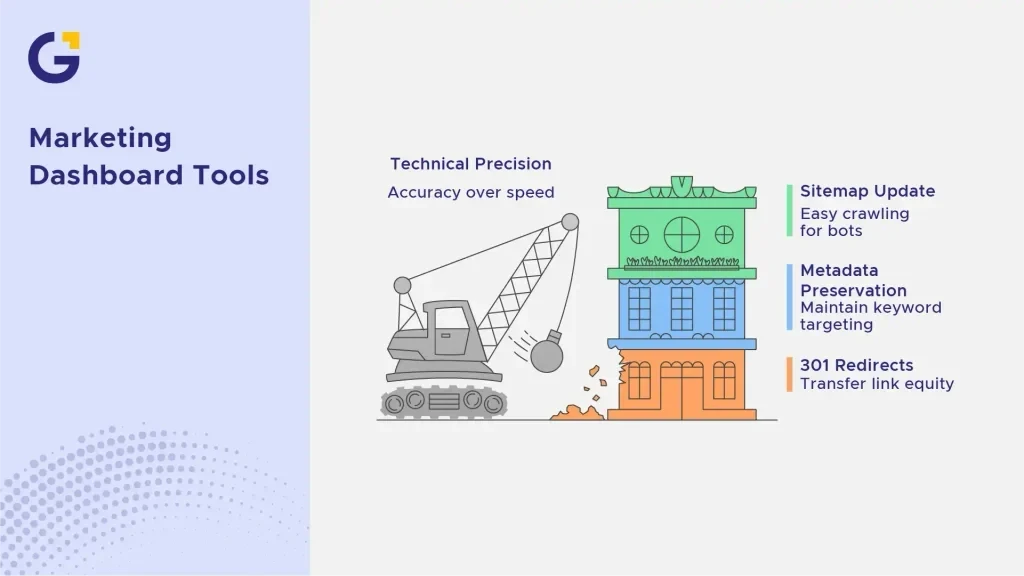
This phase demands absolute technical precision. Speed should never take priority over accuracy.
Setting Up 301 Redirects
Executing proper 301 redirects for website migration guarantees that search engines transfer accumulated link equity and historical authority to your new pages.
Key 301 redirect rules to follow:
- Redirect legacy URLs strictly to their closest contextual match; never bulk-redirect everything to the homepage.
- Prevent redirect chains (URL A $\rightarrow$ URL B $\rightarrow$ URL C); map old paths directly to the final destination URL.
- Test redirect rules systematically in staging before going live.
Example Case: A Sydney service company pointed hundreds of detailed service pages straight to their homepage during a platform shift. Search engines deemed the redirects irrelevant soft 404s, resulting in a sudden drop in keyword rankings within a fortnight. To prevent critical errors like this, working with professional web development services ensures every redirect rule is configured properly.
Preserving Metadata and Content
Title tags, meta descriptions, heading structures (H1, H2), and core body content should be preserved wherever possible unless you are intentionally optimising underperforming assets.
- Maintain established keyword targeting per page.
- Preserve internal linking networks to maintain internal PageRank distribution.
- Avoid rewriting primary landing page content at the exact same moment you alter site structure and platform code.
Changing every page element simultaneously makes diagnosing performance fluctuations nearly impossible. If you need assistance updating copy without losing authority, professional written content services can help strike the right balance.
Updating Your XML Sitemap
Once your new page structure is live, generate an updated, clean XML sitemap. Ensure it contains only canonical, indexable 200-OK status URLs. Remove all legacy URLs, 404 errors, and non-canonical pages to allow search bots to easily crawl your updated architecture.
Post-Migration SEO Checklist
Deploying your new site is not the final step. The post-launch phase is critical for detecting technical issues, validating redirects, and ensuring search engines re-index your pages smoothly.
Submitting the New Sitemap to Search Console
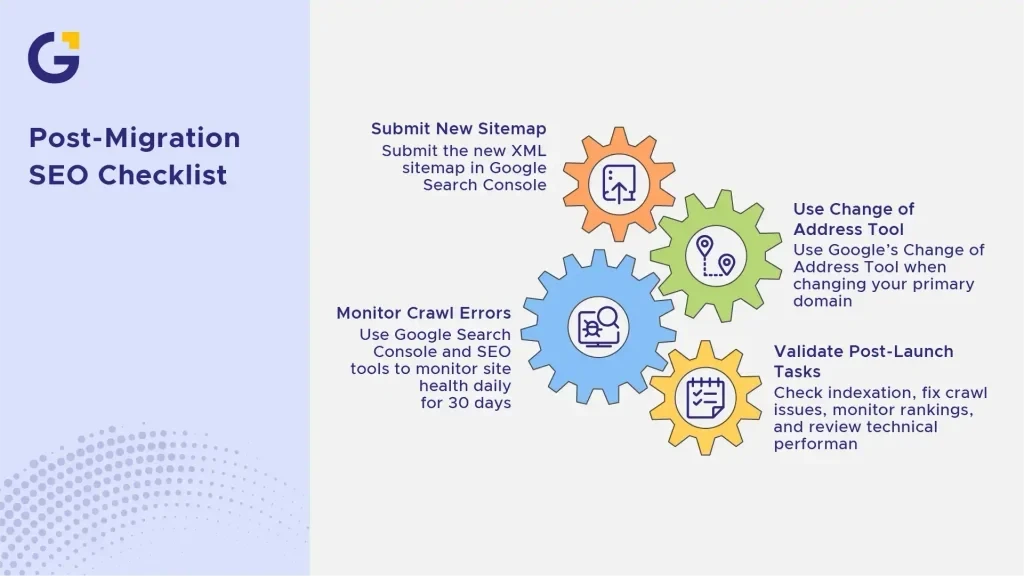
As soon as your site is live and verified, log into Google Search Console and submit your new XML sitemap URL under the ‘Sitemaps’ menu.
If you changed your primary domain name, utilise Google’s official Change of Address Tool to inform search engines of your new location. This accelerates the re-indexing process and signals that the site relocation is intentional and permanent.
Monitoring Crawl Errors and Rankings
Daily monitoring is vital during the first 30 days post-launch. Use Google Search Console and automated SEO auditing platforms to track site health in real time.
Key post-launch validation tasks:
- Check Indexation Status: Ensure new pages are being actively crawled and indexed.
- Fix Crawl Anomalies: Review the ‘Page indexing’ report daily for unexpected 404 errors, soft 404s, or unintentional noindex tags.
- Monitor Keyword Positioning: Track core rankings to spot temporary fluctuations versus persistent losses.
- Review Technical Performance: Check page loading speeds, Core Web Vitals, and mobile usability. Addressing website speed optimisation immediately helps protect rankings and conversion rates.
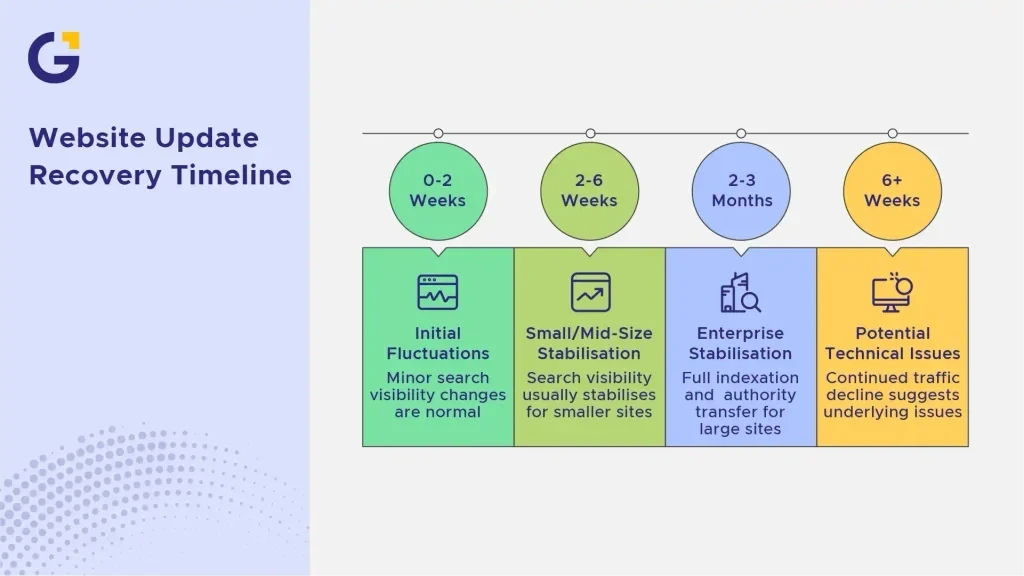
How Long It Takes to Recover Rankings
It is completely normal to observe minor fluctuations in search visibility immediately following a major website update. Search engines require time to re-crawl your updated URL structure, process 301 redirect rules, and recalculate site authority.
Typically, search visibility stabilises within 2 to 6 weeks for small to mid-sized sites. For enterprise-level websites with tens of thousands of pages, full indexation and authority transfer can take 2 to 3 months.
If your organic traffic continues to decline after 6 weeks, it indicates underlying technical issues such as incorrect redirect mapping, broken internal links, or missing metadata. Performing a comprehensive digital marketing audit can quickly pinpoint bottlenecks and restore search performance.
Planning a website transition or redesign? The team at Genix Digital specialises in SEO strategy, technical deployments, and custom WordPress development to help businesses grow their online presence safely. Contact us today to discuss your upcoming project.
FAQs
1. Will I lose organic traffic during a website migration?
Minor traffic fluctuations are common as search engine crawlers re-evaluate your new site structure and process redirect signals. However, by executing a structured SEO migration checklist, you can minimise fluctuations and protect your hard-earned rankings.
2. Why are 301 redirects so important during a website redesign?
301 redirects tell search engines that a page has moved permanently. They pass legacy page authority, backlink signals, and trust directly to your new URLs. Without 301 redirects, visitors and search engine bots will hit 404 error pages, leading to a loss in search visibility.
3. Can I change my website content and URL structure at the same time?
While it is possible, altering URL paths, design templates, and core page copy simultaneously increases SEO risk. If rankings drop, identifying the root cause becomes significantly more complex. When possible, keep core page content consistent during the initial migration and perform content updates after indexation stabilises.
4. What should I do if my rankings drop after launching my new website?
First, review your 301 redirect file to ensure no pages are failing or pointing to incorrect destinations. Check Google Search Console for sudden crawl errors, broken canonical tags, or accidental noindex commands. If technical errors are ruled out, audit your internal linking strategy to verify PageRank is flowing correctly.
5. Should I keep my old domain name after migrating to a new one?
Yes, you must retain ownership of your previous domain name and keep 301 redirects active indefinitely. Expirations allow competitors or domain brokers to acquire your old domain, breaking your redirect pathways and forfeiting legacy backlink equity.





 18 Mar 2026
 14 Min Read