


If your website feels sluggish, shifts awkwardly while loading, or takes an age to respond when clicked, you aren’t just frustrating your potential customers; you’re actively handing top Google rankings to your competitors. This is precisely why getting to grips with core web vitals has become non-negotiable for Australian businesses navigating the digital landscape in 2026.
Google treats these performance metrics as vital real-world benchmarks of user experience. A sluggish, unstable webpage drives users away in seconds, signalling to search engines that your site fails to deliver quality.
The reassuring part? Optimising your site doesn’t require a computer science degree. This comprehensive guide unpacks what LCP, INP, and CLS mean, how you can audit your performance, and what benchmark figures “good” looks like this year.
Not sure where your site currently stands? Check your Core Web Vitals for free before reading on.
What Are Core Web Vitals and Why They Matter for Australian Businesses
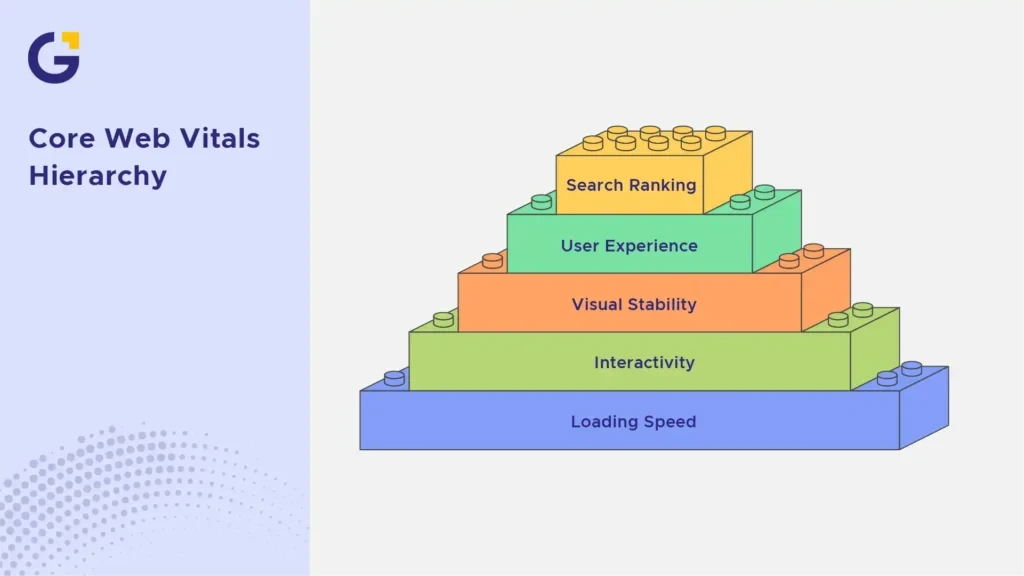
Core Web Vitals are a curated suite of user-centric metrics established by Google to quantify real-world web interactions. They zero in on three crucial pillars: loading speed, interactivity, responsiveness, and visual stability throughout page rendering.
For local enterprises across Sydney, Melbourne, Brisbane, and beyond, these metrics directly influence your bottom line. Aussies expect lightning-fast mobile browsing, especially given that mobile traffic accounts for the vast majority of local web engagement. Furthermore, Google explicitly incorporates these UX signals into its core search ranking algorithms.
As noted by web performance pioneer Addy Osmani, “Fast loading isn’t just about performance; it’s about respecting your users’ time and attention.”
Example Case: A boutique plumbing firm in Sydney noticed their organic visibility plateauing despite having stellar content. After diving into our detailed technical SEO services, they discovered an uncompressed hero banner dragging their load time past 4.5 seconds.
- Subpar optimisation scores can silently undermine even the most robust SEO campaigns.
- Mobile visitors abandon unresponsive pages instantly, pushing up your bounce rates.
- Google continues to reinforce page experience as a confirmed ranking factor.
The Three Core Web Vitals Metrics
Core Web Vitals comprise three distinct metrics, each evaluating a unique dimension of user interaction. Together, they paint an accurate portrait of how real human visitors experience your digital storefront.
Understanding LCP, INP, and CLS is the foundational step toward diagnosing and rectifying performance bottlenecks on your business website. For a deeper dive into boosting your overall site efficiency, explore our insights on Website Speed Optimisation for Sydney Businesses: What Actually Affects Leads.
LCP (Largest Contentful Paint): What It Is and How to Improve It
LCP tracks how swiftly the primary visual block, typically a hero image, promotional banner, or main heading, renders within the viewport. It essentially answers the question: “Does this page load in the blink of an eye?”
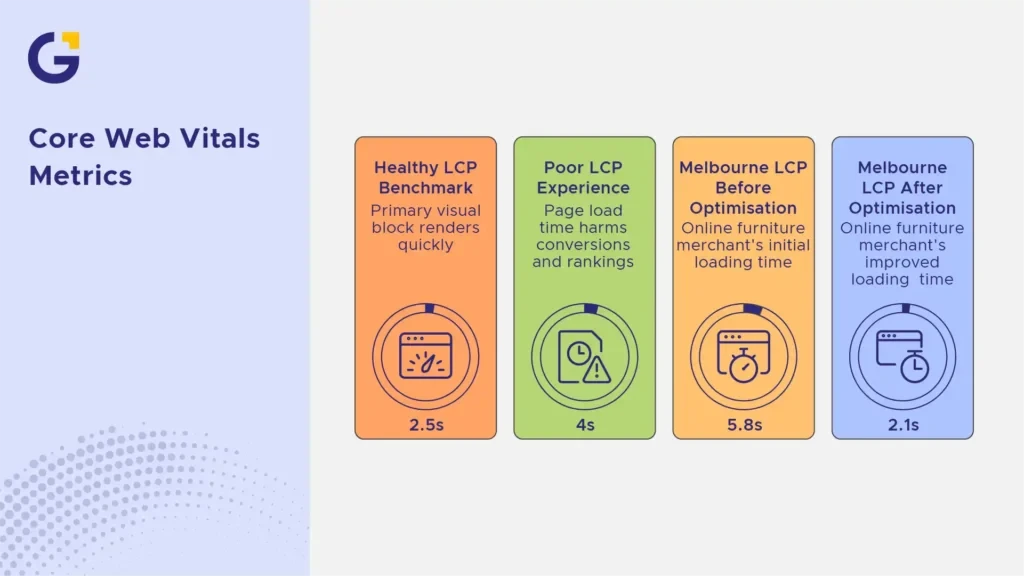
A healthy LCP benchmark is 2.5 seconds or lower. Anything stretching past 4 seconds signals a poor experience that harms conversions and search rankings alike.
Example Case: An online furniture merchant in Melbourne slashed their LCP from 5.8s to 2.1s simply by switching to high-performance hosting and compressing image assets.
- Compress and WebP-optimise all imagery before upload.
- Leverage a reliable Content Delivery Network (CDN) to serve local and international traffic smoothly.
- Eliminate render-blocking CSS and extraneous JavaScript scripts.
INP (Interaction to Next Paint): Replacing FID
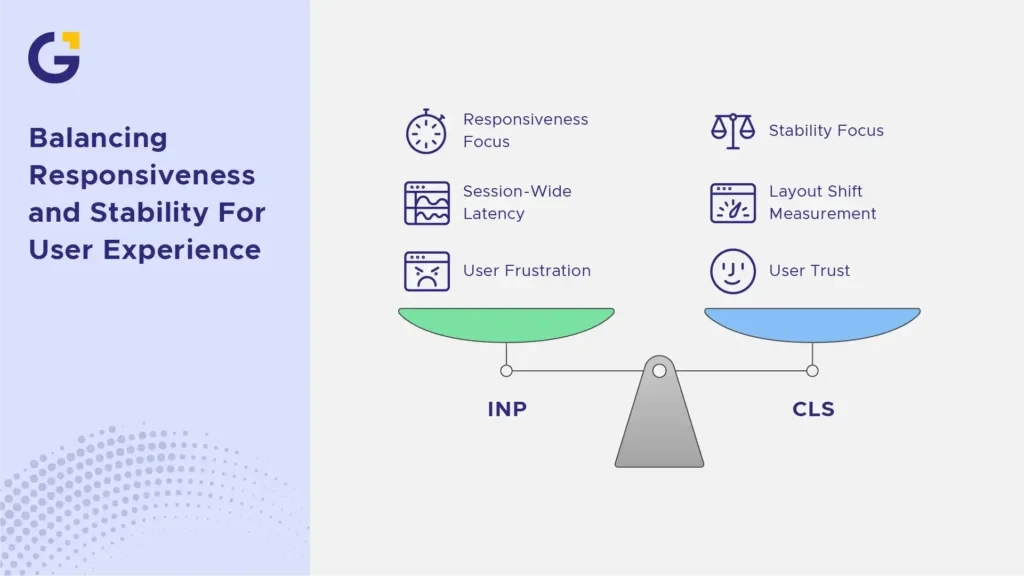
INP succeeded First Input Delay (FID) as the official responsiveness standard, and by 2026 it forms an integral pillar of Google’s evaluation matrix. It tracks the latency of all clicks, taps, and keyboard actions across the entire session lifecycle.
A stellar INP score sits under 200 milliseconds. Sites bloated with heavy third-party plugins or convoluted JavaScript execution frequently stumble here.
Example Case: An Australian eCommerce store running numerous marketing trackers recorded an abysmal INP exceeding 500ms. By auditing and streamlining their script stack, they brought latency down to 180ms, noticeably boosting checkout completions.
- Audit and prune unnecessary third-party scripts (chat widgets, tracking pixels, heavy widgets).
- Break monolithic JavaScript tasks into manageable chunks.
- Defer non-critical scripts until after the initial page render is complete.
CLS (Cumulative Layout Shift): Keeping Your Layout Stable
CLS evaluates visual stability by measuring unexpected layout jumps during page load. Picture trying to tap a checkout button, only for a late-loading banner ad to drop in and push the button out of reach.
A robust CLS score should remain under 0.1. Poor stability infuriates users, degrades trust, and triggers accidental clicks that spike bounce rates.
Example Case: A regional news publisher in Australia suffered a 0.35 CLS score because ad units lacked explicit dimension attributes, causing constant layout shifting and erratic page reflows. Fixing layout shifts requires setting strict width and height parameters on all media elements.
How to Check Your Core Web Vitals Score (Free Tools)
Auditing your website performance doesn’t require expensive software suites. Google provides robust, developer-friendly diagnostic tools that give you transparent insights into your real-world performance:
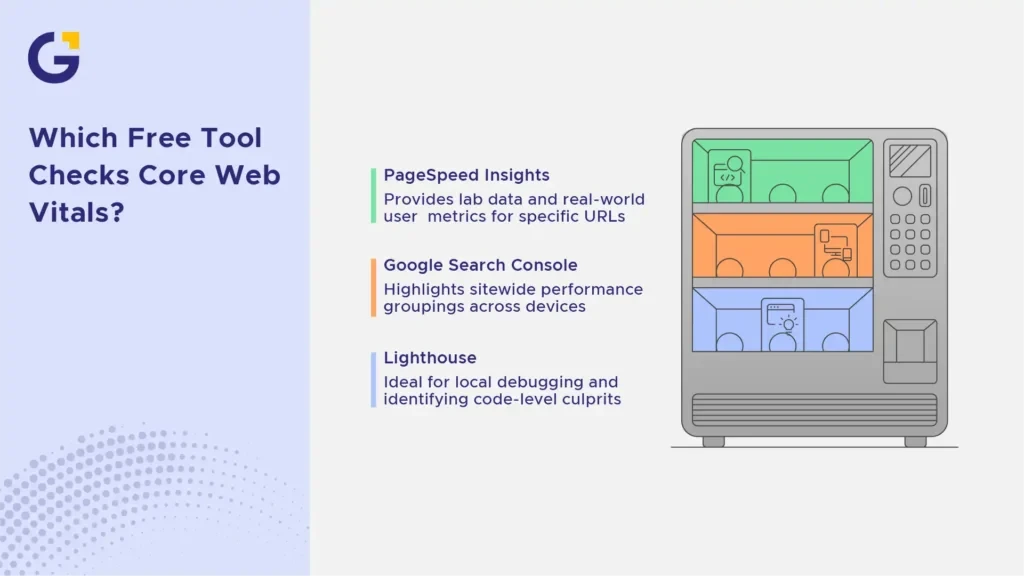
- PageSpeed Insights (PSI): Offers both lab data and real-world user metrics (CrUX) for any specific URL.
- Google Search Console (GSC): Highlights sitewide performance groupings across mobile and desktop devices.
- Lighthouse (Chrome DevTools): Ideal for local debugging and identifying specific code-level culprits during development.
Need professional assistance? Our team provides tailored page speed optimisation services to ensure your digital presence excels.
2026 Core Web Vitals Thresholds at A Glance
Navigating current optimisation standards requires keeping precise performance brackets in mind. Google’s updated evaluation thresholds for 2026 categorise performance into three clear tiers:
- Good: LCP 2.5s, INP 200ms, CLS 0.1
- Needs Improvement: LCP 2.6s–4.0s, INP 201ms–500ms, CLS 0.11–0.25
- Poor: LCP > 4.0s, INP > 500ms, CLS > 0.25
For official technical documentation on these metrics, you can refer to Google Search Central.
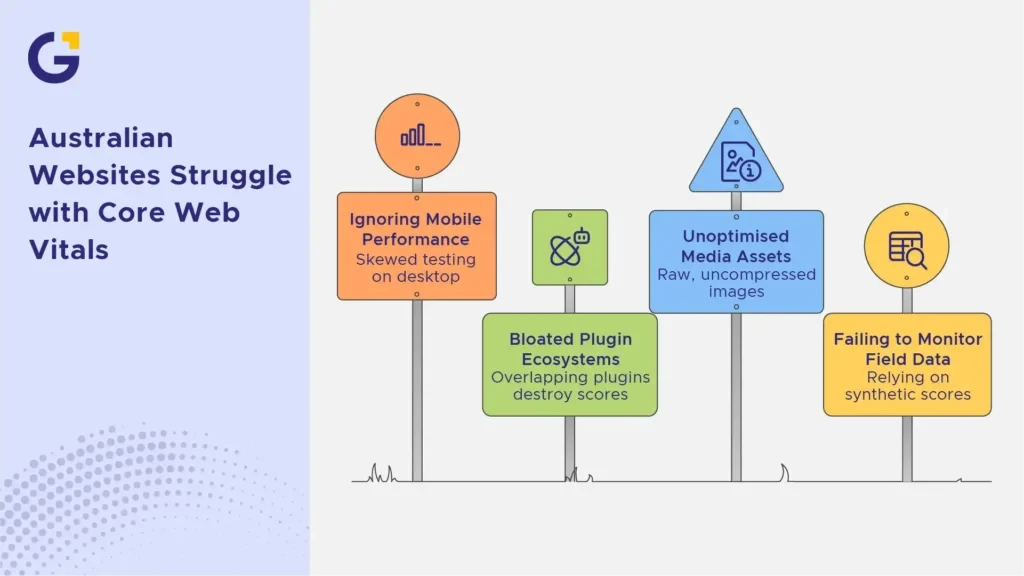
Common Core Web Vitals Mistakes on Australian Websites
Many business owners invest heavily in stunning web design while overlooking underlying technical foundations. Avoiding these common pitfalls can save your rankings and revenue:
- Ignoring Mobile Performance: Testing exclusively on high-end desktop connections while ignoring standard Australian mobile network conditions.
- Bloated Plugin Ecosystems: Overloading WordPress or Shopify sites with dozens of overlapping plugins that destroy INP and LCP scores.
- Unoptimised Media Assets: Uploading raw high-resolution photography straight from cameras or stock libraries without compression.
- Failing to Monitor Field Data: Relying solely on synthetic lab scores rather than real user monitoring (RUM) data from actual visitors.
How Core Web Vitals Affect Google Rankings
While content relevance and quality backlinks remain foundational, technical health acts as the multiplier that unlocks your true ranking potential.
If two competitor websites offer equally stellar content for an Australian search query, Google’s algorithms will consistently favour the faster, more stable, and seamless experience. Investing in professional web development services ensures your technical foundation supports long-term organic growth.
FAQ
1. What is a good Core Web Vitals score in 2026?
A strong score requires an LCP under 2.5 seconds, an INP under 200 milliseconds, and a CLS score below 0.1 across both mobile and desktop experiences.
2. Do core web vitals directly affect Google rankings?
Yes, they form an official component of Google’s page experience signals, acting as a tie-breaker and quality threshold in competitive search verticals.
3. How do I check my Core Web Vitals for free?
You can use free tools like Google PageSpeed Insights, Chrome DevTools Lighthouse, or check the dedicated Core Web Vitals report inside Google Search Console.
4. What is the difference between INP and FID?
While FID only measured the delay of a user’s first interaction on a page, INP evaluates the responsiveness of all interactions throughout the entire visit.





 17 Aug 2026
 9 Min Read