


If your website looks fine to you but still isn’t bringing in enquiries, you’re not alone. Many Sydney business owners quietly wonder whether it’s time for a website redesign Sydney strategy, but aren’t sure if the problem is really the design or something else entirely.
The truth is, an outdated business website can look perfectly acceptable on the surface and still be costing you customers every single day. Slow load times, confusing navigation, a clunky mobile experience, or outdated messaging can all quietly push visitors away before they ever contact you. This guide walks through the clearest redesign warning signs, explains the difference between a website refresh vs redesign, and gives you a practical website redesign checklist to work through before you spend a cent.
If you’re already noticing some of these issues, it may help to speak with a team offering website redesign for Sydney businesses before committing to a full rebuild.
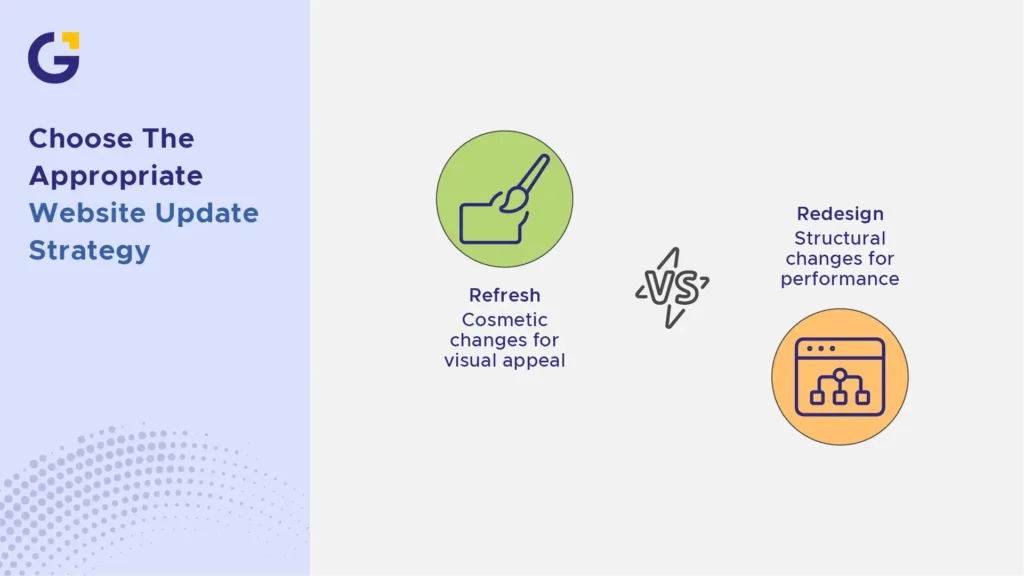
Redesign vs Refresh: Know the Difference
Not every website problem needs a full rebuild. Understanding the website refresh vs redesign balance can save you time, budget, and unnecessary disruption to your business operations.
A refresh is a lighter touch. It typically involves updating brand refresh elements, colours, imagery, fonts, copy, or individual pages, without changing the underlying structure or technology. Think of it as a cosmetic update rather than a renovation.
A redesign is more substantial. It usually involves restructuring navigation, rebuilding templates, improving UI/UX redesign workflows, upgrading the CMS, or addressing technical foundations like page speed and mobile responsiveness.
Example Case: A Sydney accounting firm noticed its branding looked dated. After a thorough review, they realised their site structure, lead capture forms, and mobile experience were all working fine. A simple visual and copy refresh solved the problem, proving a full website redesign wasn’t necessary.
- Refresh: cosmetic changes, faster turnaround, lower cost
- Redesign: structural changes, longer timeline, addresses deeper performance issues
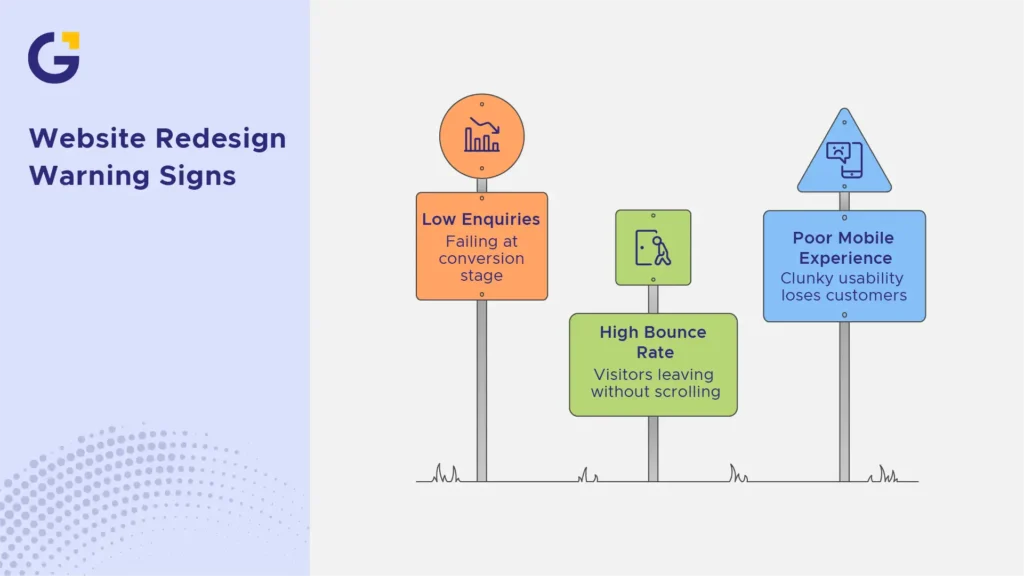
Warning Signs Your Website Needs Work
Most companies don’t wake up one day and decide to undergo a business website redesign Sydney project. Usually, it’s a build-up of small frustrations that eventually become impossible to ignore. Below are the most common redesign warning signs grouped into three key problem areas.
Low enquiries despite traffic
If your analytics show steady or growing traffic but enquiries have stalled or dropped, your website is failing at the conversion stage rather than the attraction stage. This low conversion website issue often points to unclear calls-to-action, confusing navigation, weak trust signals, or a user journey that fails to guide prospective clients smoothly toward contacting you. Implementing proven website conversion rate optimisation strategies can help identify where visitors are dropping off before you commit to a complete overhaul.
Example Case: A Sydney plumbing business had strong organic traffic from local search, but a low enquiry rate. An audit revealed their contact form was buried three clicks deep, and their mobile call button wasn’t visible above the fold. Investing in UI/UX design support for better conversions instantly solved their friction points.
- Bounce rate is significantly higher on key service pages
- Visitors leaving without scrolling past the homepage
- Contact forms are rarely completed despite decent traffic volume
Poor mobile experience and slow speed
With the vast majority of Sydney consumers browsing on smartphones first, a clunky mobile usability score is one of the fastest ways to lose potential customers. Slow loading speed compounds this problem. Research published on Google PageSpeed Insights demonstrates that page load delays of even a few seconds exponentially increase visitor bounce rates. Reviewing key insights on website speed optimisation for Sydney businesses can help pinpoint whether slow media files or bulky code are killing your performance.
Example Case: A retail business in the Eastern Suburbs found that their product pages took over six seconds to load on mobile. After reviewing their analytics, they discovered most mobile visitors were bouncing before the page fully rendered. A complete mobile website redesign brought load times down under two seconds and restored sales.
- Text or buttons too small to tap comfortably on handheld screens
- Horizontal scrolling required on mobile devices
- Load times exceeding three to four seconds
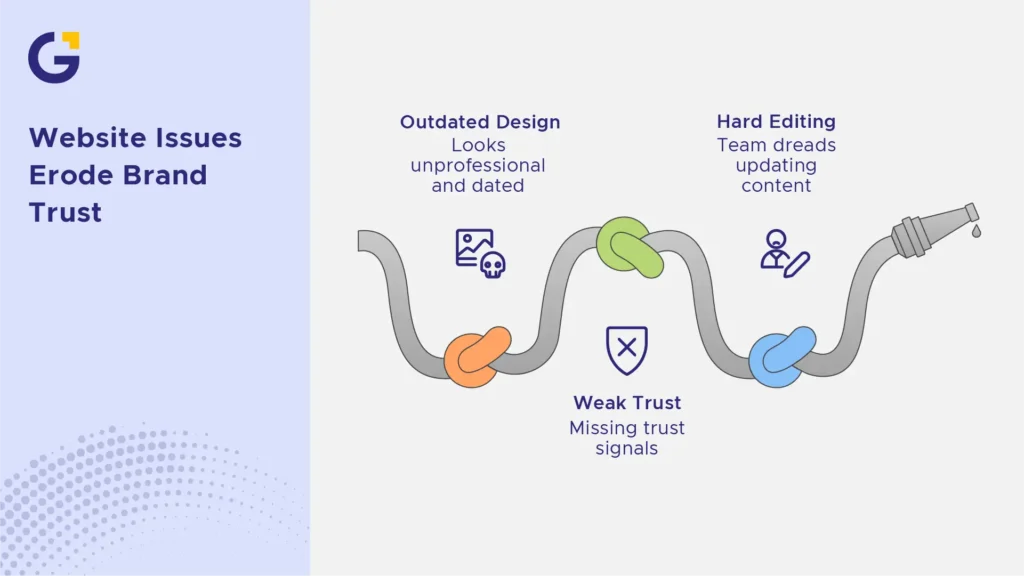
Outdated design, weak trust and hard editing
An outdated business website does more than look unprofessional; it quietly erodes brand trust, especially for service-based businesses where credibility is paramount. Furthermore, if your internal team dreads updating content or needs a developer for basic text changes, your platform is holding you back. Converting to a modern platform via WordPress website redesign and support allows your team to publish updates effortlessly.
Example Case: A Sydney legal practice was hesitant to update its team profile or service pricing because every minor edit incurred developer fees. Consequently, outdated information stayed live for months, damaging credibility with prospective clients.
- Visual elements look noticeably dated compared to direct Sydney competitors
- No easy way to update content without technical coding help
- Missing trust signals like client reviews, security badges, or clear contact details
SEO Risks to Plan Before a Redesign
A website redesign can genuinely damage your search rankings if it’s not planned with extreme precision. This is one of the most frequently overlooked risks in the entire web development lifecycle.
The most common issues involve altering URL structures without implementing proper 301 redirects, losing existing internal linking architecture, pruning or rewriting high-ranking content incorrectly, and omitting meta tags during data migration. Before executing a structural site update, understanding a proper internal linking strategy for service-based websites helps safeguard your established link equity.
According to official Google Search Central documentation, performing a site move or structural redesign without an explicit SEO migration plan can cause search engines to treat your revamped site as entirely new, temporarily or permanently wiping out your established search visibility and organic traffic.
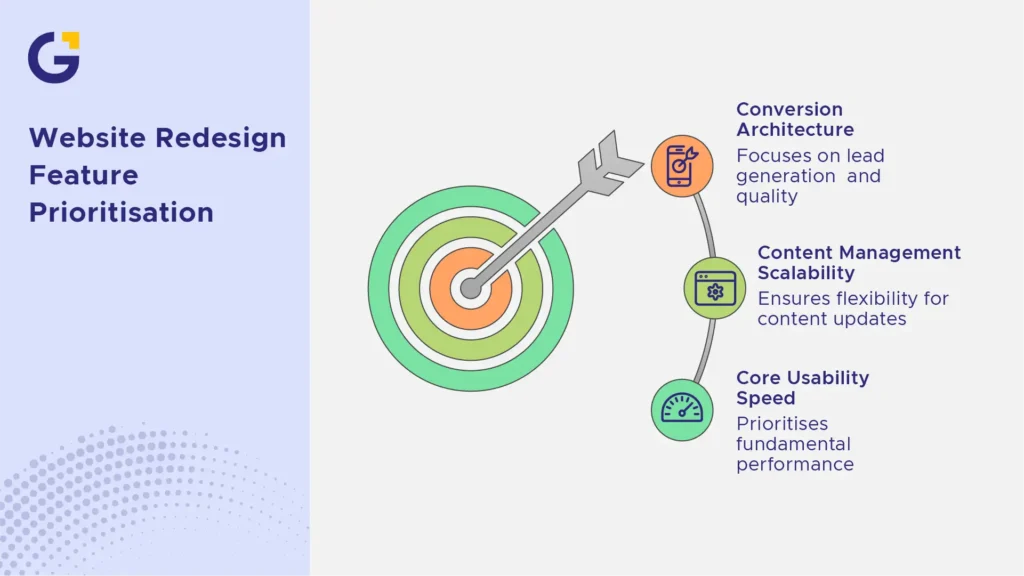
How to Prioritise Redesign Features
When planning a website redesign Sydney project, it is easy to get carried away with complex animations and decorative features that add little commercial value. To maximize your return on investment, feature selection should always follow a clear performance framework:
- Core Usability & Speed: Prioritise fundamental performance—such as fast page speed, clean navigation, and seamless mobile usability. Ensure your layout complies with international WCAG Accessibility Guidelines.
- Conversion Architecture: Focus on clear calls-to-action, intuitive contact forms, and strategic placement of trust elements that improve overall lead quality.
- Content Management & Scalability: Choose a flexible CMS that empowers your marketing team to publish landing pages, blogs, and media without technical roadblocks.
What to Prepare Before Speaking to a Web Team
Before reaching out to a Sydney web design agency, compiling a structured brief ensures clear communication and more accurate project estimates. Having these items prepared beforehand will save your business significant time:
- Analytics & Performance Data: Gather historical data from Google Analytics and Search Console to identify your top-performing pages and conversion drop-off points during an analytics review.
- Competitor Benchmarks: Identify 3 to 4 local Sydney competitors whose online presence you admire, alongside notes on what they do well or poorly.
- Brand Assets & Content Audit: Prepare high-resolution logos, brand guidelines, updated photography, and an outline of existing content structure that needs migrating or rewriting.
Website Redesign Decision Checklist
Use this quick diagnostic checklist to determine whether your business requires a light brand refresh or a comprehensive structural website redesign:
- Does your website take longer than 3 seconds to load on mobile devices?
- Is your organic search traffic or enquiry volume declining month-over-month?
- Is it difficult for non-technical staff to update basic text, images, or blog posts?
- Does your layout look visually outdated when placed side-by-side with key competitors?
- Are key conversion paths and contact forms failing to generate high lead quality?
Ticked 3 or more boxes? It might be time for a change. You don’t have to navigate a rebuild alone. Get a free website consultation with the Genix Digital team today. We’ll audit your current performance, identify your conversion bottlenecks, and give you a clear roadmap forward.
Frequently Asked Questions
When should a Sydney business redesign its website?
A complete website redesign is worth considering when your site is slow, difficult to update, delivers a poor mobile experience, fails at converting visitors into leads, or no longer reflects your current brand identity and commercial goals.
Is a redesign different from a refresh?
Yes. A website refresh vs redesign distinction lies in scope: a refresh updates surface-level visuals, colours, or copy, whereas a redesign restructures core system templates, UI/UX redesign flows, navigation, technical infrastructure, and backend CMS capabilities.
Can redesigning a website hurt SEO?
It can if URLs, redirects, internal link structures, and metadata are handled carelessly. Partnering with professionals who execute a meticulous SEO migration strategy ensures your existing organic search rankings and traffic are safely preserved.
How often should a business website be redesigned?
While there is no rigid timeframe, most growing businesses re-evaluate their design and technical structure every 2 to 4 years to keep pace with evolving web technologies, mobile design standards, and shifting user expectations.
What should I check before redesigning?
Before commencing work, conduct an analytics review, evaluate conversion rates, check mobile usability, review keyword rankings, audit existing content structure, and establish a clear checklist of required technical improvements.
Should a redesign focus on looks or leads?
It should primarily focus on leads. While modern aesthetics and visual appeal build crucial brand trust, the overarching objective of any conversion-focused web design project is to improve user experience, page speed, accessibility, and enquiry generation.





 24 Aug 2026
 9 Min Read