

If you run a small business in Australia, chances are your website was built for speed and budget, not accessibility. That’s common. It’s also a problem that’s becoming harder to ignore.
Accessible website design in Australia isn’t just a compliance checkbox anymore. It’s part of how customers judge whether your business is easy to deal with. If someone can’t read your text, tab through your form, or understand your navigation, they don’t file a complaint. They just leave and go to a competitor.
This guide breaks down the website accessibility Australia issues we see most often on small business websites, explains WCAG Australia guidelines in plain language, and gives you a practical website accessibility checklist you can act on today, whether you’re patching an existing site or planning a full website redesign.
Not sure where your site stands? A quick website audit for accessibility and usability can flag the accessibility fixes, UI/UX design bottlenecks, and issues costing you enquiries.
Why Accessibility Matters for Small Business Websites
Accessibility isn’t a niche concern reserved for government departments or large enterprises. Around 1 in 5 Australians live with disability, and many more experience temporary or situational limitations, such as a broken arm, poor eyesight, or a slow phone screen in bright sunlight.
When your website ignores inclusive web design, you’re not just risking a poor experience for some visitors. You’re actively turning away potential customers who could have booked, enquired, or bought from you.
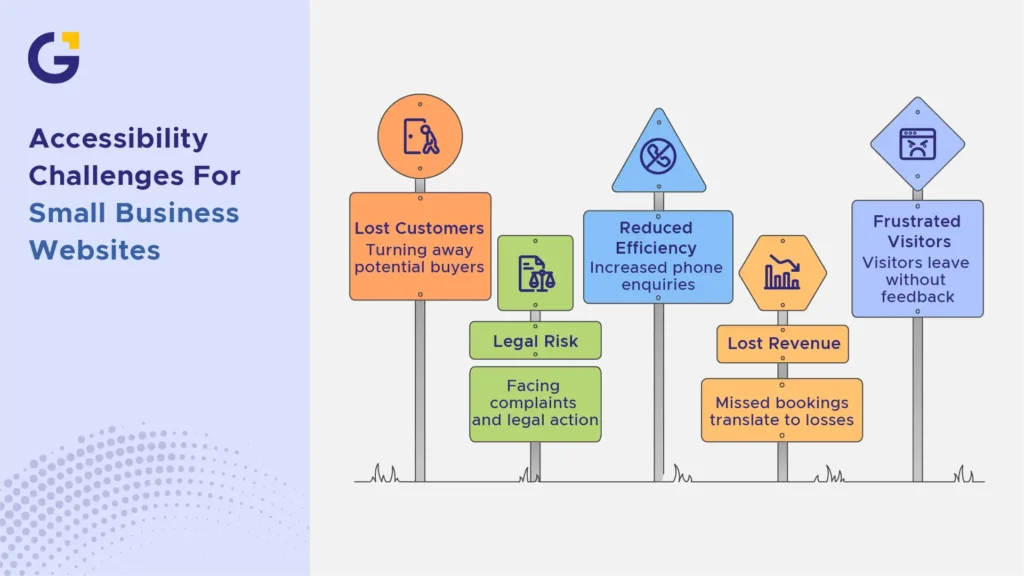
There’s also a legal dimension under the Disability Discrimination Act. Businesses have faced complaints and legal action over inaccessible digital services, and awareness of legal risk awareness is growing steadily across Australian industries.
Example Case: A local allied health clinic redesigned its booking page without accessibility in mind. Low contrast text and a form with no labels meant older clients and screen reader users couldn’t complete bookings online, forcing staff to handle everything by phone instead.
- Increased phone enquiries reduce efficiency gains from having a website at all
- Missed bookings translate directly into lost revenue
- Frustrated visitors rarely give feedback; they simply leave
Common Accessibility Problems
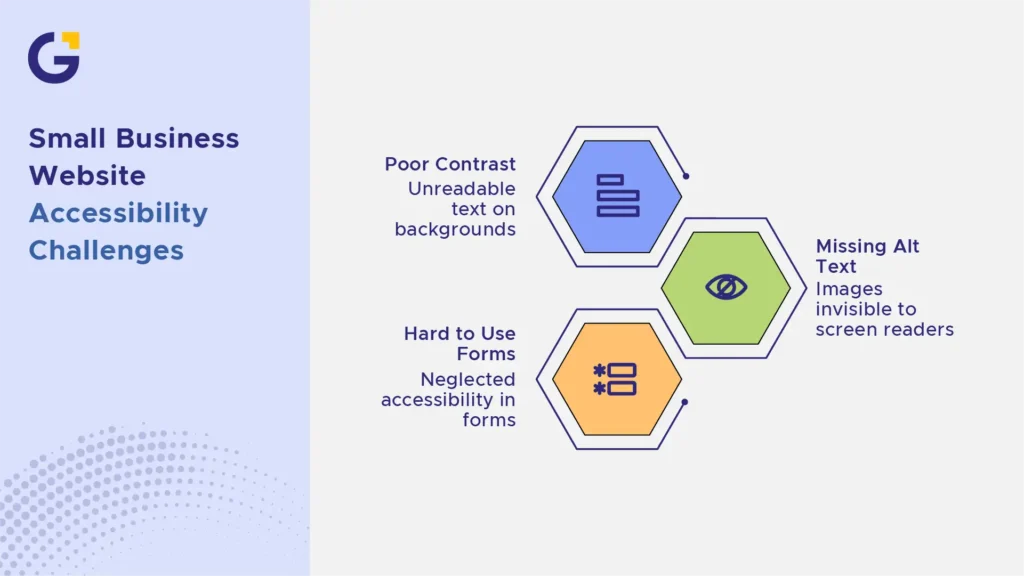
Most small business websites don’t fail accessibility because of one big issue. It’s usually a stack of smaller problems that combine to frustrate visitors. Here are the three most common categories we see during a web design audit.
Poor contrast and tiny text
Light grey text on white backgrounds looks clean in a design mockup. In real life, it fails basic colour contrast checks and is unreadable for many users, especially on mobile screens outdoors or for anyone with low vision. Font sizes under 16px for body text also cause content readability problems, forcing visitors to zoom in and lose the mobile usability layout structure.
Missing alt text and weak headings
Alt text describes images for screen reader users. Without it, product photos, infographics, and icons become invisible to a portion of your audience. Weak heading structure (skipping from H1 straight to H4, or using bold text instead of proper headings) confuses both screen readers and search engines, trying to understand your page.
Forms that are hard to use
Contact and enquiry forms are often the most important conversion point on a small business website, and also the most neglected from an accessibility standpoint. Accessible forms require precise markup.
Common issues include:
- Missing or unclear field labels
- No visible focus states for keyboard navigation
- Error messages that aren’t announced or clearly linked to the field
- Placeholder text is used instead of real labels, which disappear once typing starts
WCAG in Plain English
WCAG stands for Web Content Accessibility Guidelines. It’s the internationally recognised standard used to measure whether a website is accessible, and it’s the benchmark referenced in most Australian government and legal guidance.
You don’t need to memorise the technical specification to benefit from it. WCAG is built around four simple ideas:
- Perceivable: Can people see or hear your content, including through screen readers or captions?
- Operable: Can people navigate your site using a keyboard, not just a mouse?
- Understandable: Is your content written and structured clearly?
- Robust: Does your site work properly across different browsers, devices, and assistive technologies?
Most small businesses aim for WCAG 2.1 AA, the level referenced in Australian government digital standards and widely treated as the practical benchmark for commercial websites.
Accessibility and Better User Experience
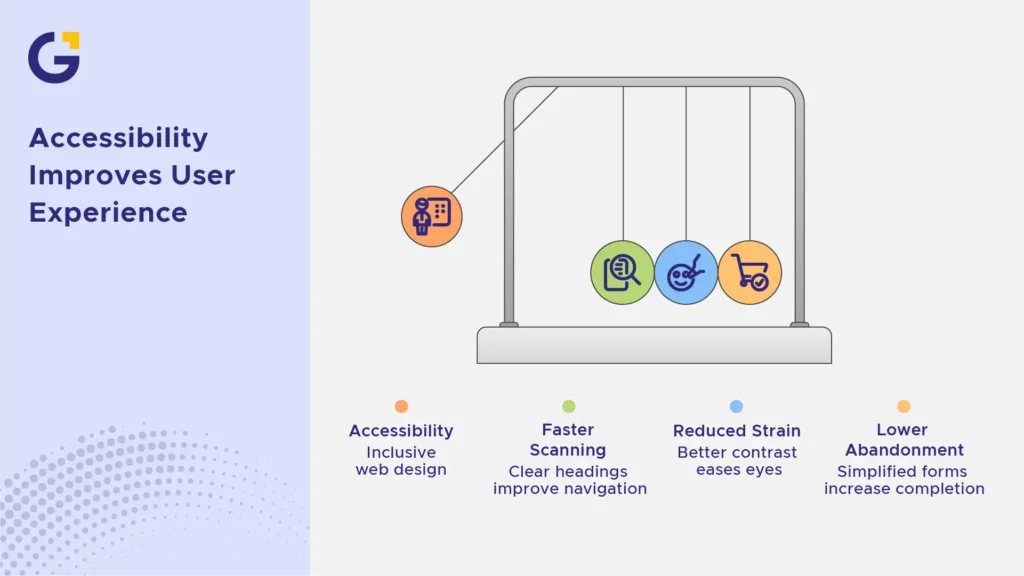
Accessibility and good UX overlap far more than people expect. Fixing accessibility issues almost always improves the experience for every visitor, not just those using assistive technology.
Clear headings help users scan content faster. Better contrast reduces eye strain for everyone. Simplified forms reduce abandonment rates across the board, not just for users with disabilities.
Example Case: An online retailer improved heading structure, increased text contrast, and added visible focus states to its checkout form as part of a broader accessible website design and UX support project. Cart abandonment on mobile dropped noticeably within weeks, proving that accessible web design for small business directly impacts the bottom line.
What to Fix Before a Redesign
If you are planning a full website redesign and development support project, you don’t have to wait until launch day to address basic accessibility. Fixing core content and layout issues beforehand saves time and budget later.
Here is what you should address before starting a new build:
- Audit Your Content: Review all existing pages for missing alt text on images, broken link descriptions, and missing video captions.
- Standardize Typography & Colors: Establish an accessible baseline for font sizes (minimum 16px) and high colour contrast brand palettes.
- Clean Up Form Elements: Identify all contact or checkout forms to ensure fields have visible, permanent labels rather than relying solely on placeholder text.
- Fix Heading Hierarchy: Re-organise content so that pages strictly follow an H1 > H2 > H3 structure without skipping levels.
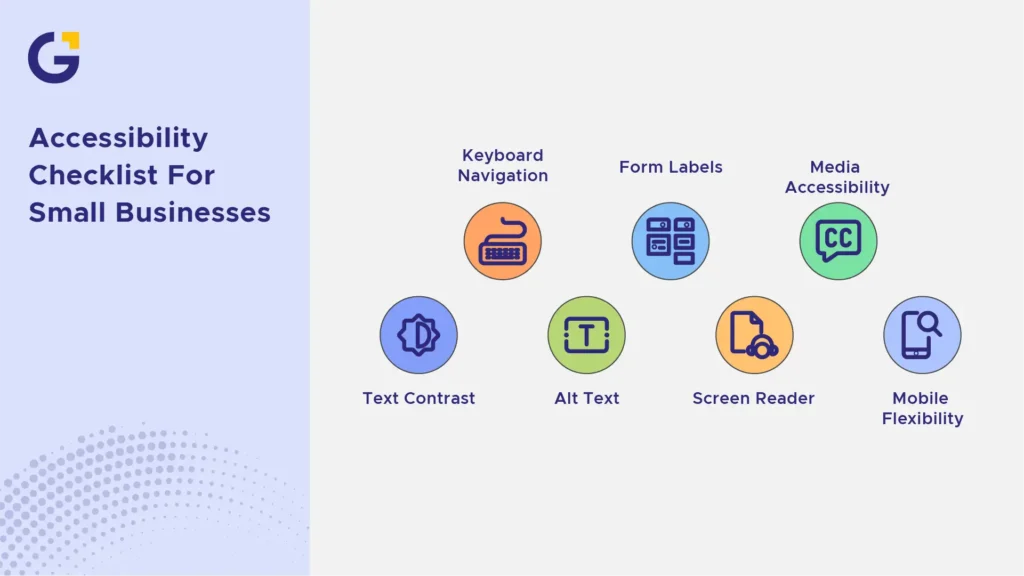
Accessibility Checklist for Small Businesses
Use this straightforward WCAG website checklist to audit your site or hand it over to your web developer:
- Text Contrast: Ensure all body text meets a minimum contrast ratio of 4.5:1 against its background.
- Keyboard Navigation: Confirm every interactive element (links, buttons, forms) can be accessed using only the Tab key with clear focus states.
- Alt Text for Images: Add descriptive alt text to all informative images, diagrams, and logos.
- Form Labels & Error Handling: Use proper <label> elements for every input and ensure error messages clearly describe how to fix the issue.
- Screen Reader Friendliness: Structure content logically with explicit headings and landmark regions so screen readers can navigate smoothly a crucial step for combining accessibility with an effective content marketing strategy.
- Media Accessibility: Provide transcripts or captions for all audio and video media.
- Mobile & Zoom Flexibility: Verify that text can be zoomed up to 200% without breaking the layout or requiring horizontal scrolling.
FAQ
What is accessible website design?
Accessible design makes websites easier for people with different abilities and devices to use, including people using screen readers, keyboards, or assistive technologies.
Do Australian small businesses need accessibility?
Yes. Accessibility improves usability and reduces exclusion. Government guidance and human rights expectations also make accessibility a serious business issue.
What are common accessibility problems?
Common issues include poor colour contrast, missing alt text, confusing headings, inaccessible forms, no keyboard focus, and hard-to-read content.
What is WCAG?
WCAG stands for Web Content Accessibility Guidelines. It is the main international standard used to assess digital accessibility.
Can accessibility improve conversions?
Yes. Clear content, usable forms, readable layouts, and easier navigation help more visitors complete enquiries.
Should accessibility be checked before a redesign?
Yes. A redesign is a good time to fix structural problems instead of carrying them into a new layout.





 12 Jun 2026
 14 Min Read