

Building a professional website in 2026 isn’t about picking nice colours or adding trendy animations. For Sydney service providers and growing national brands alike, an effective site needs to look credible, load fast, work smoothly on mobile, and naturally guide visitors toward making an enquiry.
If you are a local founder, a growing startup owner, or a digital marketer, this hands-on walkthrough explains how to build a website from scratch for the Australian market. We will guide you through the entire process from setting business objectives and selecting the right tech stack to drafting conversion-focused content, nailing your technical SEO, and thoroughly testing your platform before going live. Explore what makes a high-performing site in 2026 below.
Why Great Web Design Matters in 2026
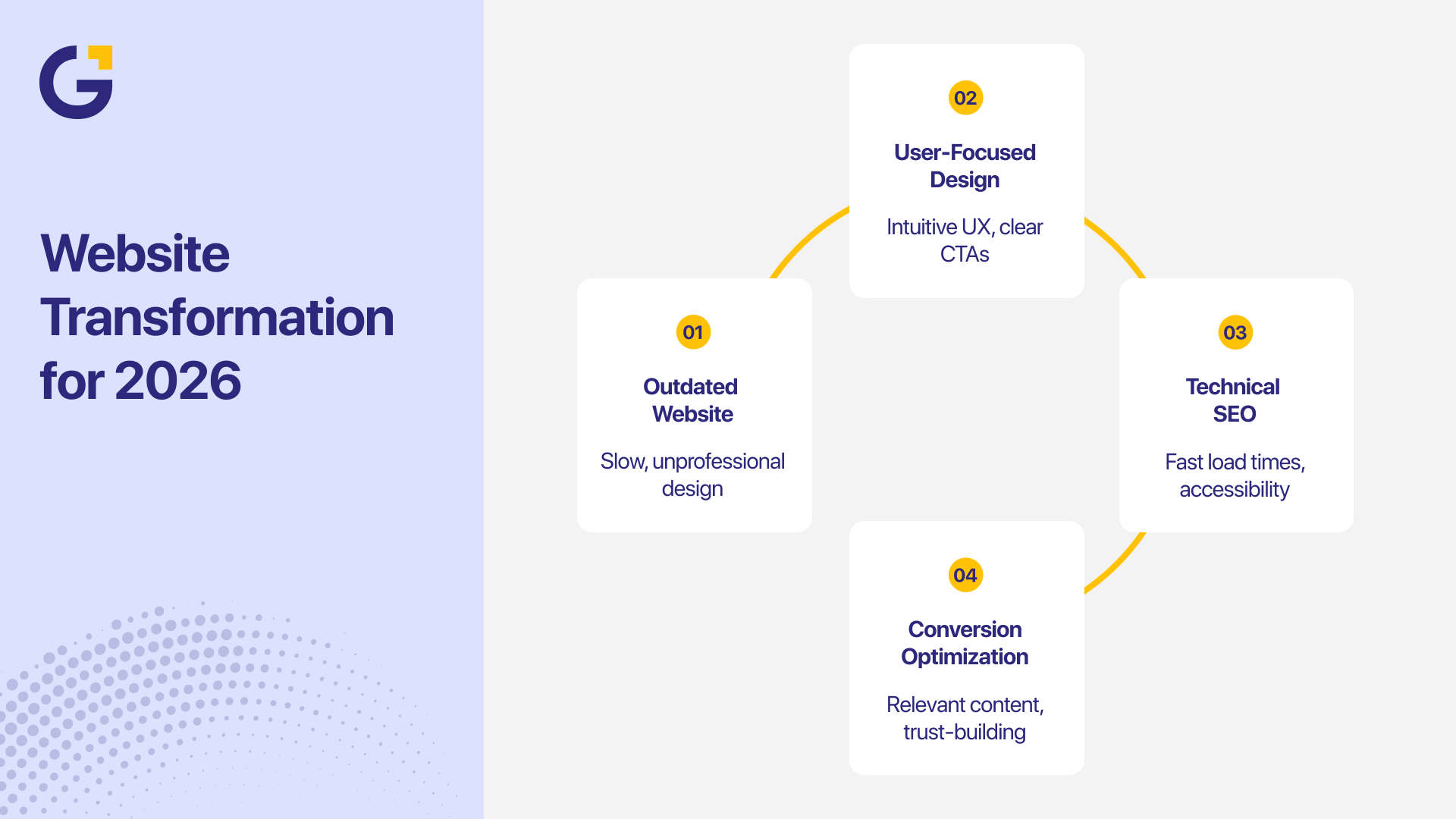
Your website is almost always the very first touchpoint a potential client has with your brand. It directly dictates their initial impression, anchors your broader digital marketing campaigns, and ultimately determines whether they hit “contact us” or click back to Google.
A well-architected website empowers your brand to:
- Build immediate trust with a polished, authoritative online presence.
- Clearly communicate your core offerings and value proposition without corporate jargon.
- Consistently capture qualified leads, online bookings, and direct sales.
- Strengthen your organic visibility through modern search engine optimisation best practices.
- Give prospective customers a frictionless, hassle-free way to reach your team.
However, stunning aesthetics alone do not guarantee performance. A website can win design awards and still completely fail if it is confusing to navigate, slow to load on mobile phones, or frustrating for your internal team to update.
To see real business growth, true digital success relies on pairing striking visual design with intuitive usability, fast technical infrastructure, and a laser-focused conversion goal.
Step 1: Define Your Purpose and Target Audience
Every successful web build starts with clear commercial intent. Long before you start arguing over brand palettes, layout grids, or CMS platforms, you need to define precisely what this website needs to accomplish for your bottom line.
For instance, a Sydney commercial builder needs high-impact project portfolios and direct quote request forms. On the other hand, an inner-city boutique café requires a mobile-friendly menu, clear opening hours, and an instant table reservation widget.
Take a step back and ask your team these core questions:
- Who is your ideal customer, and what specific problem are they trying to solve?
- What primary action should a visitor take within 30 seconds of landing on your homepage?
- Which specific products, services, or packages generate the highest profit margins?
- Which geographical suburbs, regions, or B2B industries are you actively targeting?
Once you nail down these answers, learning how to build a website from scratch becomes a structured, stress-free strategy rather than a series of wild guesses.
Understanding your target audience directly shapes your messaging, page flow, and site structure. Take time to audit local competitors in your space, look at where their customer journey breaks down, and identify clear opportunities to present a more transparent, user-friendly experience.
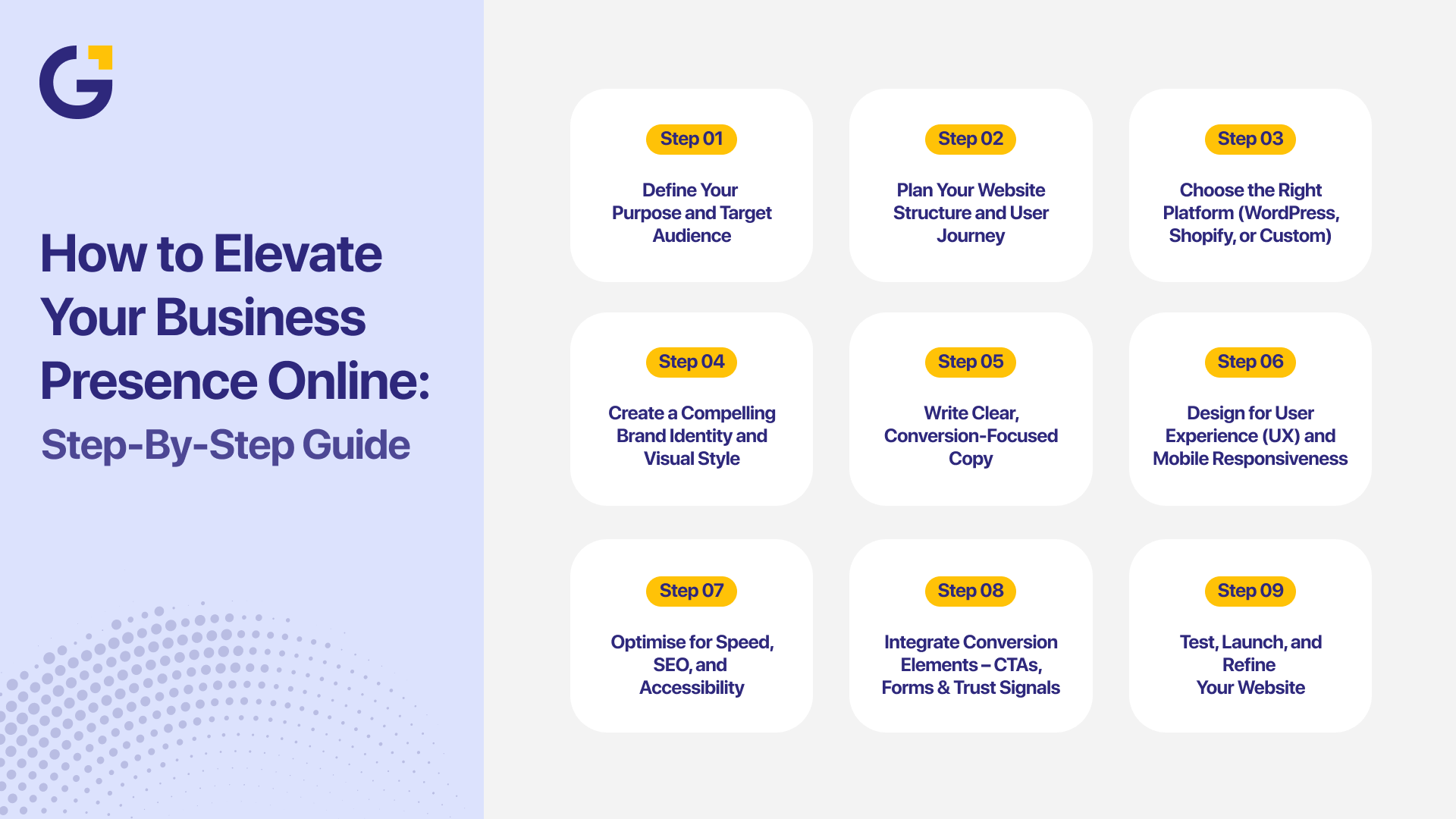
Step 2: Plan Your Website Structure and User Journey
A website built without a logical structural blueprint will quickly turn into an overwhelming maze for your users. Start by drafting a clean, lightweight sitemap that organises your core pages in order of priority.
Most Australian small business websites require:
- Home: The high-level pitch and brand navigation hub.
- About: Your back-story, team credibility, and values.
- Services / Products: Dedicated landing pages for your key revenue drivers.
- Blog / Resources: Educational content that builds topical authority.
- Contact: Multiple low-friction communication channels.
- Legal: Privacy Policy, Terms of Service, and compliance pages.
Depending on your business model, you may also need dedicated case studies, customer reviews, local suburb landing pages, or online scheduling integrations.
Next, map out the primary user journey. Trace the exact path a prospective buyer takes from landing on your homepage to submitting an enquiry form.
Example conversion path:
Homepage → Core Service Page → Proof/Case Study → Instant Quote Form
Your top navigation menu should make this pathway dead simple. Stick to clear, predictable menu labels, logical internal linking, and prominent contact buttons. A customer should never have to hunt through three nested sub-menus just to find your phone number or business location.
Step 3: Choose the Right Platform
Selecting the right web platform depends heavily on your available budget, technical scope, and long-term business goals.
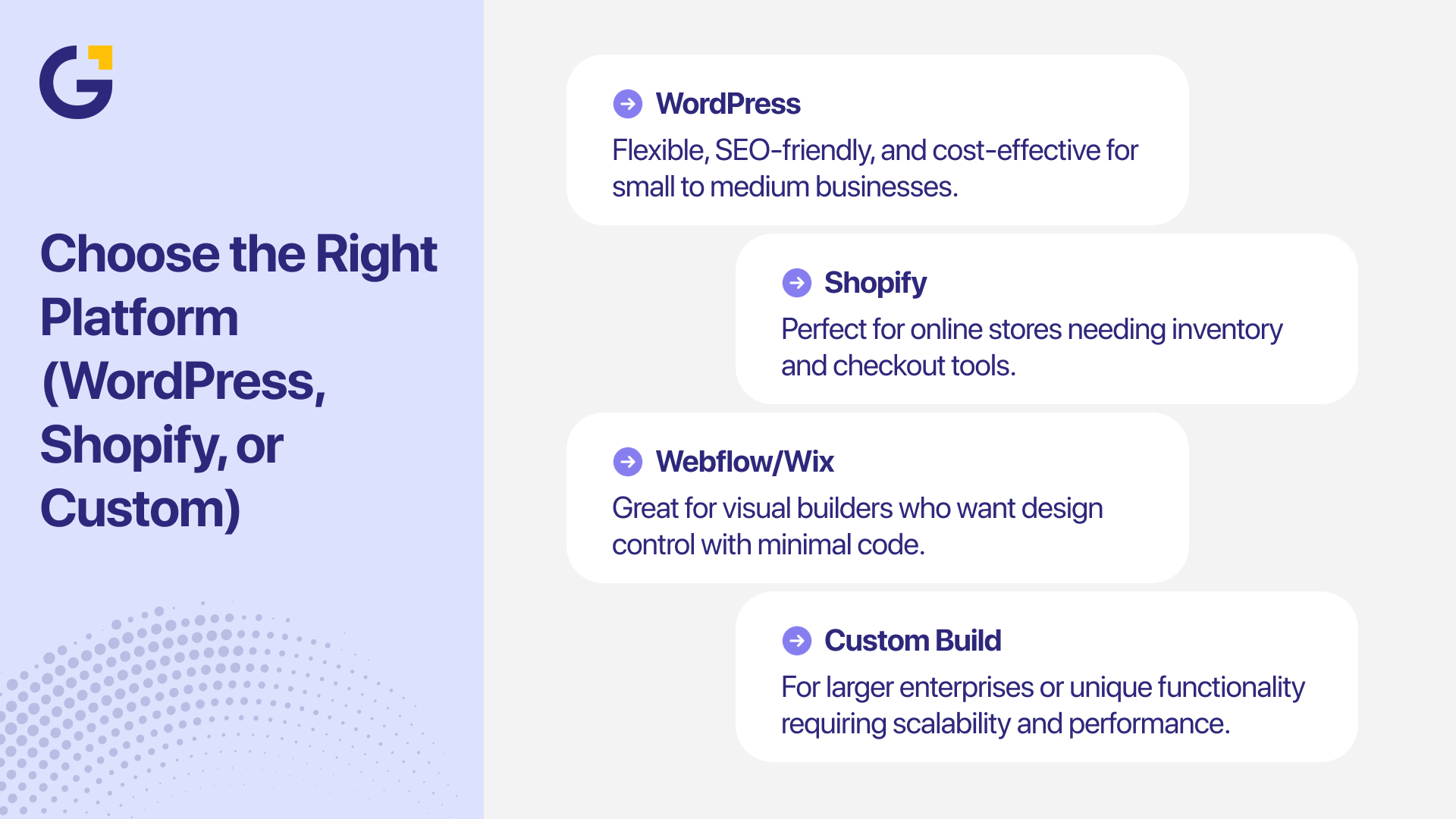
WordPress development remains the go-to, gold-standard choice for Australian service providers, content producers, and growing companies. It offers unmatched flexibility, complete data ownership, and deep SEO customisation. However, it does require routine plugin maintenance, security monitoring, and reliable hosting.
For standalone ecommerce stores requiring seamless inventory tracking, payment gateways, and shipping calculators, Shopify is a robust option. Meanwhile, basic hosted builders like Wix or Squarespace can work for simple brochure sites, though they often hit strict limits when scaling advanced SEO or custom features.
When your business model demands complex API integrations, custom customer portals, or proprietary workflows, opting for custom full-stack development is often the smartest long-term investment.
Before committing, verify whether your team can easily edit copy internally, whether the platform supports proper technical SEO, and if it can scale smoothly as your traffic grows.
You will also need a secure domain name and fast, reliable hosting. For local businesses targeting the domestic market, registering an official .com.au or .au domain is crucial for building instant local trust. Make sure to review official eligibility guidelines on the .au Domain Administration (auDA) website to ensure your domain registration complies with Australian business regulations.
Step 4: Create a Consistent Brand and Visual Style
Your website’s visual presentation should feel like a natural extension of your business identity. Consistent design elements foster immediate recognition and trust across all touchpoints, from your website to your social media profiles.
As Melanie Perkins (co-founder of Canva) demonstrated when transforming modern graphic design, visual communication must be intuitive, accessible, and clean to truly resonate with modern audiences.
Key visual building blocks include:
- A refined, accessible colour palette.
- Highly readable typography hierarchies.
- Clean logo placement.
- High-resolution, authentic brand photography.
- Standardised button styles and hover states.
- Generous white space to give elements room to breathe.
Prioritise clean fonts and high-contrast colour choices that make reading effortless. Wherever possible, swap out generic stock photos for high-quality, authentic imagery of your actual team, office, or completed local projects. Real photos build far greater credibility than staged stock models.
If you want to dive deeper into structuring a website cost outline for your upcoming project, check out our detailed guide on how much a website costs in Australia.
Step 5: Write Clear, Conversion-Focused Content
Great website copy speaks directly to your ideal customer’s pain points and clearly guides them on what to do next.
Ditch vague corporate fluff like “we deliver innovative end-to-end synergy.” Instead, state clearly who you help, how you solve their problem, and what tangible outcomes you deliver.
Instead of vague buzzwords, try:
“We build high-converting, SEO-ready websites for growing Australian service businesses.”
Use plain language, short punchy paragraphs, and scannable headings. Always address the client’s immediate needs before diving into your company history.
Every critical landing page needs a bold, clear call to action (CTA), such as:
- Book Your Free Strategy Call
- Request a Fast Quote
- Speak With Our Sydney Team
- Claim Your Website Audit
Always write your core page copy before finalising visual mockups. This ensures your layout is designed around your messaging, rather than trying to squeeze vital information into rigid, pre-made visual boxes.
If you need support framing high-impact messaging, partnering with a specialised written content marketing team can ensure your brand voice drives real conversions.
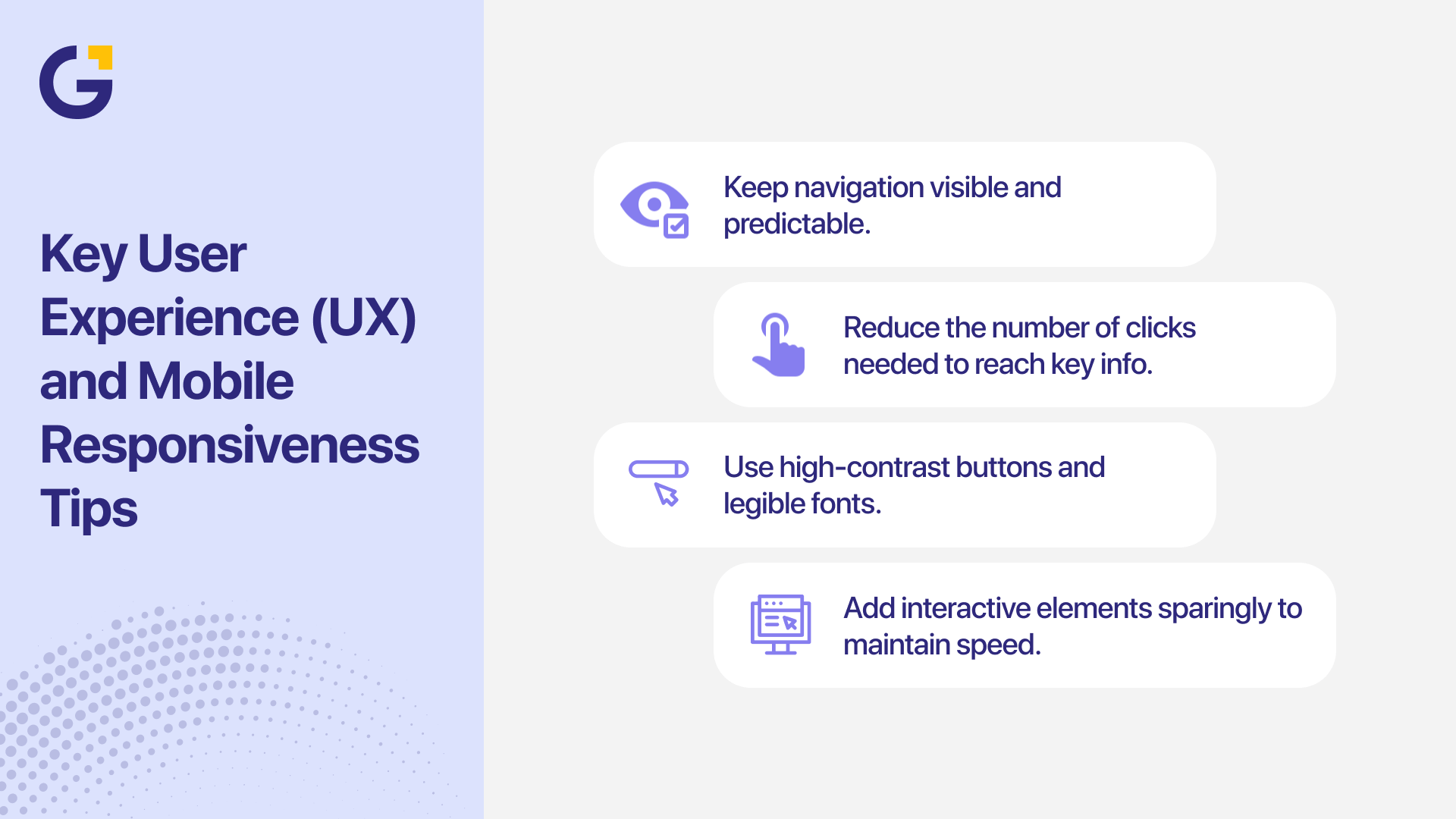
Step 6: Design for UX and Mobile Responsiveness
With over half of all web traffic coming from smartphones, mobile-first design is non-negotiable. Your site must instantly adapt to any screen size without forcing users to pinch, zoom, or struggle with tiny form fields.
Mobile UX Checklist:
- Is the body text comfortably readable without zooming?
- Are primary action buttons large enough to tap easily with a thumb?
- Are phone numbers set up as direct “click-to-call” links?
- Are contact forms streamlined to minimal required fields?
- Does the mobile navigation menu open predictably and cleanly?
- Does vital above-the-fold content load instantly without layout shifts?
Keep mobile navigation minimalist. Avoid complex hover menus or aggressive pop-ups that block the main screen. While subtle micro-interactions can elevate a page, unnecessary animations will slow down load speeds and frustrate users. Always choose speed and clarity over flashy decoration.
To ensure your layout delivers a smooth user experience that captures leads, explore our dedicated UI/UX design services.
Step 7: Optimise for Speed, SEO and Accessibility
A visually stunning site is useless if it takes ten seconds to load, remains hidden on page five of Google, or is unusable for visitors with accessibility needs.
To keep site performance fast, aggressively compress large images, eliminate unnecessary plugins, and host your site on high-performance infrastructure. You can easily audit performance using Google’s free PageSpeed Insights tool.
Core SEO Essentials:
- Write unique, keyword-optimised title tags and meta descriptions for every page.
- Maintain a logical heading structure (H1 for page titles, H2 and H3 for sub-sections).
- If you are building a service-based platform, implement a strategic internal linking strategy to effectively pass authority to your money pages.
- Align every page with a clear user search intent rather than stuffing repetitive keywords.
Accessibility must also be baked into your design phase. Ensure strong contrast ratios, write descriptive alt text for images, use clear form labels, and enable full keyboard navigation.
For Australian brands relying on regional customers, pairing on-page optimisation with targeted local SEO services helps capture high-intent local searchers. You can also consult official Australian business guidelines on business.gov.au to ensure your website security, privacy policies, and customer data handling meet current national standards.
Step 8: Add CTAs, Forms and Trust Signals
Every page should guide users toward a logical next step. Place clear calls to action at strategic touchpoints, especially above the fold, mid-page after explaining value, and at the bottom of long-scroll layouts.
High-Impact Trust Signals:
- Authentic Google customer reviews and star ratings.
- Detailed client case studies and project galleries.
- Logos of prominent brands or media outlets you have worked with.
- Verified industry accreditations, licenses, and security badges.
- Transparent local contact information, including an ABN and local office address.
Keep contact forms as short as possible. Only ask for the essential details required to follow up effectively. Once submitted, display a friendly confirmation message explaining exactly when you will be in touch.
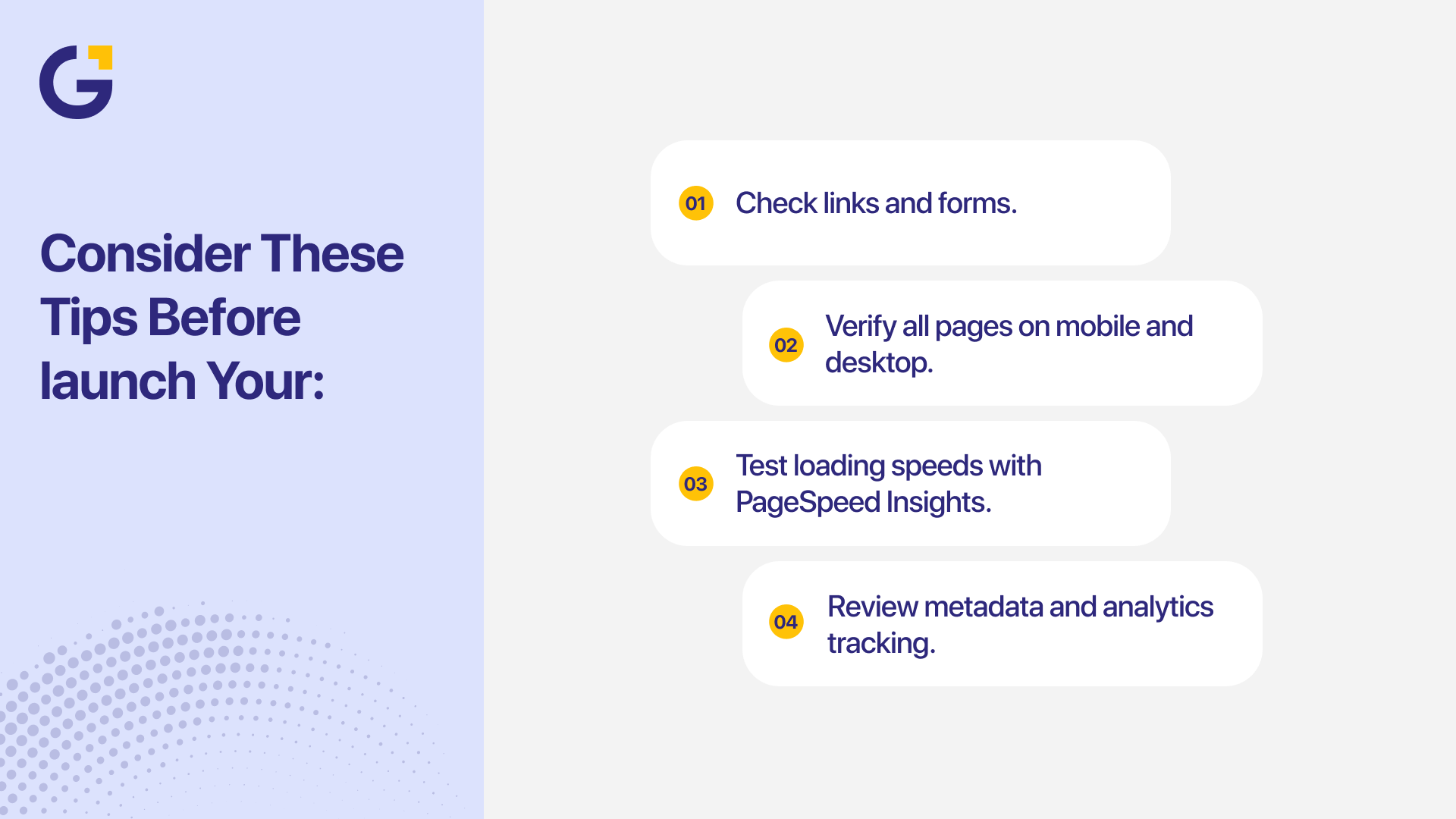
Step 9: Test, Launch and Maintain Your Website
Before pointing your domain live, perform a comprehensive quality check across all major browsers and devices.
Pre-Launch Testing Checklist:
- Test every single contact form, booking widget, and automated email response.
- Verify all page titles, meta descriptions, and Open Graph social tags.
- Ensure your SSL certificate (HTTPS) is active and forcing secure connections.
- Double-check that Google Analytics and conversion tracking tags are firing correctly.
- Verify that all old URLs are mapped properly to avoid 404 errors.
- Confirm that your core pages load cleanly under 2–3 seconds.
Once live, treat your site as a dynamic business asset rather than a static project. Schedule monthly checks to update your CMS core, patch security plugins, run complete database backups, and test your enquiry forms.
For an in-depth breakdown of platform choices for your project, read our comparison on Wix vs WordPress vs Custom AI Websites.
Common Website Design Mistakes to Avoid
Even experienced teams can fall into common web design traps. Here are the most frequent pitfalls we see Australian small businesses make:
- Designing for themselves instead of their target audience.
- Hiding primary phone numbers and contact buttons behind deep sub-menus.
- Overloading pages with competing colours, clashing fonts, or heavy video backgrounds.
- Launching a new site without thoroughly testing mobile form submissions.
- Changing site URLs without configuring proper 301 redirects, resulting in lost organic traffic.
- Creating thin, duplicate location pages that harm local search rankings.
Web Design Trends for 2026
Web design in 2026 is moving heavily toward ultra-clean, hyper-fast, and highly accessible user experiences.
While modern AI tools can assist with wireframing ideas and code snippets, all output requires careful human review to guarantee brand accuracy, unique messaging, and full accessibility compliance.
Key Trends Shaping 2026:
- Minimalist, distraction-free layouts with clear typographic hierarchies.
- Purposeful micro-interactions that provide instant visual feedback.
- True mobile-first design tailored for thumb-driven navigation.
- Heavy focus on site speed, lightweight assets, and green web hosting.
- Strategic implementation of structured data to capture visibility in modern AI search results.
How Genix Digital Builds Websites for Australian Businesses
At Genix Digital, we believe great web design sits at the exact intersection of strategy, user experience, technical engineering, and search performance.
Our comprehensive web production pipeline covers market research, UX wireframing, custom design, responsive frontend builds, advanced technical SEO, and continuous conversion rate optimisation.
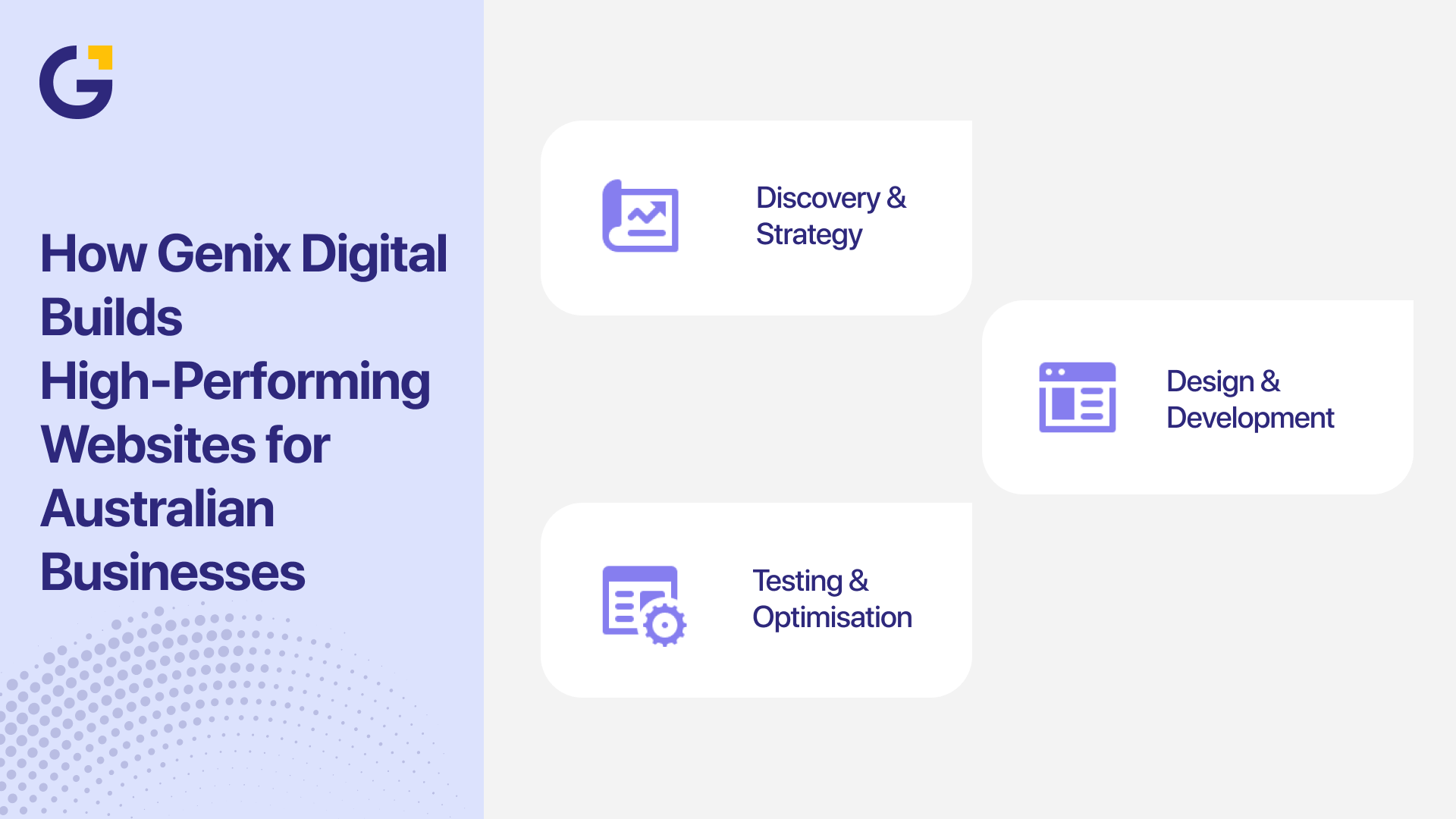
Whether you need a custom business platform or a high-converting enterprise site, our team builds digital assets that look premium, communicate clearly, and drive measurable revenue.
Explore our comprehensive web development services to see how we build high-performing digital platforms for growing Aussie brands.
Final Thoughts
When you break the process down step by step, learning how to create a website step by step becomes an achievable, rewarding roadmap.
Focus on understanding your audience, defining clear conversion goals, picking a flexible tech platform, and crafting plain-English, benefit-driven content. Once live, commit to continuous testing, regular maintenance, and content updates to stay ahead of your competitors.
FAQs
What are the main steps in creating a website?
The core steps include defining business goals, planning site structure, registering a domain, selecting a CMS platform, creating conversion copy, designing responsive layouts, performing technical SEO, and thoroughly testing forms before launch.
How do I create a website step by step as a beginner?
To build a small business website in Australia, start by securing your domain name and choosing a user-friendly platform like WordPress. Map out your main pages (Home, About, Services, Contact), draft clear messaging, customise your branding, test usability on mobile screens, and launch.
Should I use WordPress or Shopify?
WordPress offers unparalleled flexibility for service-based businesses, content creators, and lead-generation sites. Shopify is purpose-built for dedicated ecommerce stores needing out-of-the-box product management and checkout infrastructure.
Can AI create a complete website automatically?
While AI tools can assist with draft copy, code snippets, and layout inspiration, creating a professional website still requires human oversight, strategic UX planning, custom brand alignment, technical SEO setup, and rigorous testing.
How often should a business update its website?
Review core business details, pricing, and service offerings as soon as they change. Perform technical maintenance, plugin updates, and form testing monthly, while executing deeper SEO audits and content updates every quarter.





 12 Aug 2026
 8 Min Read