


You’ve spent hours writing a high-quality page, hit publish, and assumed search engines would seamlessly index and rank it. Weeks later, it still receives zero organic traffic and fails to appear in search results. Chances are, you’re dealing with orphan pages SEO issues without even realising it.
Orphan pages are among the most frequently overlooked technical SEO challenges. They quietly waste your crawl budget, erode content ROI, and obscure your site hierarchy from search engine bots. The encouraging news? Fixing orphan pages is straightforward once you know how to detect them.
Not sure if your site suffers from unlinked content? Run an internal linking audit before reading further to keep your key pages indexed.
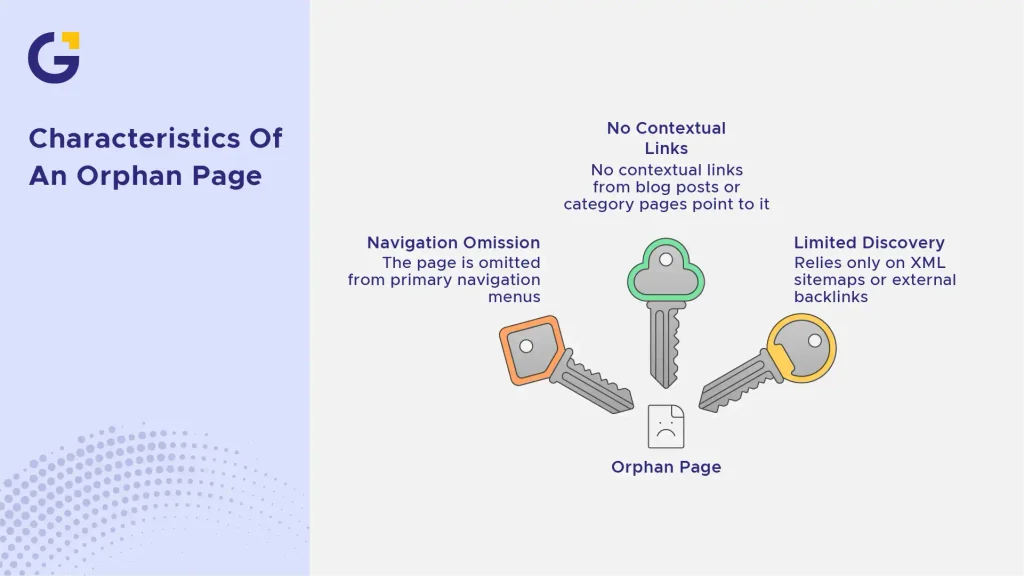
What Is an Orphan Page?
An orphan page is any web page on your site that lacks internal hyperlinks pointing to it. While it exists live on your web server and may even reside in your XML sitemap, real users and search engine crawlers cannot reach it through natural site navigation.
Think of an orphan page as a room in a building with no doors. The room physically exists, but nobody can enter unless they drop directly through the roof.
Example Case: A software company publishes a comprehensive service comparison page but forgets to link to it from their core product hub or menu. Even with strong copywriting, the page remains invisible to organic visitors because search crawlers rarely discover unlinked paths.
- The page is omitted from primary navigation menus.
- No contextual links in blog posts or category pages point to it.
- It relies solely on an XML sitemap submission or external backlinks for discovery.
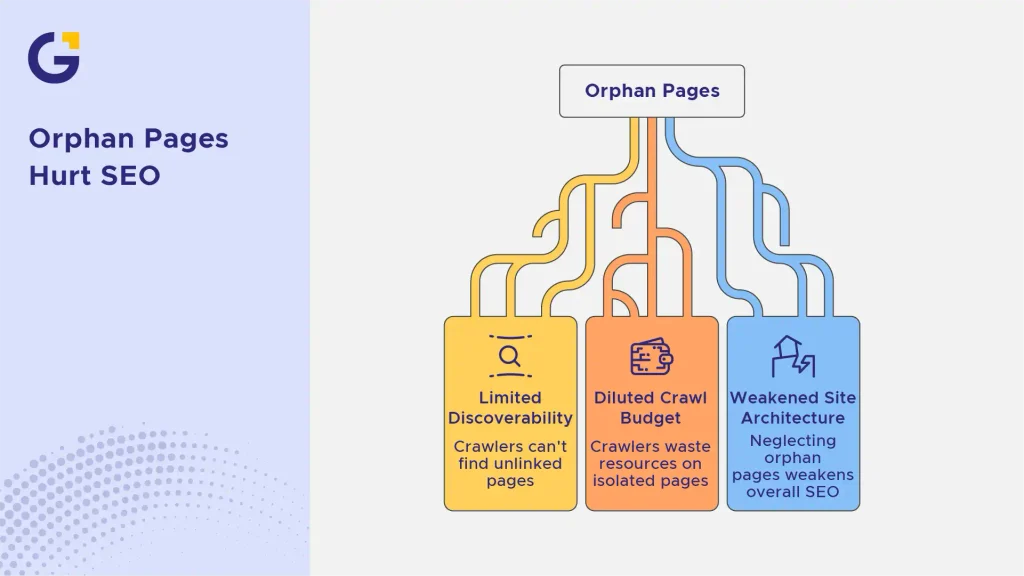
Why Orphan Pages Hurt Your SEO
Search engine crawlers depend heavily on internal hyperlinking networks to discover, index, and assess authority across your website. Without internal links conveying context and PageRank, Google struggles to evaluate how valuable an unlinked page actually is.
In addition, orphan pages dilute crawl budget efficiency, particularly on large-scale sites. When crawlers spend resources traversing isolated or outdated pages, they spend less time discovering high-priority conversion landing pages.
Real-World Example: During a site review for a major brand, an internal linking audit uncovered over 300 isolated URLs. Despite having unique, well-optimised product copy, these unlinked pages generated almost zero organic impressions simply because search bots rarely crawled them.
According to official Google Search Central documentation, establishing clear internal links helps search engine algorithms understand relative page importance across a domain. Neglecting orphan pages SEO weakens your overall technical site architecture.
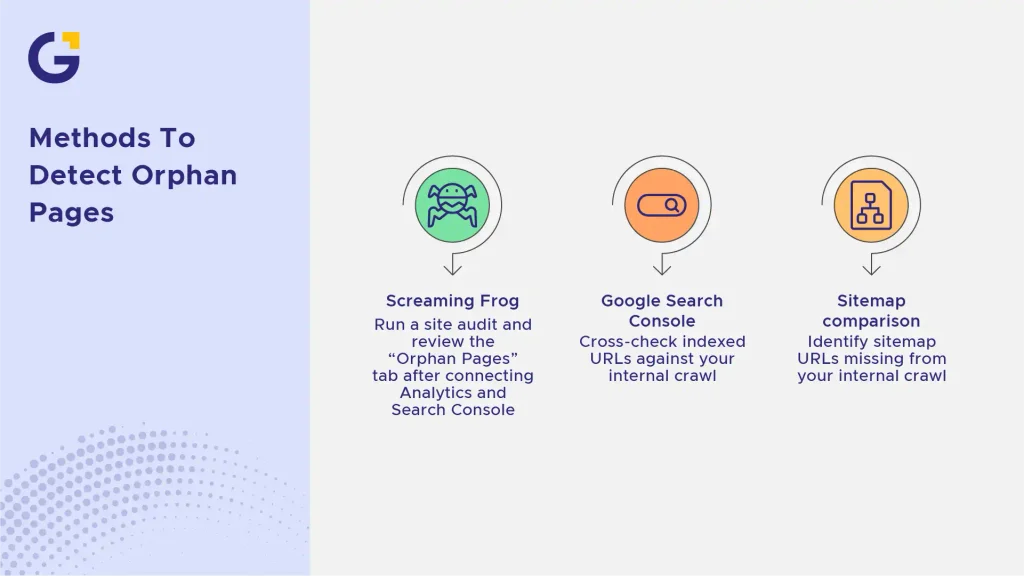
How to Find Orphan Pages on Your Website
Uncovering orphan pages requires matching your active server files and sitemap entries against pages discovered through a standard internal link crawl. Here are three highly reliable methods to detect unlinked pages.
Using Screaming Frog
Running a site audit via Screaming Frog SEO Spider remains the industry benchmark for technical reviews.
- Perform a standard spider crawl of your website.
- Integrate Google Analytics 4 and Google Search Console APIs directly within Screaming Frog.
- Execute crawl analysis and review the dedicated ‘Orphan Pages’ tab.
This diagnostic approach compares URLs registered in analytics and search logs against URLs found strictly via internal links, exposing hidden pages instantaneously.
Using Google Search Console
While Google Search Console does not label unlinked pages explicitly, you can extract clear indicators from its diagnostic reports.
- Navigate to the Indexing > Pages report to view all recognised site URLs.
- Cross-reference indexed URLs against your manual internal crawl output.
- Look for URLs capturing search impressions in Performance reports that lack representation across main navigation or body content.
Comparing Sitemap URLs to Crawled URLs
Your XML sitemap often lists URLs that your actual website structure fails to connect internally.
- Export a clean list of all URLs contained in your active XML sitemap.
- Export all URLs uncovered during a standard internal web crawl.
- Isolate any sitemap URL absent from the crawl file; these represent primary candidates for orphan status.
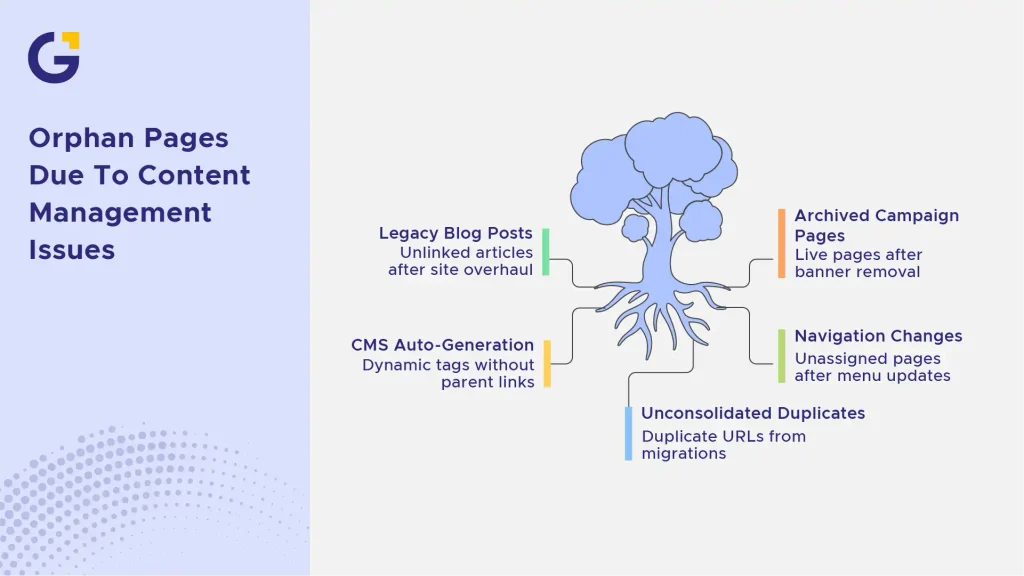
Common Causes of Orphan Pages
Orphan pages rarely occur by design. They are usually generated through routine content updates, technical migrations, or CMS automation errors.
- Legacy Blog Posts: Older articles left unlinked after undergoing a structural site overhaul or website redesign.
- Archived Campaign Pages: Seasonal marketing landing pages left live after internal homepage banners were removed.
- CMS Auto-Generation: Automated e-commerce tags, categories, or pagination created via dynamic plugins without proper parent links.
- Navigation Changes: Updating global menus without re-assigning orphan landing pages to sub-categories.
- Unconsolidated Duplicates: Duplicate URL parameters created during CMS migrations or platform transfers.
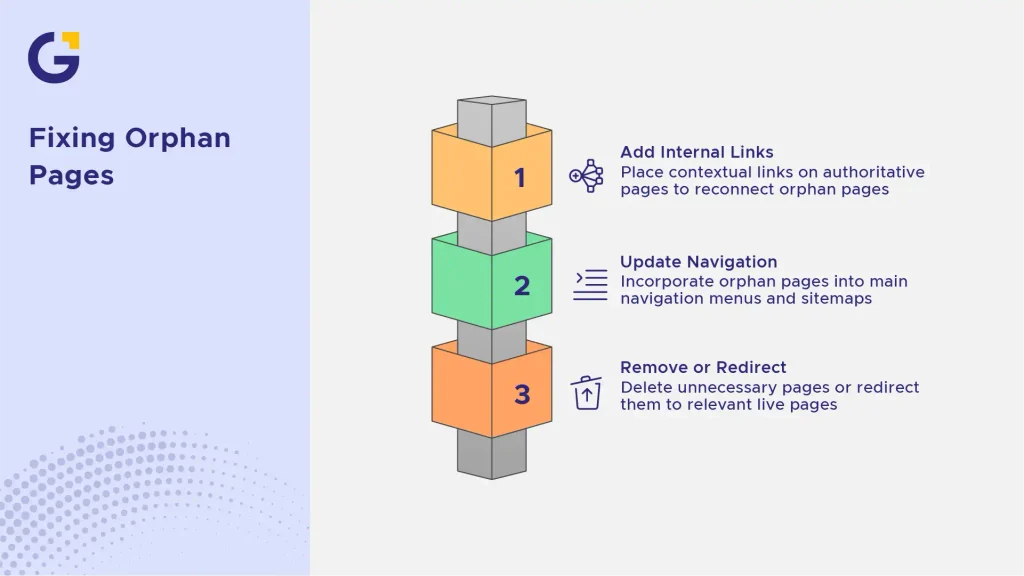
How to Fix Orphan Pages
Once identified, resolving orphan pages requires either reconnecting them back into your main navigational hierarchy or retiring them cleanly.
Adding Internal Links
The quickest remedy involves placing natural contextual links on authoritative, relevant pages that already enjoy strong organic traffic.
- Add relevant contextual hyperlinks within high-performing blog content or core service landing pages.
- Integrate the isolated page into central resource hubs or category navigation structures.
- Utilise descriptive, keyword-aligned anchor text such as “find and fix orphan pages” or “how to do seo for website step-by-step” to maximise link relevancy.
Updating Navigation and Sitemaps
If an orphan page delivers substantial business value or drives sales leads, elevate its structural visibility.
- Incorporate core service pages into header drop-down menus or global footer lists.
- Ensure important landing pages feature prominently on strategic parent pages.
- Keep your XML sitemap fully updated and verified through continuous technical maintenance.
Removing or Redirecting Unnecessary Pages
Not every isolated URL warrants preservation. If an orphan page contains outdated content, thin text, or duplicate product information, clean up your architecture responsibly:
- Apply 301 Redirects: If the orphan page holds legacy backlinks or historical value, redirect it permanently to the closest relevant live page.
- Implement 410 or 404 Status Codes: If the page offers no commercial or search value, delete it permanently and return a 410 (Gone) or 404 HTTP status code.
- Set Canonical Tags: If the page must remain live for private tracking or ad campaigns, apply a noindex meta tag or canonicalise it back to the primary version. Properly configuring your pages prevents technical issues like why your service pages are not staying indexed.
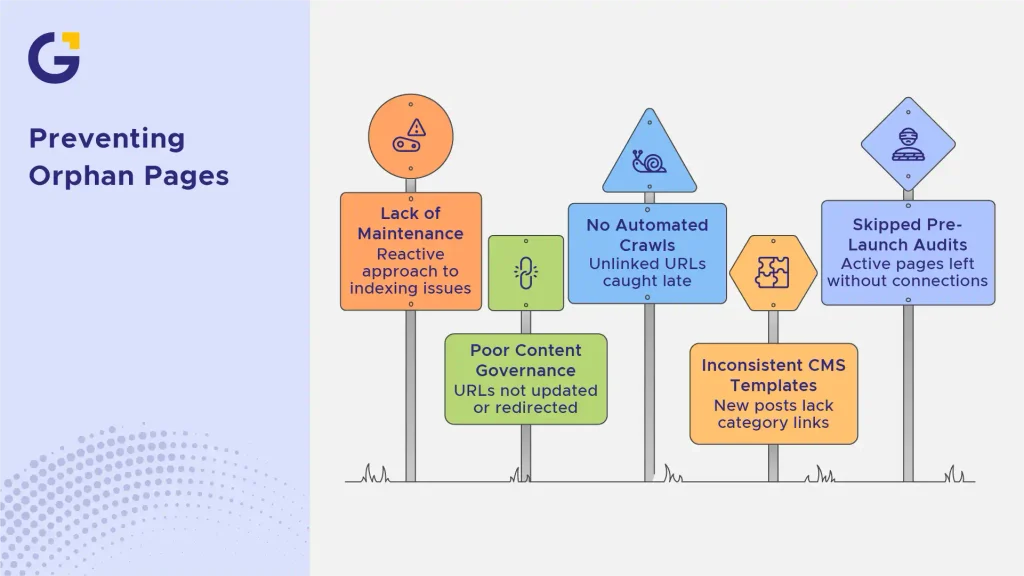
How to Prevent Orphan Pages in the Future
Preventing orphan pages requires establishing proactive site maintenance routines rather than reacting after indexing issues emerge.
- Establish Content Governance: Whenever team members sunset seasonal campaigns or edit menus, verify that underlying page URLs are updated or redirected.
- Automate Internal Crawls: Schedule monthly technical scans using tools like Screaming Frog or Ahrefs to catch unlinked URLs early.
- Standardise CMS Templates: Configure your content management system so every newly published post automatically links to parent category hubs.
- Conduct Pre-Launch Audits: Before launching major site overhauls, perform an internal linking audit to ensure no active page is left without structural connections. If you need support keeping your technical architecture pristine, partnering with a trusted digital marketing agency ensures continuous site health and indexation stability.
Struggling with unlinked pages or indexation drops across your site? The team at Genix Digital provides end-to-end SEO audits and tailored web development services to keep your site structure optimised for rankings.
FAQs
1. What is the difference between an orphan page and a dead-end page?
An orphan page is a page that receives no internal links from other parts of your website. A dead-end page, by contrast, is a page that users can navigate to, but it contains no outgoing links or calls to action, preventing users and crawlers from continuing through the site.
2. Can search engines index orphan pages?
Yes, search engines can still index orphan pages SEO assets if they are listed in an XML sitemap or receive external backlinks from other websites. However, without internal links, search engine algorithms struggle to establish the page’s relative authority, often resulting in lower keyword rankings.
3. Will orphan pages negatively impact my website’s crawl budget?
Yes. When search engine bots spend time crawling low-value or outdated unlinked pages, it reduces the overall efficiency of your crawl budget. This can delay the discovery and indexing of your critical landing pages.
4. Should I fix every orphan page I find on my website?
Not necessarily. You should connect valuable, user-focused orphan pages using strategic internal links. However, if the orphan pages consist of outdated landing pages, test URLs, or thin duplicate content, it is better to delete them or set up 301 redirects to relevant live pages.
5. How often should I check my site for orphan pages?
It is best practice to run a technical site audit every quarter. However, if you frequently publish new articles, launch marketing campaigns, or manage a large e-commerce store, conducting monthly audits ensures unlinked pages are addressed quickly.





 19 Aug 2026
 9 Min Read