
You’ve written great content, built solid backlinks, and optimised your meta tags, yet your rankings have stalled, and your site still loads slowly. The missing piece is often image SEO, the one area most Australian businesses overlook until it starts costing them traffic, speed, and visibility in Google Images.
Every image on your website is an opportunity and a risk. Unoptimised images slow down your pages, hurt your Core Web Vitals, and leave Google unable to understand what the image shows. When you get image optimisation for SEO right, you unlock faster load times, better rankings, and an entirely new traffic channel through Google Images.
If your website feels slow or your pages aren’t ranking despite solid content, our SEO team at Genix Digital can run a full technical SEO audit to find exactly what’s holding you back.
Why Image SEO Is Often Overlooked (and Costly to Ignore)
Most businesses focus on keywords, backlinks, and blog content and forget that images are indexed, crawled, and ranked too. Google can’t “see” an image the way a human does; it relies on alt text, file names, and surrounding context to understand it. Proper image SEO bridges this gap seamlessly.
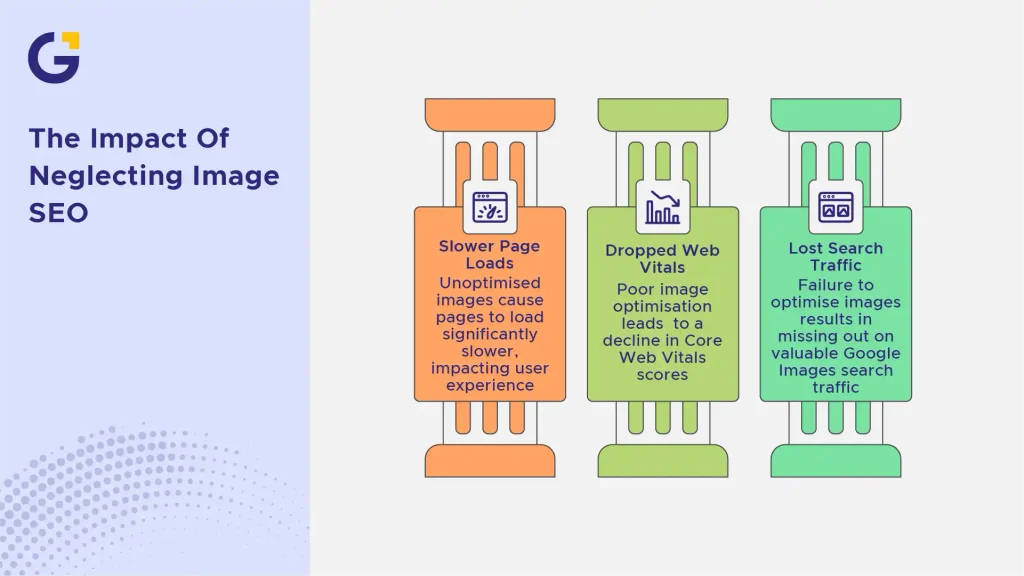
When images are left unoptimised, three things typically happen: pages load slower, Core Web Vitals scores drop, and you miss out entirely on Google Images traffic, which drives a significant share of search visibility for product-based and visual industries.
As Google’s Search Advocate John Mueller often highlights, search engines rely heavily on text attributes like alt text to index visuals accurately and make web content accessible.
Example Case: An online furniture retailer uploads 50 product photos straight from their camera, each named IMG_2048.jpg and weighing 4MB. The result is a product page that takes 8 seconds to load.
- Google deprioritises the page in mobile search due to poor page speed.
- The retailer loses potential traffic from Google Images, where customers often search “wooden dining table Australia”.
Writing Alt Text That Helps Both Users and Google
Alt text (alternative text) describes an image for screen readers and search engine crawlers. It’s one of the simplest yet most frequently botched elements of alt text SEO.
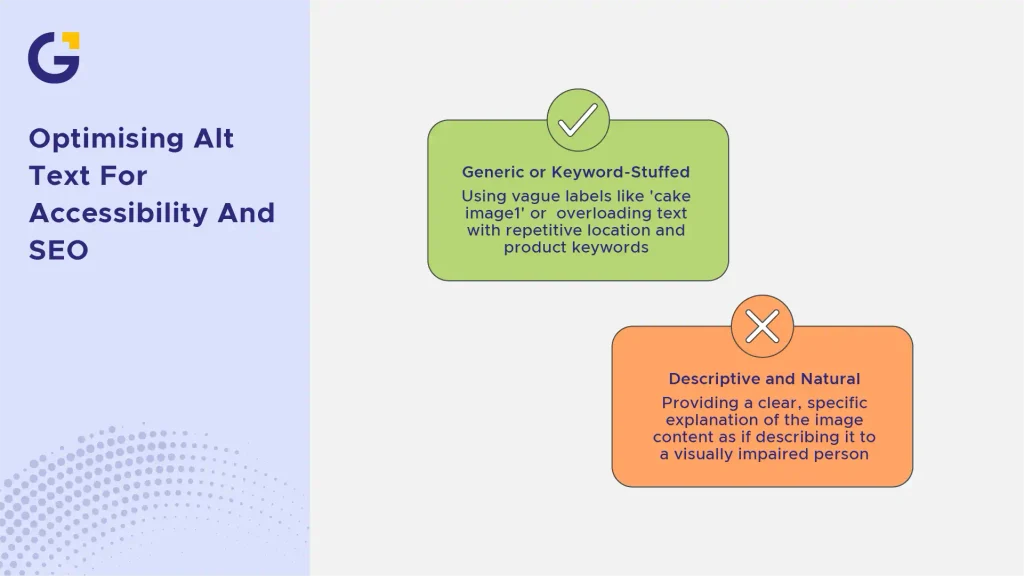
Good alt text is descriptive, specific, and natural, not a keyword dump. Describe what’s actually in the image, as if explaining it to someone who can’t see it. Learning how to write alt text effectively ensures your site remains accessible while boosting your overall on-page SEO checklist compliance.
Example Case: A Sydney-based bakery uploads a photo of a chocolate cake.
- Weak alt text: “cake image1”
- Keyword-stuffed (avoid): “chocolate cake cake shop Sydney best cake bakery Sydney”
- Strong alt text: “Three-tier chocolate cake with fresh raspberries, baked by a Sydney bakery”
File Naming Conventions for SEO
Before an image is even uploaded, its file name already carries SEO weight. Mastering image file name SEO is about using descriptive, hyphen-separated words instead of generic camera-generated names.
Google reads file names as another clue about image content, which is especially important for ranking in Google Images search results.
Example Case: A real estate agency photographs a listing.
- Poor: DSC004821.jpg
- Optimised: three-bedroom-house-bondi-beach.jpg
- Always use lowercase letters and hyphens (not underscores) between words.
- Keep file names short, descriptive, and relevant to the page content.
Choosing the Right Image Format and Compression Level
Improving image compression and website speed is one of the biggest levers for boosting page load times. Choosing the right format JPEG, PNG, or WebP directly impacts both visual quality and overall file size. You can easily test and streamline your assets using modern image compression tools.
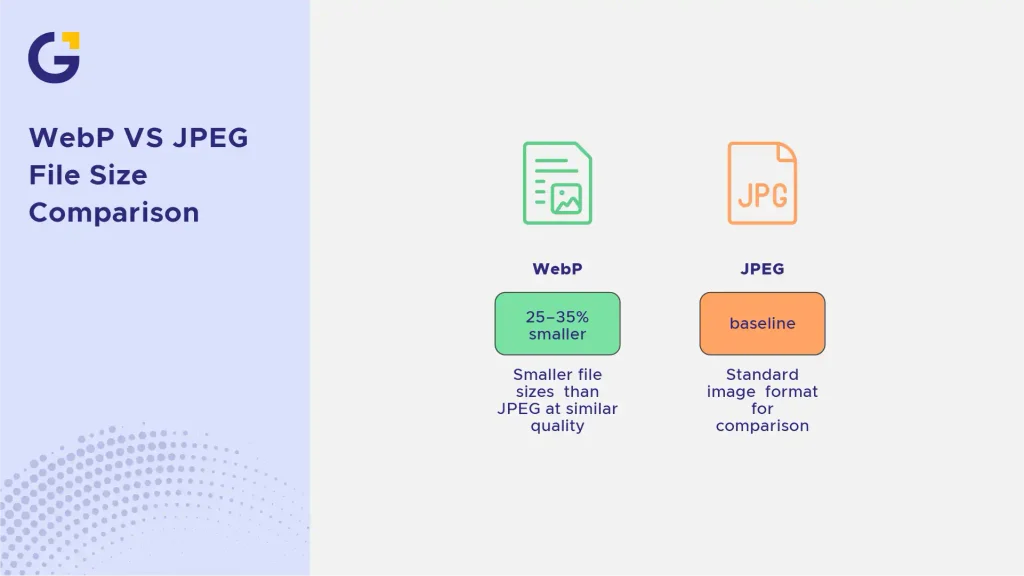
In the WebP vs JPEG SEO debate, WebP generally wins: it offers 25–35% smaller file sizes than JPEG at similar quality, according to Google Developers documentation, which directly benefits page speed and overall site performance.
Example Case: A fashion e-commerce site converts its product gallery from JPEG to WebP.
- Average image size drops from 400KB to 150KB per image.
- Largest Contentful Paint (LCP) improves by 1.2 seconds across product pages.
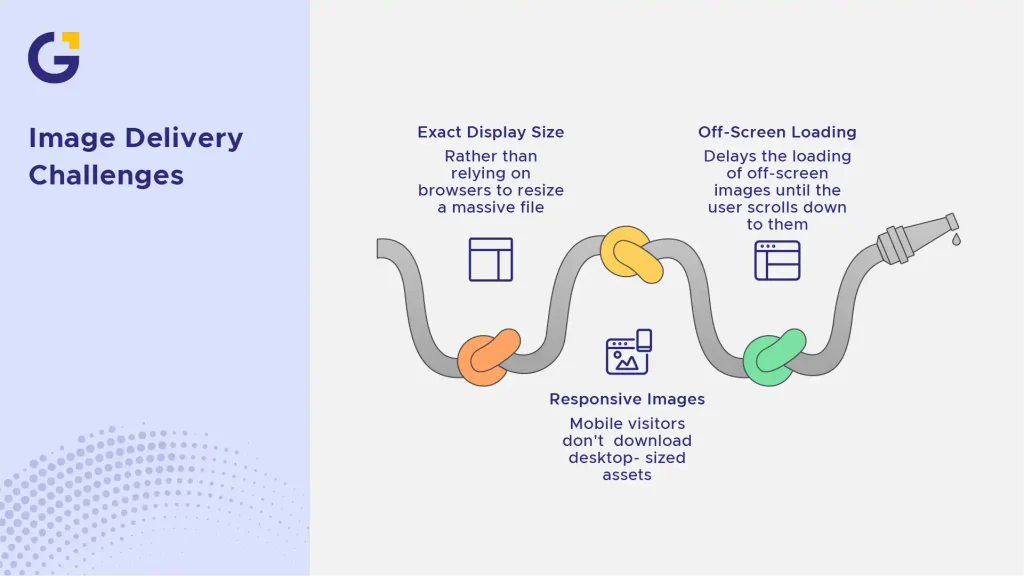
Image Dimensions, Responsive Images and Lazy Loading
Serving an image at its exact display size rather than relying on browsers to resize a massive file is critical for both speed and SEO. Responsive images use the srcset attribute to deliver tailored image dimensions based on the user’s device screen, ensuring mobile visitors don’t download desktop-sized assets.
Furthermore, implementing lazy-loading image SEO techniques delays the loading of off-screen images until the user scrolls down to them. This dramatically speeds up initial page render times and conserves bandwidth for your visitors. For more details on optimising mobile user experience, explore our guide on why your small business website is losing mobile visitors.
Adding Images to Your XML Sitemap
If your website uses JavaScript galleries, popups, or custom inline loading, search engine crawlers might miss your visual assets entirely. Adding images to your XML sitemap guarantees that Google discovers and indexes every crucial photo, graphic, and product image on your site.
You can extend your existing XML sitemap using specific Google image tags (such as <image: image> and <image: loc>). Ensuring comprehensive image sitemap SEO coverage is especially vital for e-commerce sites targeting competitive keywords, as it expands your reach across both main organic results and Google Images ranking.
How Image SEO Affects Core Web Vitals
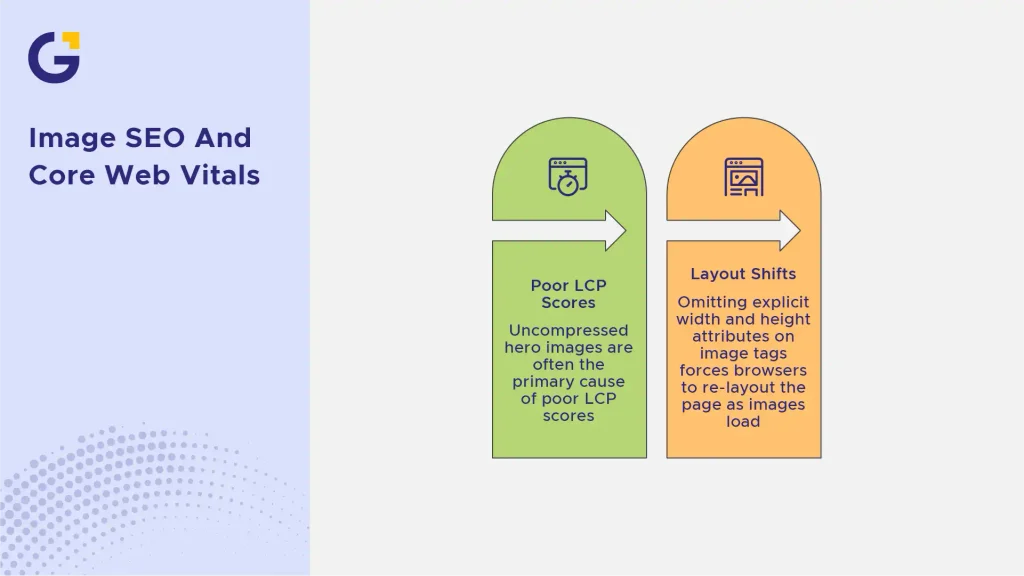
Executing a strategic image SEO plan directly impacts your Core Web Vitals scores, specifically Largest Contentful Paint (LCP) and Cumulative Layout Shift (CLS).
- LCP: Uncompressed hero images are often the primary cause of poor LCP scores. Compressing images and using WebP formats allows your main content to render significantly faster.
- CLS: Omitting explicit width and height attributes on image tags forces browsers to re-layout the page as images load, causing irritating visual jumps. Defining explicit image dimensions prevents layout shifts completely.
To dive deeper into technical metrics, check out our detailed guide on Core Web Vitals explained for Australian business websites. For official guidelines on web standards and layout stability, review the W3C Web Accessibility and Performance Standards.
Frequently Asked Questions
1. What should alt text actually include?
Alt text should include a concise, clear description of what is visually depicted in the image. Aim to describe the subject, key details, and context naturally in 125 characters or fewer, incorporating your target keyword only if it fits seamlessly.
2. Does image file size affect SEO rankings?
Yes, image file size directly impacts page load speed, which is an official Google ranking factor. Oversized images slow down loading times, lower Core Web Vitals scores, and lead to higher user bounce rates.
3. Is WebP better than JPEG for SEO?
Yes, WebP is generally better for SEO because it provides superior lossy and lossless compression. This results in significantly smaller file sizes without sacrificing visual quality, directly improving page loading speeds.
4. Do decorative images need alt text?
Decorative images (such as background flourishes, subtle dividers, or generic icons) should have an empty alt attribute (alt=””). This tells screen readers and crawlers to skip the image, preventing unnecessary clutter for visually impaired users and search engine bots.





 27 Oct 2026
 8 Min Read