


Most small business owners only think about their website twice: the day it launches, and the day something breaks. In between, forms stop working, plugins fall out of date, and pages quietly slow down without anyone noticing until a customer complains or leads dry up. Implementing a structured website maintenance checklist in Australia is what stops that gap from becoming a costly business disaster.
This guide breaks down exactly what to check, how often to check it, and when a task needs a developer instead of a quick DIY fix. Whether you run a WordPress site or a custom-built platform, maintaining high standards for small business website maintenance follows the same core principles.
Many businesses treat their site as a “set and forget” asset, but ongoing website maintenance and support for business websites is what actually protects your investment long after launch.
Why Website Maintenance Is Not Optional
A website is not a brochure you print once and forget. It’s a live system running on software that changes constantly. Plugins, themes, hosting environments, and browsers all update on their own schedules, whether you’re paying attention or not. Without a routine website health check, small technical glitches will compound quietly.
Skip maintenance long enough, and small issues turn into major bottlenecks. An outdated plugin becomes a security hole. A broken contact form becomes weeks of lost enquiries nobody knew about. Australian marketing experts like Sabri Suby constantly highlight that direct-response growth depends heavily on seamless lead funnels; even a single broken field kills conversion rates instantly.
Example Case: A Melbourne-based tradie business had a quote request form quietly fail after a plugin auto-updated. Nobody checked it for six weeks. By the time they noticed, an estimated 15–20 leads had gone unanswered.
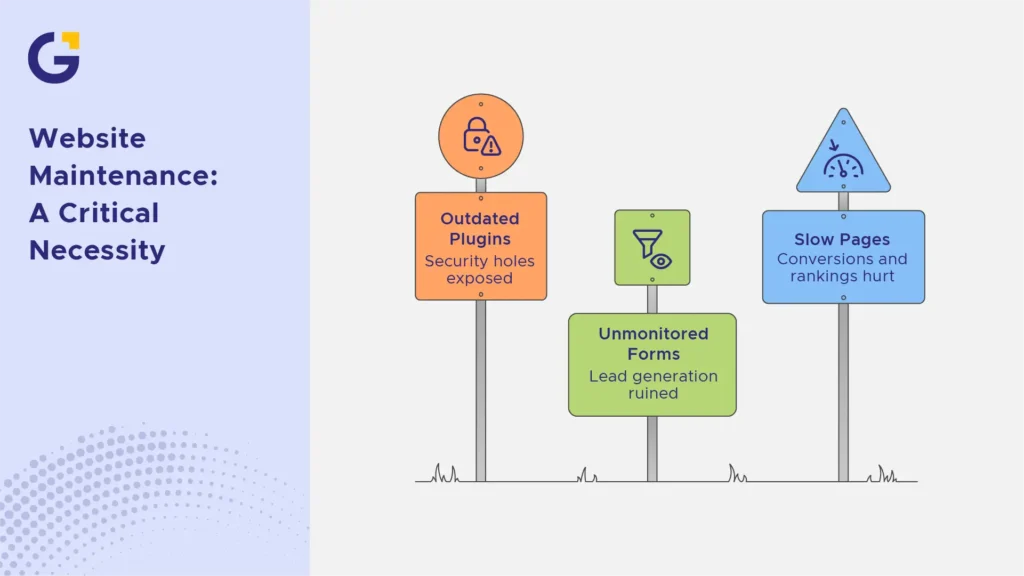
- Security patches left unapplied can expose customer data and fail a basic website security checklist
- Unmonitored forms can silently stop submitting, ruining your lead generation
- Slow, outdated pages hurt both conversions and search rankings, requiring immediate broken link check procedures and speed fixes
Monthly Maintenance Tasks
A disciplined monthly website maintenance routine forms the backbone of any reliable online presence. These regular checks catch issues early, before they affect customers or search visibility.
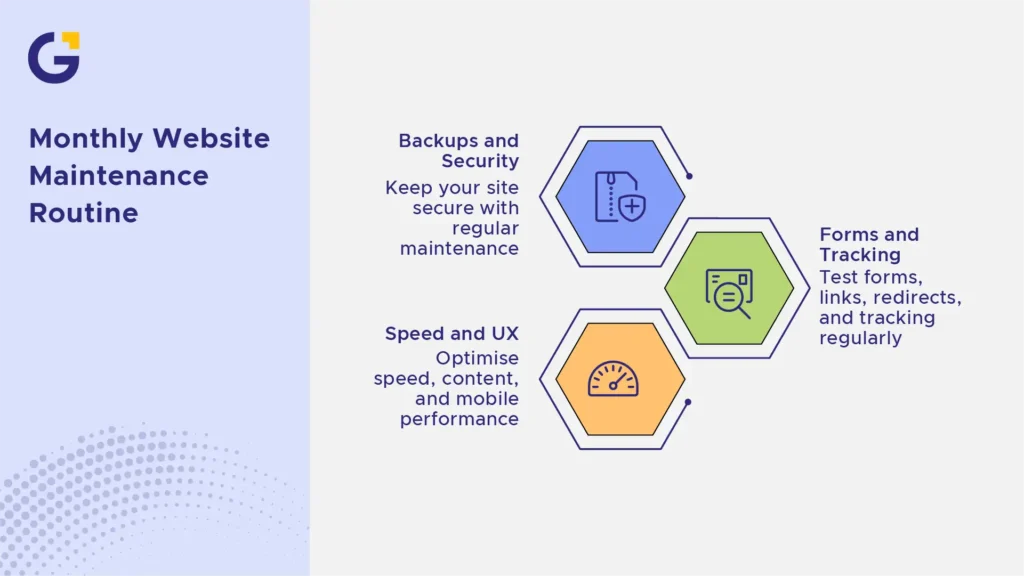
Backups, updates and security checks
Start every month with the fundamentals. These tasks protect the site if something goes wrong later.
- Confirm automated backups actually ran, passed a website backup checklist verification, and are fully restorable
- Apply CMS, theme, and plugin updates in a staging environment first to execute proper website security updates
- Run a comprehensive malware and vulnerability scan to maintain a strong website security checklist
- Check SSL certificate status, HTTPS security protocols, and renewal dates
- Review user access levels and remove unused admin accounts to prevent unauthorised access
Forms, links and tracking
Lead generation depends on these small technical details working every single day.
- Test all contact and quote forms end-to-end to ensure lead form reliability
- Check for broken internal and external links using an automated broken link check tool
- Confirm 301 redirects are working correctly after any content changes
- Verify that Google Analytics and conversion tracking are firing correctly across all channels
- Check tracking pixels for Meta and Google Ads campaigns to ensure active reporting
Speed, content and UX review
Performance and usability directly affect both rankings and how long visitors stay on site.
- Run a page speed test on key landing pages
- Check for outdated content, pricing, or contact details
- Review mobile responsiveness across major devices
- Scan for layout issues caused by recent updates
Quarterly Website Health Checks
Beyond monthly tasks, a broader technical review every quarter catches problems that build up slowly.
Example Case: A retail client’s quarterly audit revealed 40+ broken links from discontinued product pages that were still indexed by Google, quietly damaging user experience and crawl efficiency.
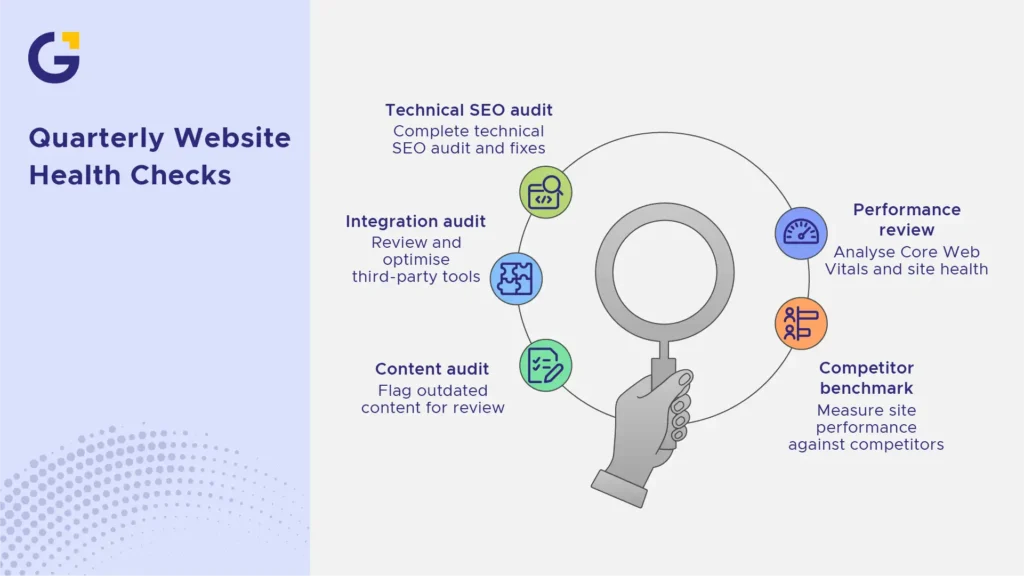
- Full technical SEO audit, covering crawl errors, sitemap accuracy, and indexing issues via technical website audit support
- Review of Core Web Vitals and overall site performance trends
- Audit of all third-party integrations and plugins for continued necessity
- Competitor benchmark review for speed, performance, and functionality
- Content audit to flag outdated blog posts or service pages needing updates
According to official Google Search Central guidance, page experience signals, including load speed and mobile usability, directly influence how content is ranked. This makes quarterly reviews a genuine SEO investment, not just administrative overhead. Furthermore, keeping your Google ecosystem optimised, including your Google Business Profile details, ensures consistent local traffic.
What to Monitor After Plugin or CMS Updates
Updates are necessary, but they’re also the most common cause of unexpected site breakage. Never assume an update went smoothly just because there’s no error message on screen.
After any WordPress core, theme, or plugin update, check these specifically:
- Front-end appearance across homepage, key landing pages, and forms
- Check out our booking functionality if e-commerce is involved
- Site speed, since some updates add bloat or conflicting scripts
- Console errors in browser developer tools
- Compatibility between updated plugins and existing custom code
If you manage a WordPress site, structured WordPress maintenance and optimisation reduces the risk of update-related downtime significantly. If your setup involves specialised platforms, consulting web development support ensures complex features remain stable.
When Maintenance Needs a Developer
Not every item on a website maintenance checklist can be handled in-house, and knowing the difference saves time and prevents bigger problems.
- Handle internally: content updates, basic plugin updates on staging, form testing, broken link checks.
- Call a developer for: security breaches, server-level errors, custom code conflicts, migration issues, or performance problems that persist after basic fixes.
Example Case: A professional services firm attempted a major CMS update themselves, which broke their database connection and took their primary lead generation engine offline for nearly 48 hours. Partnering with an experienced team for website maintenance in Australia prevents these high-risk errors before they impact revenue.
Website Maintenance Checklist
To keep your online presence running without surprises, SEO authorities like Neil Patel emphasise that consistent site health maintenance is just as critical as creating new content. Use this practical website maintenance checklist as your recurring roadmap:
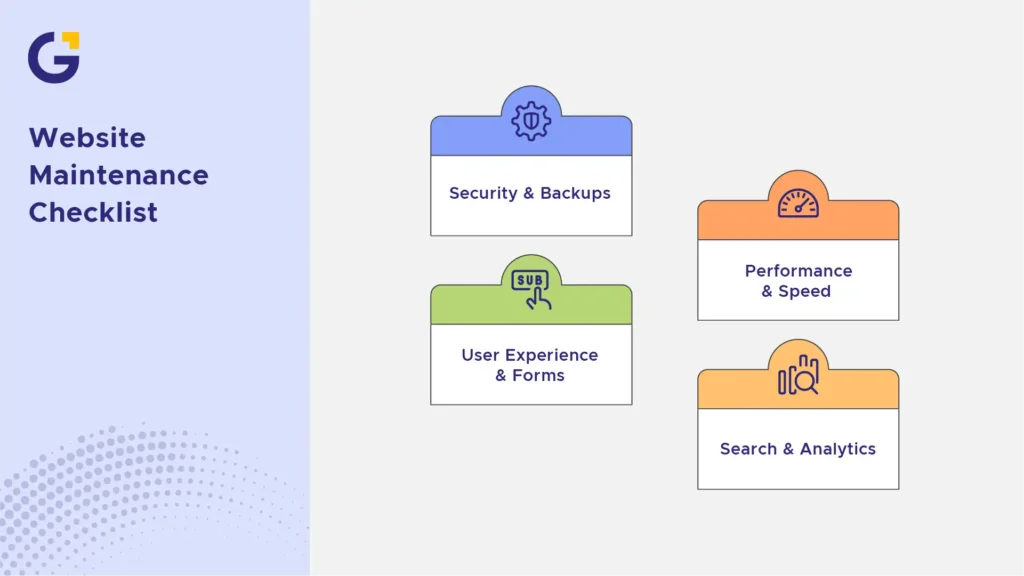
1. Security & Backups (Monthly)
- Run full database and file backups.
- Test backup restoration in a staging area.
- Apply security patches for core CMS and plugins.
- Run an automated malware scan.
2. Performance & Speed (Monthly & Quarterly)
- Test Core Web Vitals (LCP, FID/INP, CLS).
- Compress newly uploaded images and media.
- Check server uptime logs via website uptime monitoring.
3. User Experience & Forms (Monthly)
- Submit a test enquiry on all contact forms.
- Test e-commerce checkout and payment gateways.
- Scan for broken internal links and 404 errors.
4. Search & Analytics (Quarterly)
- Audit Google Search Console for indexing errors.
- Verify tracking tags and Google Analytics conversion goals.
- Update outdated content, copyright years, and business details.
Staying proactive with your website health check protects your search rankings, guards your customer data, and guarantees that every visitor has a smooth experience. If you would rather focus on growing your business while experts handle the technical heavy lifting, explore our dedicated website support packages today.
FAQs
What is website maintenance, and why is it important for small businesses?
Website maintenance is the ongoing process of keeping a website secure, fully functional, fast, and updated after launch. For Australian small businesses, regular maintenance prevents security breaches, broken contact forms, slow loading speeds, and lost customer enquiries.
How often should a business website undergo maintenance?
Essential security checks, backups, and form tests should be performed monthly. A broader technical health check, including speed audits and broken link checks, should be completed quarterly or immediately after major software updates.
What happens if you neglect website maintenance?
Neglecting maintenance leads to compounding technical issues: outdated plugins become security vulnerabilities, broken forms silently drop leads, pages become slow, and Google may downgrade your search rankings due to poor page experience.
How does website maintenance directly impact SEO rankings?
Maintenance directly impacts SEO by ensuring high Core Web Vitals (speed and responsiveness), fixing 404 errors, maintaining clean site architecture, and preventing downtime. Google explicitly penalises insecure or broken pages in search results.
Why are automated website backups essential?
Automated backups serve as an immediate safety net. If a plugin update breaks your site, a server crashes, or a security threat occurs, recent backups allow you to restore your website quickly without losing data or revenue.
Can website maintenance be fully automated?
While tools can automate backups, malware scans, and uptime monitoring, tasks like applying plugin updates, testing interactive lead forms, and fixing layout glitches still require human review and developer expertise.





 22 Jul 2026
 7 Min Read