

A visitor lands on your website, scrolls for fifteen seconds, and leaves without calling or filling out your form. No error message, no obvious problem. They just did not feel confident enough to take the next step. This is one of the most common and least discussed reasons Sydney small businesses lose enquiries, and it usually comes down to missing website trust signals Sydney visitors are quietly looking for.
Trust signals are not decoration. They are the proof points that answer the questions a visitor is silently asking: Is this business real? Have other people used them? What happens if something goes wrong? When a website answers these questions clearly, visitors move from browsing to enquiring. When it does not, they leave and try a competitor instead.
This guide breaks down exactly what conversion trust signals matter, where they should sit on your site, which ones backfire, and how they influence SEO, ads performance, and conversion rates.
Want a second opinion on your current site? Partnering with an expert team for a conversion-focused website design is a practical first step before launching new campaigns.
Why Trust Signals Affect Enquiries
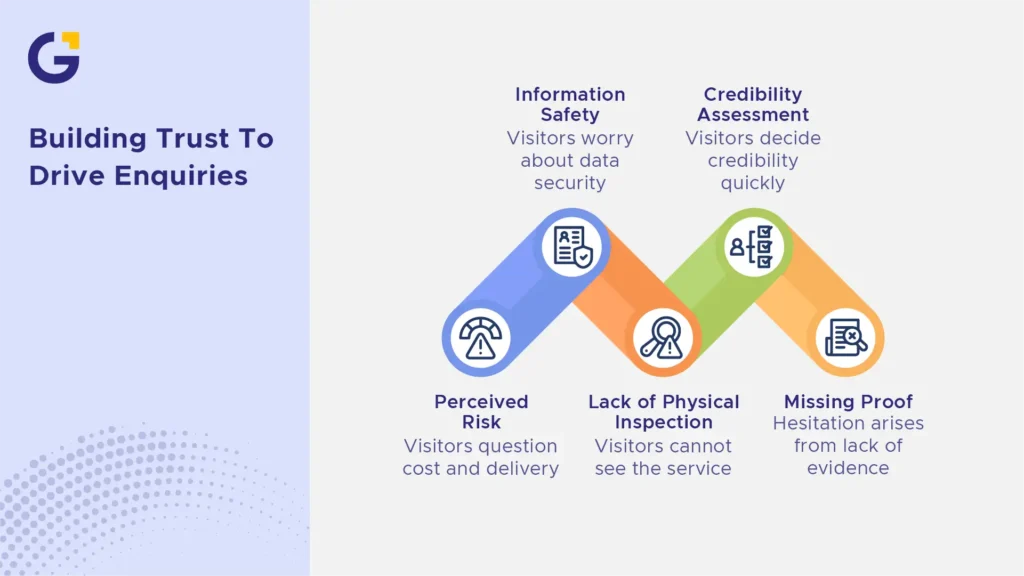
Every website visitor is weighing up the risk before they contact a business. Will this cost more than expected? Will they actually deliver? Is my information safe with them? Trust signals for small business website layouts reduce that perceived risk, which directly affects whether someone submits a form or picks up the phone.
This matters more for service businesses than product-based ones, because visitors cannot physically inspect what they are buying. A tradesperson, consultant, clinic, or agency is really selling conversion trust and capability, and the website is often the only impression a potential customer gets before deciding to reach out to bypass any enquiry friction.
Example Case: A Sydney electrician’s website had strong traffic from local search but a low enquiry rate. After adding licence numbers, before-and-after job photos, and a Google reviews widget near the quote form, enquiries increased noticeably within weeks, without any change to traffic volume.
- Visitors decide website credibility signals within seconds of landing on a page.
- Missing proof creates hesitation, even if the business is genuinely reliable.
- Trust signals work alongside website design Sydney frameworks, not instead of them
Trust Signals to Check First
Not all trust signals carry equal weight. Some build immediate brand credibility, while others are easy to overdo or get wrong. Start with the three categories that influence enquiry decisions the most.
Real reviews and testimonials
Genuine reviews on website pages are one of the strongest conversion tools available to small businesses. Visitors trust the experiences of other customers far more than a business’s own claims about itself.
The keyword is genuine. Reviews should include real names, specific details, and, where possible, links back to the original platform, such as Google or industry directories to strengthen those review signals.
Example Case: A Sydney physiotherapy clinic embedded live Google reviews directly on its homepage instead of using static screenshots. This small technical change made the reviews feel current and verifiable, which visitors noticed.
- Use full names or first name plus suburb where permitted.
- Link to the original testimonials or review platform when possible
- Avoid rewriting or trimming reviews to sound more polished
Case studies, portfolio and service proof
Reviews tell visitors that people liked working with a business. Service proof shows how the business actually works and what results look like. This is especially important for higher-cost services like renovations, consulting, marketing, or legal work.
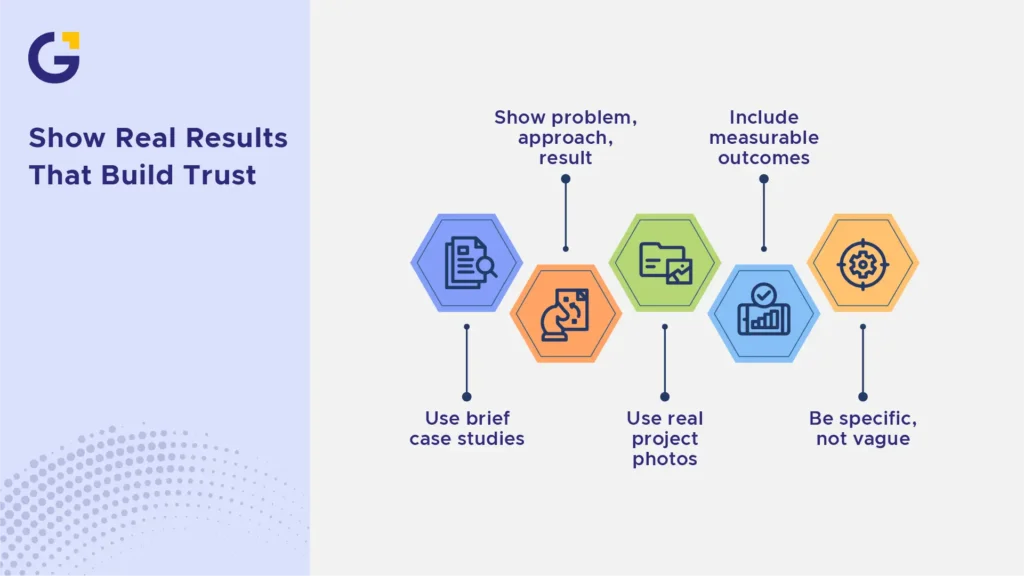
A simple case studies website block does not need to be lengthy. It needs a clear before, during, and after structure that shows real thinking and outcomes using authentic portfolio content.
Example Case: A small Sydney marketing consultancy added three short case studies, each outlining the client’s starting problem, the approach taken, and the measurable result. Time on page for the services section increased significantly.
- Include the problem, the approach, and the outcome.
- Use real project photos rather than generic stock imagery.
- Keep language specific rather than vague (“increased enquiries by 40%” beats “great results”)
Clear contact details, policies and security
This category is the most overlooked, yet it is often what stops a visitor from converting at the final step. A visible phone number, real address, ABN, privacy policy, and secure website signals all reassure customer objections.
These elements matter even more for businesses handling payments, personal data, or bookings online.
Example Case: A Sydney home services business added its ABN, a physical service area map, and an SSL certificate badge near its contact form. Form abandonment dropped noticeably after the update.
- Display phone number and email in the header or footer, not buried in a menu
- Include a privacy policy and, if relevant, refund or service guarantee terms
- Ensure the site uses HTTPS and shows the padlock icon in the browser bar
Where Trust Signals Should Appear on a Website
Placement matters as much as content. A testimonial buried on a rarely visited page does very little. Trust signals need to sit near the moments when visitors are deciding whether to proceed.
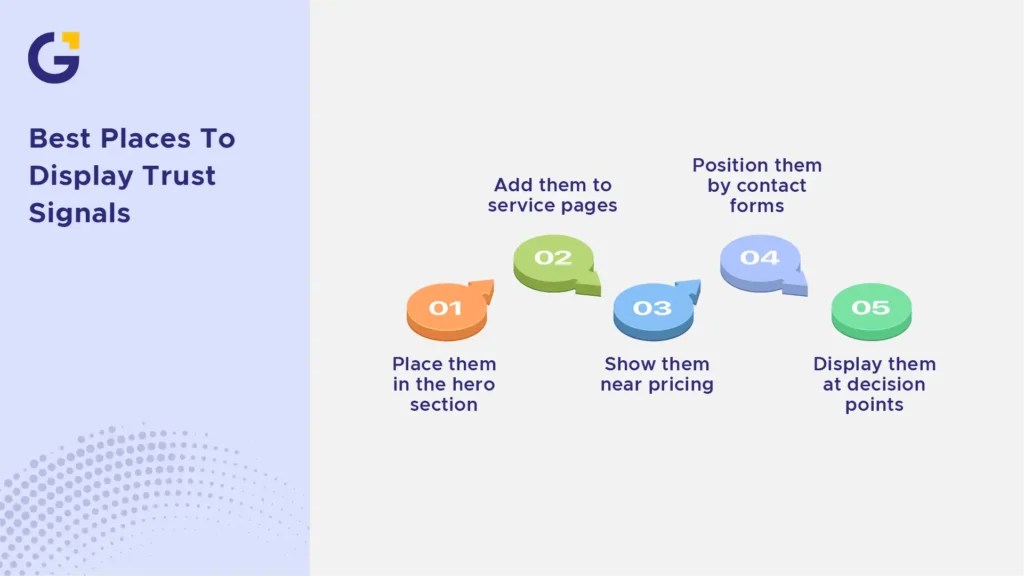
The strongest placements are the hero section, service or pricing pages, near contact forms, and directly aligned with action buttons. Placing trust signals below form fields helps reduce anxiety right at the moment of submission, ensuring a smooth path to conversion. Integrating strategic UI/UX design that improves website trust ensures these indicators guide the eye naturally, rather than creating visual clutter.
Trust Signals That Feel Fake or Overdone
Not all attempts at building credibility succeed; in fact, over-optimised layouts can trigger a visitor’s internal spam filter. Generic, smiling stock imagery used to represent your ‘local team’ immediately feels dishonest to local visitors. Similarly, displaying unverified badges like ‘As Seen On’ NBC or Fox for a strictly local Sydney business reduces authenticity rather than improving it.
Example Case: A commercial cleaning company in Parramatta replaced their stock photos of models holding mops with authentic team photos taken on real job sites. Their bounce rate dropped by 18% in the following month, showing that modern users demand transparency.
- Avoid generic stock photography for staff or portfolio sections
- Never display fake accreditations or unlinked platform badges
- Keep testimonials balanced; 100% flawless five-star reviews without any specific detail look fabricated
How Trust Supports SEO, Ads and CRO
Building trust isn’t just about appealing to humans; it deeply impacts your technical performance. From a conversion optimisation perspective, trust signals reduce user bounce rates and increase dwell time, which are critical signals for organic algorithms. Furthermore, paid traffic from Google Ads converts at a much higher rate when landing pages instantly validate your business’s legitimacy with visible licenses and guarantees.
According to search guidelines, demonstrating clear experience, expertise, authoritativeness, and trustworthiness (E-E-A-T) protects your site from algorithmic quality downgrades. When you combine robust trust factors with an agency like Genix Digital, your small business website stops losing traffic and starts capturing real revenue.
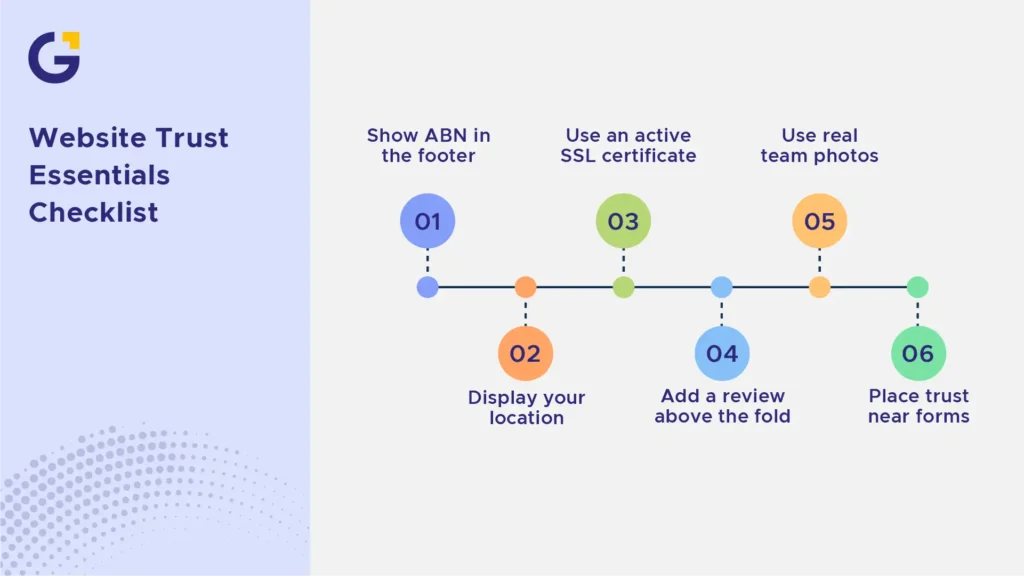
Trust Signal Checklist for Small Businesses
To evaluate your current setup, use this quick website credibility checklist during your next business website redesign:
- Verify your ABN and physical location are clearly visible in the footer.
- Implement an active SSL certificate to display secure website signals across all browsers.
- Place at least one high-value client testimonial or review signal above the fold.
- Create an About Page trust section featuring actual photos of the founders or local team.
- Audit all form placements to ensure the trust proof sits adjacent to the submission button.





 23 Mar 2026
 8 Min Read