

Many business owners are asking what makes a good website in 2026 because customer expectations are changing fast. People now compare every site they visit to the experience they get on platforms like Amazon, Canva, Netflix, and Service NSW. When a site loads slowly or feels confusing, most users leave in seconds. This shift has pushed searches for good websites and website trends in 2026 to rise across Australia.
Reports from HubSpot and Adobe show that users make decisions much faster than they did even a few years ago. A modern site must load fast, work on every device, include a clear UX, and support the way people search today. With AI updates from Google and Apple shaping how users find information, businesses need modern website features that support trust, speed, and simple journeys. If a site feels outdated, users notice immediately.
In simple terms, a good website in 2026 loads fast, answers questions clearly, and guides users to take action without friction. In this blog, you will learn the features that matter most and how to plan a site that supports growth in 2026.
The Changing Role of Websites in 2026
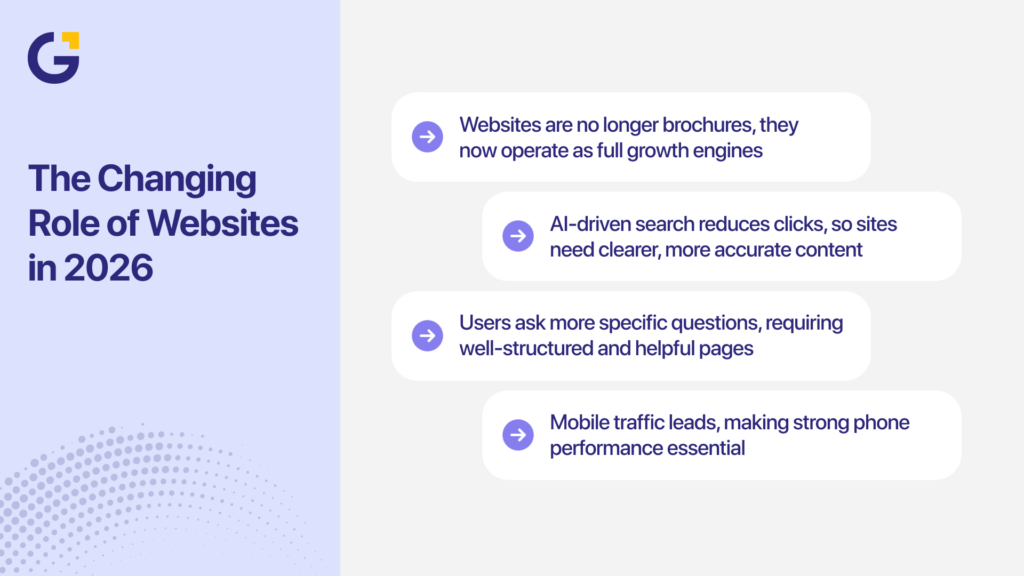
A website used to act like a brochure. It lists services, contact details, and maybe a basic form. In 2026, a good website is a growth engine. It supports sales, marketing, customer service, and data collection in one place. It needs to work well for humans and for search engines, including AI-driven results.
Google’s AI Overviews and other AI summaries now appear on a rising share of search results. Studies from Search Engine Journal show that when these AI summaries appear, some sites lose between 34 and 46 percent of clicks, because users get answers at the top of the page instead of scrolling down. This shift has pushed more brands to invest in content that is accurate, clear, and helpful enough to be surfaced by AI systems.
BrightEdge data from 2026 shows that longer, complex queries have grown by 49 percent, while simple ranking queries like “best tools for X” are dropping. Users are asking more specific questions, and they expect direct, useful answers. A good website in 2026 needs content and structure that match these habits.
At the same time, mobile traffic continues to lead. According to the Exploding Topics data, as of mid-2026, mobile devices account for more than 64 percent of global website traffic, with Oceania sitting above 50 percent mobile share. That means your site is more likely to be viewed on a phone than a desktop, especially for first visits from search or social.
How does this change what your website must do?
In 2026, your site needs to:
- Answer real questions in plain language, so it can work with AI Overviews and standard search results.
- Guide users from awareness to enquiry or purchase without friction.
- Act as a central hub for marketing: SEO, paid ads, email, and social.
- Support tracking, so you can see what works and where users drop off.
- Feel fast, safe, and easy to use on any device.
For example, a Sydney accounting firm notices that traffic from Google dropped after AI Overviews rolled out on more “how to set up a business” searches. They respond by:
- Publishing stronger how-to guides with clear headings and step-by-step lists.
- Adding “Ask a question” forms on key pages.
- Improving internal links to keep users on-site.
Within a few months, they regain traffic for more specific queries and increase enquiries from users who do click through.
The role of your site is no longer just to “be online.” It must help people decide, take action, and come back.
Core Elements of a Good Website in 2026
If you want a good website in 2026 style, you need to bring together UX, content, SEO, performance, and trust in a single system. Website trends in 2026 are not just about visual style. They are about how well your site helps users complete tasks.
Here are the core elements you need to cover:
| Area | What it covers | Why it matters in 2026 |
| UX and UI | Layout, menus, forms, interaction | Drives conversions and ease of use |
| Mobile-first design | Phone-led layouts and testing | Most visits start on mobile |
| Website performance optimisation | Load time, code, hosting, CDNs | Direct link to bounce rate and SEO |
| Accessibility | Colour contrast, text size, alt text | Legal risk and wider audience reach |
| Website security and trust signals | SSL, policies, reviews, badges | Affects form fills and sales |
| SEO strategy for 2026 | Structure, internal links, schema | Helps users and AI find your content |
| AI in websites | Chatbots, smart search, personalisation | Matches how users expect tools to behave |
| Website personalisation tools | Content and CTAs that adjust to user needs | Helps with engagement and repeat visits |
A modern website with strong UX and UI in modern websites will address each area at a practical level, not just at a design or “look” level.
User Experience (UX) and Interface Design
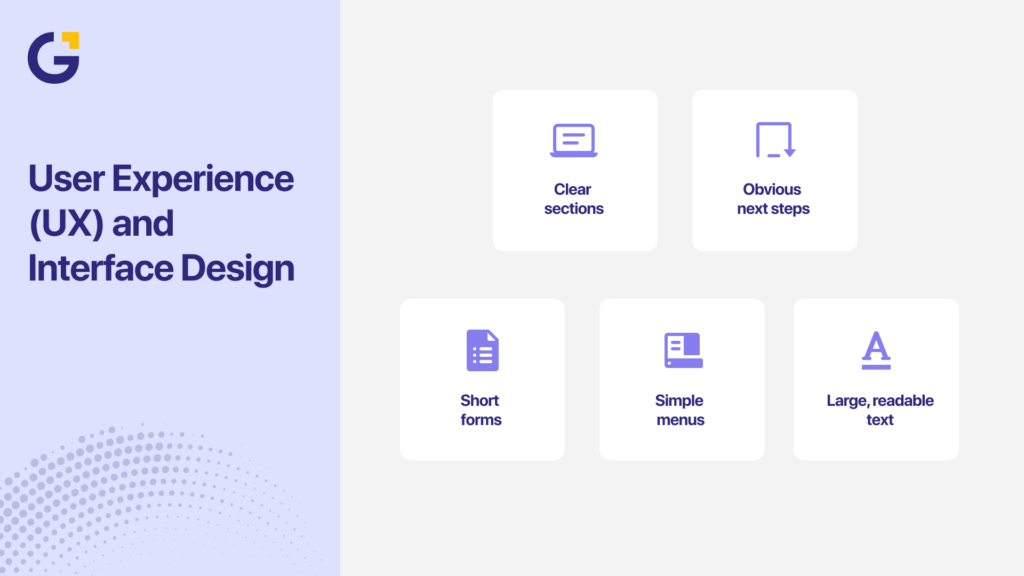
Good UX and UI decide whether visitors feel in control or lost. UX covers the journey. UI covers the look and feel of each page. In 2026, users are used to the level of clarity they see on sites from Apple, Atlassian, Xero, Canva, and Netflix. They expect:
- Clear sections
- Obvious next steps
- Short forms
- Simple menus
- Large, readable text
Forrester Research shows that a well-crafted user interface can boost website conversion rates by up to 200 percent. These numbers show why UX is not just a design issue. It is a revenue issue.
UX and UI improvements are often the fastest way to get better results from existing traffic.
Mobile-First and Multi-Device Optimisation
Mobile-first design is how people actually browse in 2026. Mobile devices now generate most web traffic worldwide, and users leave quickly when a site is cramped or slow on a phone. This reality has made mobile-first design one of the core website design best practices in 2026.
A mobile-first layout starts with small screens, then scales up to tablet and desktop. Pages should use a simple single-column layout on phones, clear menus, thumb-friendly CTAs, and body text of at least 16 px. Forms must be short enough to complete on a phone. Tools like Google’s PageSpeed Insights help you check mobile performance and highlight issues such as tiny text, crowded buttons, heavy sliders, or desktop menus that do not work well on touch screens.
For instance, a law firm in Melbourne notices that most visitors come from mobile devices, but very few submit enquiry forms. On review, they find:
- Their contact form asks for too many details.
- Phone numbers are not clickable.
- The menu hides important pages.
They fix these issues and add a clear “Request a callback” button on every page. Within a quarter, completed forms from mobile users doubled.
Mobile-first design does not mean mobile only. It means making sure the phone experience is solid before you refine the desktop.
Website Speed and Performance
Speed is one of the most important parts of website performance optimisation. Users feel speed before they notice design. If your site feels slow, they do not wait to see the rest. Google says “The probability of bounce increases 32 percent as page load time goes from 1 second to 3 seconds.”
Key performance metrics to track
| Metric | Target | Why it matters |
| Time to First Byte (TTFB) | Under 0.5 seconds | Shows server speed |
| Largest Contentful Paint (LCP) | Under 2.5 seconds | Core Web Vitals metric |
| Total Blocking Time (TBT) | As low as possible | Affects how “snappy” the site feels |
| Cumulative Layout Shift (CLS) | Close to 0 | Prevents layout jumps on load |
Practical steps to improve speed
- Hosting: Choose reliable hosting that delivers strong performance instead of the cheapest option. Using local servers for Australian traffic can also reduce load times for local users.
- Images: Compress your images using tools like TinyPNG or built-in CMS plugins to reduce file size. Use modern formats like WebP when possible, and apply lazy loading so images below the fold only load when needed.
- Code and scripts: Remove any plugins or scripts that you do not use, since each one adds extra load. Combine and minify CSS and JavaScript files when it is safe to do so, and load analytics or third-party scripts after the main content has loaded.
- Content Delivery Network (CDN): Use a CDN to deliver content from servers closer to the user. This reduces delays for visitors across different regions and improves consistency in page speed.
Speed gains often come from removing or trimming features, not adding more.
Accessibility and Inclusivity Standards
Accessibility is not only about legal compliance. It is about making your website usable to more people. This includes users with low vision, colour blindness, motor limits, reading difficulties, or those using assistive tech.
Global guidelines like the Web Content Accessibility Guidelines (WCAG) set clear targets for text contrast, keyboard navigation, and content structure. Many governments and large brands now treat these as standard practice, and users are starting to expect the same from smaller sites.
Accessible sites also tend to be easier for everyone to use. Clear headings, readable fonts, and simple layouts support both accessibility and UX.
Core accessibility practices
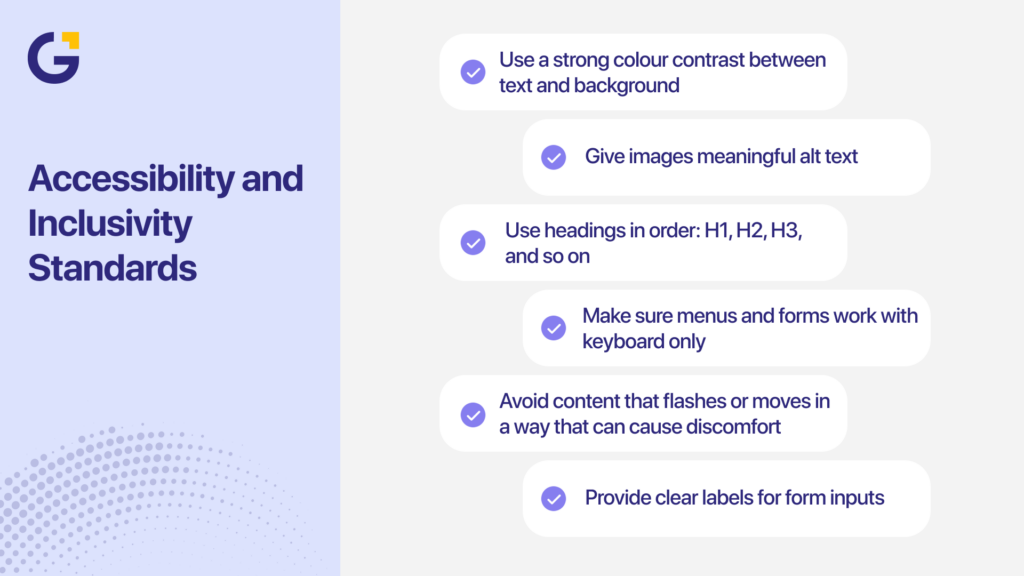
- Use a strong colour contrast between text and background.
- Give images meaningful alt text.
- Use headings in order: H1, H2, H3, and so on.
- Make sure menus and forms work with keyboard only.
- Avoid content that flashes or moves in a way that can cause discomfort.
- Provide clear labels for form inputs.
Accessibility should not be an afterthought. When built into the process, it improves the overall quality of the site.
Security, Privacy, and Trust Factors
Security and trust signals influence whether users stay on your site, submit a form, or make a purchase. People are more cautious with personal data, and even small issues like missing HTTPS or unclear contact details can cause them to leave.
Core security practices for 2026:
- HTTPS on all pages: Install and renew SSL certificates and avoid mixed content warnings.
- Safe data handling: Keep your CMS, plugins, and themes updated, use strong passwords, and enable multi-factor authentication for admin access.
- Trusted payments: Use secure gateways like Stripe or PayPal instead of custom-built payment logic.
- Backup and recovery: Run regular offsite backups and test restore processes so you can recover quickly if needed.
Trust signals users look for:
- Clear contact details, including phone and email
- Physical address and ABN for Australian businesses
- Links to privacy policy and terms of use
- Recent reviews or case studies
- Recognised payment and security badges
Security and trust often decide whether a visitor becomes a customer or leaves your site without taking action.
SEO and Content Strategy in 2026
Search behaviour in 2026 looks different from the past decade. People type longer questions, use AI tools, and expect clear answers fast. A good website in 2026 needs an SEO strategy that supports both search engines and AI systems that summarise web content. This means clean structure, helpful content, and signals that show your site is reliable.
Ahrefs found that most keywords people search for are long-tail phrases with low monthly search volume. These queries tend to be more specific and reflect real user intent, which makes them valuable for SEO in 2026.
Google’s Search Relations team also highlights three major ranking priorities for 2026: clear intent matching, strong page experience, and helpful content backed by expertise. These updates link directly to how AI tools such as ChatGPT, Perplexity, and Google’s Overviews pull information.
A strong SEO strategy for 2026 has three layers:
- Technical clarity so your pages load fast and send the right signals.
- Content that answers questions in simple language.
- Structure that helps users and AI understand how topics connect.
A site that follows these layers is more likely to appear in AI Overviews, standard Google results, and voice-led tools.
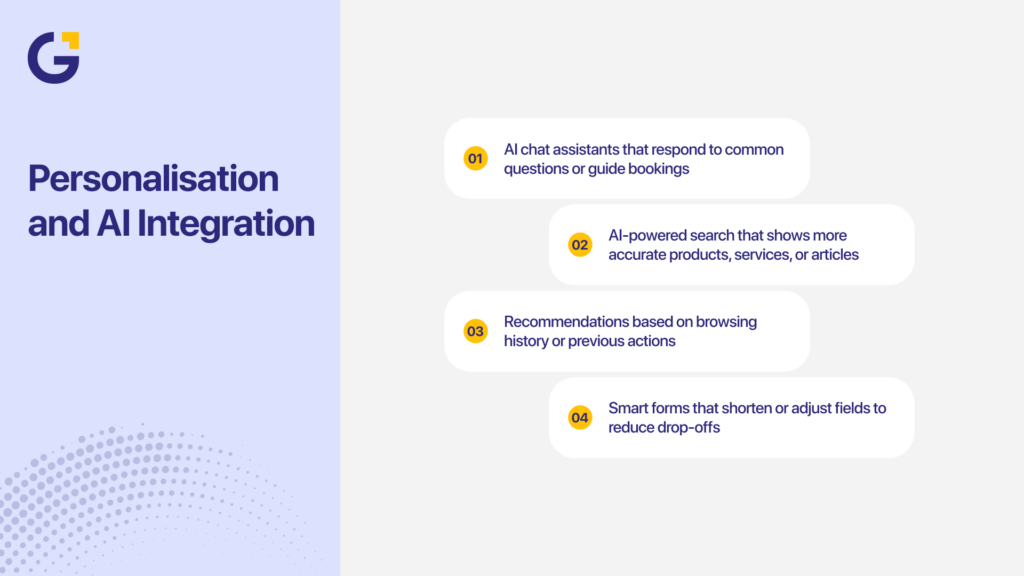
Personalisation and AI Integration
AI in websites has become an expectation in 2026, with users wanting faster support, smarter search, and content that feels relevant. Brands like Shopify, Canva, and HubSpot use AI-driven chat tools, recommendations, and personalised content to guide users smoothly. Smaller Australian businesses can apply the same approach to improve engagement and reduce friction. AI supports a good website in 2026 through personalised suggestions, quicker answers, and forms that adjust to user behaviour.
Practical AI uses that work well for SMEs:
- AI chat assistants that respond to common questions or guide bookings
- AI-powered search that shows more accurate products, services, or articles
- Recommendations based on browsing history or previous actions
- Smart forms that shorten or adjust fields to reduce drop-offs
AI should make your website clearer and easier to use, not overwhelm visitors or replace real human support.
Future-Ready Technologies (Voice, AR, Automation)
Future-ready websites support how people search and make decisions in 2026, and three technologies now play a practical role for businesses of all sizes:
- Voice search: More users ask questions through Siri, Google Assistant, and Alexa, so content should use natural, question-based headings and short answers that AI tools can read easily.
- Augmented reality (AR): Browser-based AR previews help users see products, spaces, or service outcomes before enquiring, similar to how IKEA and Specsavers use AR to build confidence.
- Automation: Tools for online bookings, follow-up emails, SMS reminders, and review requests reduce manual work and guide users from interest to enquiry more smoothly.
These features make websites more helpful, efficient, and aligned with how people interact online today.
Data Analytics and Continuous Improvement
A website in 2026 should update based on data, not guesswork. User behaviour changes often, and your site needs to adjust to it. When businesses review their analytics monthly, they fix problems sooner and convert more visitors.
Tools like GA4, Microsoft Clarity, Hotjar, and server logs help you see what users do on your site. These insights show:
- Pages that load slowly
- Forms that users stop filling out
- Menus that cause confusion
- Sections where users stop scrolling
- Channels that bring the most engaged visitors
A simple improvement cycle works well for most teams:
- Review traffic and user behaviour each month.
- Spot friction points such as slow pages, broken links, or confusing layouts.
- Make small adjustments to content, forms, and navigation.
- Review results after changes to confirm improvements.
When a site is reviewed regularly, performance improves steadily. You get better insights, fewer surprises, and a site that matches how users behave today.
Common Mistakes to Avoid
Many websites fail for predictable reasons. Fixing these issues often improves results before adding advanced features.
- Unclear structure. When headings or menus do not make sense, users struggle to find what they need. Clear structure helps users move quickly and reduces frustration.
- Slow hosting. Cheap hosting slows everything down, especially during busy times. Slow sites lose traffic and conversions.
- Walls of text. Large blocks of text without spacing or headings cause users to skim or leave. Short paragraphs and clear subheadings improve reading flow.
- Confusing CTAs. When a page has too many buttons or vague labels, users don’t know the next step. Clear, simple CTAs improve actions.
- Outdated content. Old blog posts, expired offers, and dated service descriptions reduce trust. Users expect current information.
- No security signals. Missing HTTPS, unclear contact details, and absent policy links make users hesitate before submitting forms.
- Poor mobile layout. Text that is too small, buttons that sit too close together, or menus that are hard to tap create a bad mobile experience. This is one of the main reasons users leave fast.
Avoiding these mistakes gives your website a stronger baseline before you add advanced features or automation.
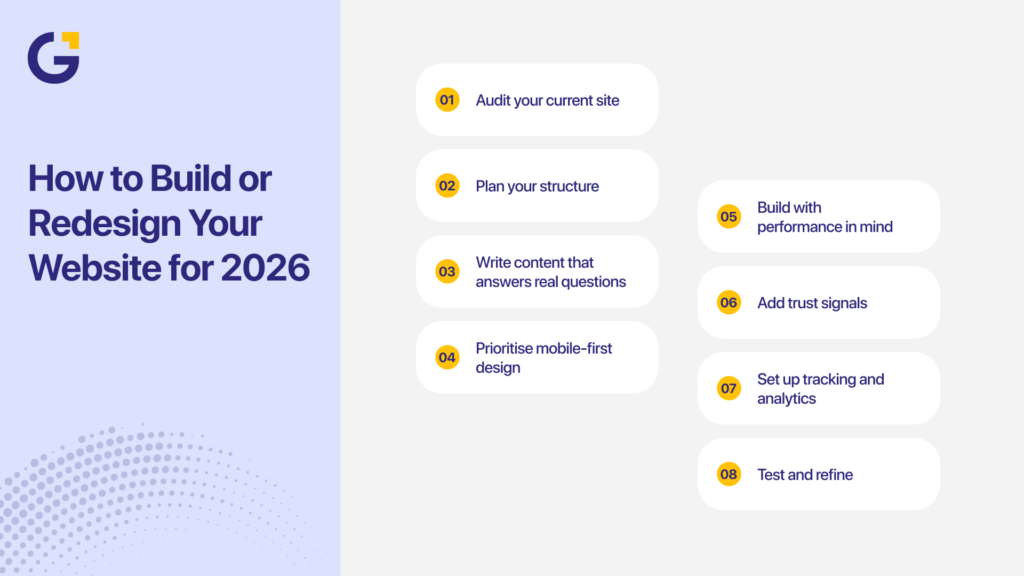
How to Build or Redesign Your Website for 2026
A good website in 2026 needs a simple, structured plan. Most Australian SMEs can follow the same blueprint and get strong results without guessing.
- Audit your current site. Check your speed, SEO structure, mobile experience, content quality, and UX. Tools like PageSpeed Insights, Screaming Frog, and GA4 reveal what needs fixing.
- Plan your structure. Map the core pages your site needs: Home, Services, Locations, About, Contact, Blog, and FAQs. This structure gives users and search engines clear paths.
- Write content that answers real questions. Use plain language. Match what people search for. Add examples, simple steps, and short explanations.
- Prioritise mobile-first design. Start with mobile layouts before designing desktop versions. Focus on clear menus, thumb-friendly CTAs, readable text, and short forms.
- Build with performance in mind. Choose strong hosting, compress images, reduce plugins, and keep code clean.
- Add trust signals. Include your ABN, physical address, reviews, and policy links in visible positions.
- Set up tracking and analytics. Install GA4, heatmaps, and event tracking so you can understand user behaviour and measure results.
- Test and refine. Test your forms, CTAs, menus, and mobile settings. Then review again after changes. Small adjustments often deliver large gains.
How Genix Digital Can Help You Stay Ahead
Genix Digital helps Australian businesses build websites that support growth, enquiries, and simple user journeys. The team focuses on long-term results, not just design. Genix covers strategy, UX, development, content, SEO, and ongoing support.
Genix can assist with:
- Website strategy that supports business goals
- Mobile-first UX and UI
- Custom WordPress, Shopify, and Webflow builds
- Performance and speed improvements
- SEO foundations and structure
- AI-ready content frameworks
- Monthly reporting and optimisation
Clients work with Genix because they want a partner who understands small and medium business needs. Genix works across trades, medical clinics, real estate, professional services, ecommerce, and finance. The goal is always the same: better user journeys, stronger leads, and a site that grows with the business.
If your site is outdated or not converting, the team can review your current setup and give clear steps for improvement.
Conclusion
A good website in 2026 needs clear UX, strong speed, mobile-first layouts, and content that answers real questions in simple language. AI tools, voice search, and changing user habits mean your site must guide visitors quickly and build trust from the first interaction. When these elements work together, your website becomes a reliable driver of enquiries and long-term growth.
If you want support in improving your website, you can book a free consultation with Genix Digital. Our team can review your current site, explain what upgrades will make the biggest difference, and give you a clear roadmap that aligns with your goals. This helps you focus your budget on changes that bring real results.
FAQs
Q1. Do you still need a website in 2026?
Yes. A website remains the main place customers check for services, pricing, credibility, and contact details. Social media and AI tools help raise awareness, but businesses still rely on future-ready websites for trust, enquiries, bookings, and long-term growth.
Q2. What is the most used website in 2026?
Google continues to be the most visited website in 2026, followed by YouTube and Facebook. These platforms shape user expectations for speed, clarity, mobile-first design, and simple navigation, influencing how people judge every business website they visit.
Q3. What is the website trend design for 2026?
Website trends in 2026 focus on mobile-first layouts, fast loading, simple navigation, clear typography, strong accessibility, and AI-supported features like smart search and personalised suggestions. Users prefer clean sections, short forms, and designs that support quick decisions without friction.
Q4. What is the best way to build a website in 2026?
Start with a clear structure, mobile-first layout, fast hosting, and simple content that answers user questions. Use strong UX, short forms, trusted payment tools, and clean code. Add tracking, SEO structure, and regular updates to keep performance high.
Q5. Is web design still in demand in 2026?
Yes. Businesses of all sizes still need clear, fast, modern websites that support search, AI tools, mobile users, and online enquiries. Web design remains in demand because it shapes trust, user experience, conversions, and how well a brand performs online.





 1 Dec 2025
 9 Min Read