
Why UI/UX Matters More in B2B Than You Think
When Slack redesigned its onboarding flow in 2024, it increased team activations by 32%. That’s the power of good UI/UX, especially in B2B, where decisions take longer and involve multiple stakeholders.
For Australian B2B companies, UI/UX for B2B businesses is no longer just about aesthetics. It’s about guiding users through a logical, trust-building experience that turns curiosity into conversions. According to HubSpot, 88% of online users won’t return to a site after a poor experience, a costly mistake for any business targeting high-value leads.
In this article, we’ll break down ten proven page patterns that help B2B websites generate more qualified leads and enquiries.
Understanding the B2B Buyer Journey
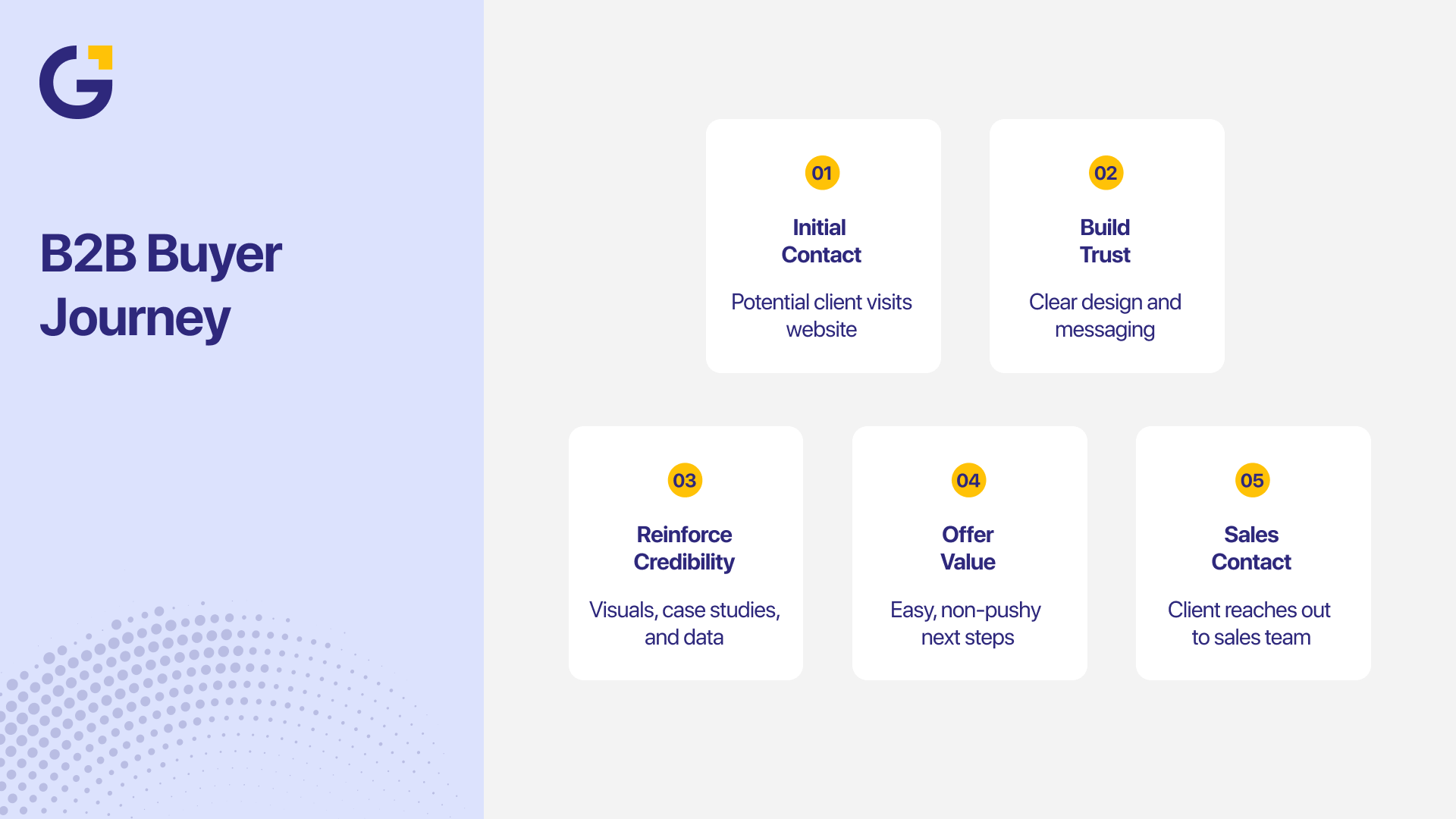
Unlike B2C, the B2B buyer journey isn’t impulsive; it’s strategic, rational, and often committee-driven. A potential client might visit your site five times before contacting sales.
Each visit must:
- Build trust through clear design and messaging.
- Reinforce brand credibility with visuals, case studies, and data.
- Offer easy next steps that feel valuable, not pushy.
A well-designed user journey mirrors how real buyers think. That’s why leading brands like Atlassian and Canva for Teams focus on clarity, proof, and frictionless navigation across their enterprise landing pages.
What Makes a “Conversion-Focused” Page Pattern
Every effective B2B page follows a structure that helps visitors understand value quickly, trust the content, and feel confident taking the next step.
- Predictability: Visitors should instantly know where to look and what action to take next. Consistent navigation, familiar layouts, and clear visual hierarchy make users feel in control.
- Relevance: Each element, from headlines to visuals, should directly address the visitor’s goals and context. Personalised content or industry-specific examples help users feel understood and engaged.
- Clarity: Every call-to-action (CTA) should stand out visually and explain the next step in simple language (e.g., “Book a Consultation” or “See Case Studies”). Avoid vague or multiple CTAs that create confusion.
Data from Nielsen Norman Group shows that clarity-driven designs outperform visually complex pages by 47% in user satisfaction.
High-Impact Homepage
A strong homepage immediately communicates who you help, what you offer, and why your business is the right choice, within the first few seconds of a visitor landing.
Best practices:
- Use a clear, benefit-driven headline (“Grow your business faster with measurable digital marketing”).
- Show real client logos or testimonials above the fold.
- Offer one strong CTA (e.g., Book a Free Strategy Call).
Example: HubSpot’s homepage uses strong contrast, real data, and friendly microcopy to guide B2B users into free trials or demos seamlessly.
Problem-Solution Service Page
Each service page should act like a sales rep, informative yet persuasive.
Tips:
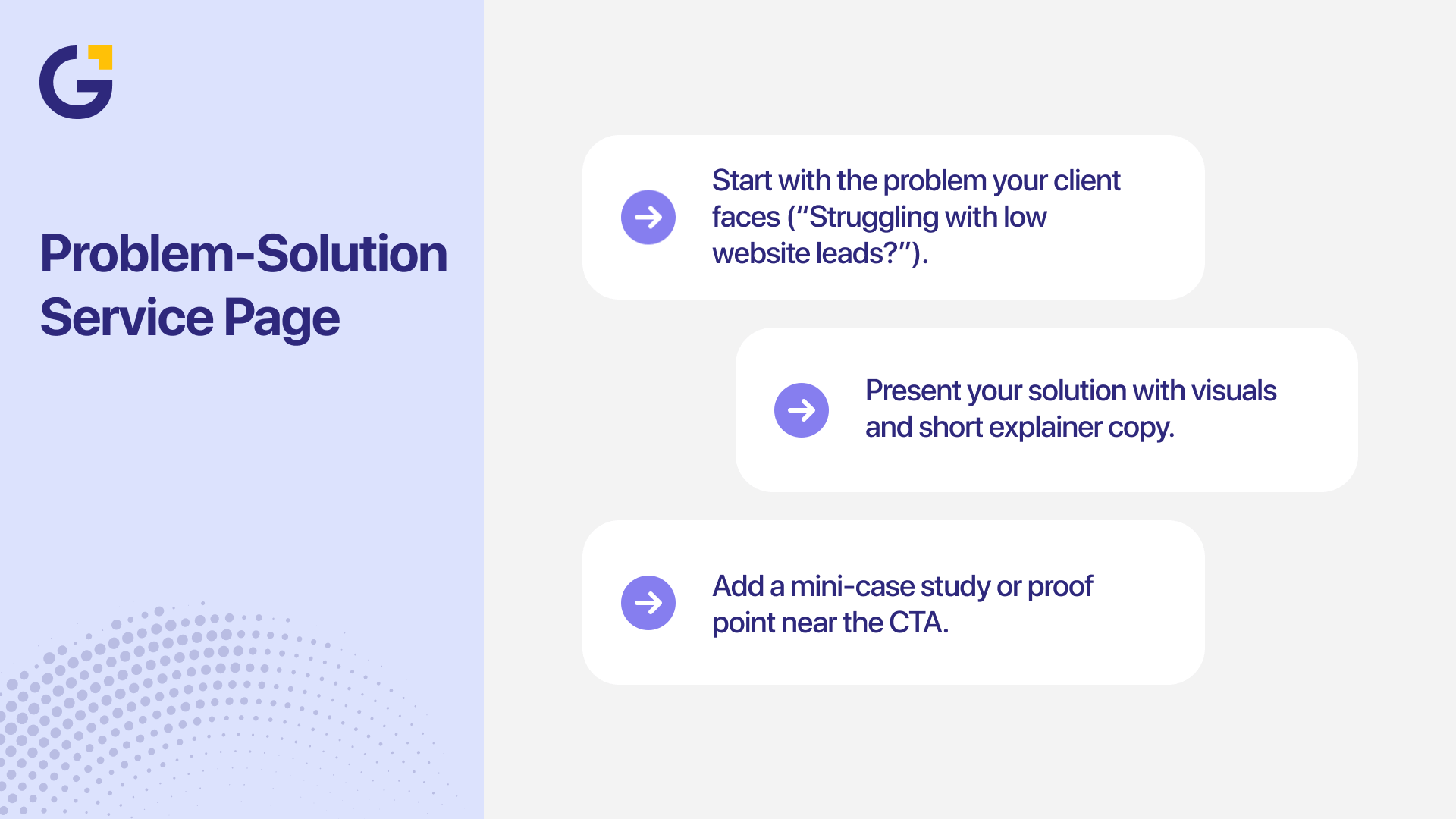
- Start with the problem your client faces (“Struggling with low website leads?”).
- Present your solution with visuals and short explainer copy.
- Add a mini-case study or proof point near the CTA.
Example: Genix Digital’s Website Design & Development page can highlight how their custom designs improve engagement by 30–40% through intuitive layouts and strategic call placements.
Industry or Use-Case Page
B2B buyers love seeing themselves in your examples. Create pages tailored to industries like healthcare, tech, or real estate.
Why it works: Industry-specific pages reduce friction by showing familiarity with unique challenges, a proven method used by agencies.
Include:
- Relevant pain points.
- Project snapshots or testimonials.
- Clear “Talk to a Specialist” CTAs.
About/Team Page That Builds Trust
People buy from people. For B2B, trust begins with your team.
Effective UX strategies for B2B lead generation include showcasing:
- Team photos (not stock images).
- Leadership bios highlighting experience.
- Brand values and company certifications.
According to Edelman’s Trust Barometer, 63% of B2B buyers prefer companies that display leadership transparency and culture online.
Case Study or Success Story Page
They demonstrate real-world impact, helping prospects visualise how your solutions solve problems similar to their own and build measurable business results.
Structure to follow:
- Challenge
- Solution
- Results (quantified)
- Client quote
Example: A case study page could feature “How Genix Digital boosted a SaaS company’s conversion rate by 54% in 90 days.”
Add interactive charts or before-and-after visuals for engagement.
Product or Feature Comparison Page
A clear comparison layout simplifies complex decisions, allowing potential clients to see value differences at a glance and choose the option that best fits their goals.
Best practices:
- Use tables for clarity (e.g., Basic vs Premium features).
- Highlight differentiators without overwhelming jargon.
- Include FAQs and direct CTAs to consultations.
Example: Adobe’s Creative Cloud comparison page uses simplicity and visual contrast to make selection effortless, a model worth replicating for B2B software firms.
Contact or Inquiry Page
A well-designed contact page can be the final push that turns interest into action, so it should feel effortless, trustworthy, and responsive to user intent.
Tips for better UX:
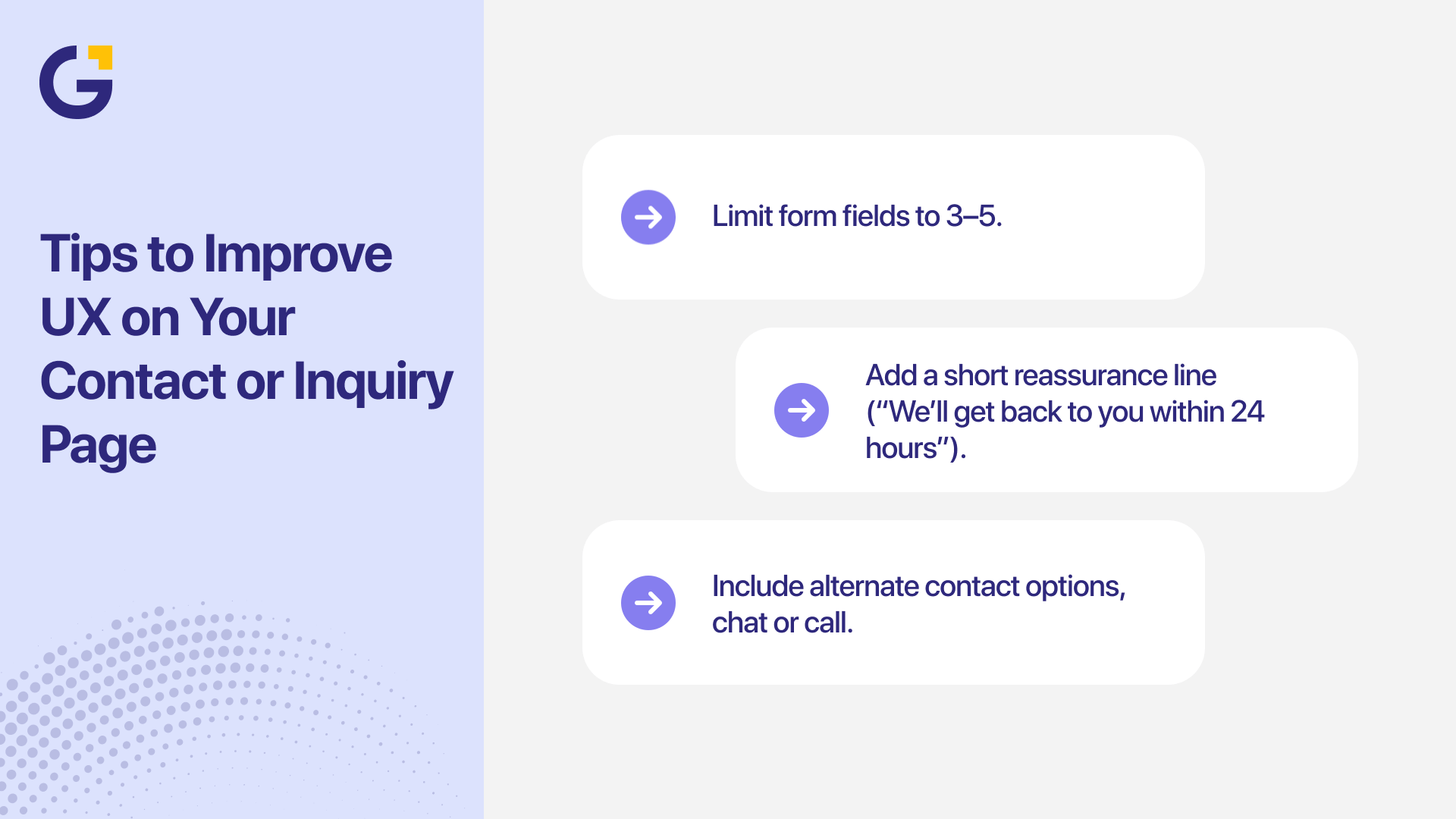
- Limit form fields to 3–5.
- Add a short reassurance line (“We’ll get back to you within 24 hours”).
- Include alternate contact options, chat or call.
Pricing or Plans Page
Clear pricing helps potential clients quickly assess value and make informed decisions without needing to contact sales first, reducing friction and speeding up conversions.
Design principles:
- Highlight value before cost.
- Use toggle options (monthly/annual).
- Provide a clear CTA per tier.
Example: Monday.com’s tiered pricing table balances design and psychology — clarity first, choice second.
Conversion-Focused Landing Page
A well-crafted landing page eliminates distractions and directs visitors toward a single, measurable action, whether that’s booking a consultation, downloading a guide, or starting a free trial.
Elements to include:
- Engaging headline.
- One strong CTA.
- Visual hierarchy that directs focus.
Tip: Remove distractions like menus or unrelated links. Single-focus landing pages can improve conversion rates by 65%.
Design Principles That Drive B2B Conversions
Key design rules every B2B company should apply:
- Consistency: Stick to your brand’s design system across all assets.
- Accessibility: Follow WCAG standards for all users.
- Speed: Keep page load times under 2.5 seconds — slow pages lose 53% of mobile users according to Google.
Visual Hierarchy: Guide the eye from benefit → proof → action.
Real-World Examples from Leading B2B Brands
Learning from successful brands is one of the best ways to understand what strong UI/UX looks like in action. The following companies have mastered clarity, storytelling, and trust through thoughtful design choices that directly support conversions:
- Salesforce: Uses visual storytelling and tailored CTAs for each buyer segment.
- Canva for Teams: Clean layouts that emphasise collaboration tools.
- Xero: Simple icons, vibrant colours, and strong trust signals.
- HubSpot: Interactive pricing and in-depth case studies for credibility.
Each brand reinforces improving conversion rates with better B2B UI design by focusing on user experience and clarity of messaging.
How Genix Digital Designs UI/UX for B2B Growth
At Genix Digital, our approach combines creativity with measurable strategy.
We start with:
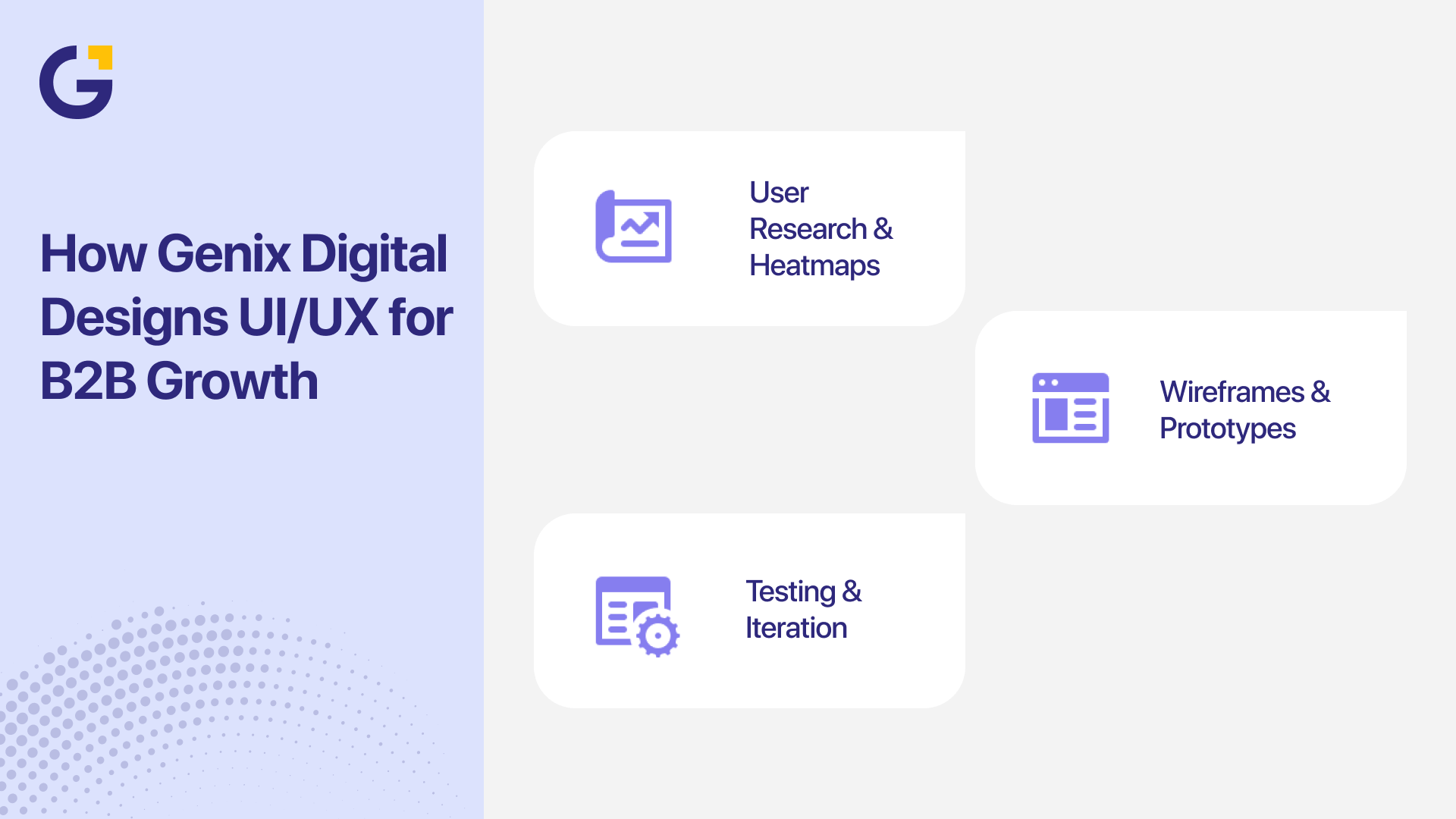
- User Research & Heatmaps: Understanding user intent and scroll behaviour.
- Wireframes & Prototypes: Mapping how each page supports conversion goals.
- Testing & Iteration: Continuous improvement based on analytics.
Our mission is to help Australian businesses grow faster and higher through UI/UX systems that feel intuitive and perform flawlessly.
Ready to transform your digital presence? Book a Free Consultation with us today
Conclusion – Your Next Step Toward Better Converting Pages
Strong UI/UX isn’t just a design choice; it’s a growth engine for B2B businesses. From high-impact homepages to trust-building case study pages, every interaction shapes how potential clients perceive your brand and decide to engage. By understanding the buyer journey and applying proven page patterns, you can create a website that communicates credibility, simplifies decision-making, and converts visitors into qualified leads. Prioritising intuitive design and user experience today sets the foundation for measurable business growth tomorrow.
If you’re ready to elevate your website’s performance and turn design into a competitive advantage, Genix Digital can help. Our Sydney-based team crafts tailored UI/UX solutions that align with your business goals and drive tangible results. Book a free consultation today to see how our conversion-focused design approach can help your business grow faster and outperform competitors.
FAQs
Q1. Why is UI/UX more important for B2B than B2C?
B2B deals involve longer decisions and higher stakes. A well-designed experience builds trust and supports logical, informed buying.
Q2. What’s the best way to measure B2B UI/UX success?
Track metrics like conversion rate, form completions, scroll depth, and lead quality over time.
Q3. How often should I redesign my B2B website?
Most companies update major design elements every 2–3 years, or sooner if data shows performance issues.
Q4. What pages are most critical for B2B conversions?
Home, service, case study, and contact pages are typically top performers for engagement and conversion.
Q5. How can Genix Digital help my business?
Genix Digital offers tailored website design, SEO, and UX optimisation that align with your business goals.



 1 Dec 2025
 9 Min Read