


Launching or running a business online in Australia is exciting, but a stunning layout alone will not bring qualified leads from Google Search. If you want to know how to do seo for website success in competitive Australian markets, you need a structured, end-to-end framework.
For Sydney businesses, organic search strategy must be planned thoroughly whether you are building a new platform or refreshing an existing domain. If core landing pages lack optimisation, if your architecture feels messy, or if search bots struggle to crawl your code, your website will sit invisible in competitive SERPs.
This guide outlines the complete seo process for new website platforms as well as established Sydney business sites targeting the Australian market. By following this step-by-step framework, you can master technical search engine optimisation for new website launches, establish strong topical authority, and secure sustainable organic growth in 2026 and beyond.
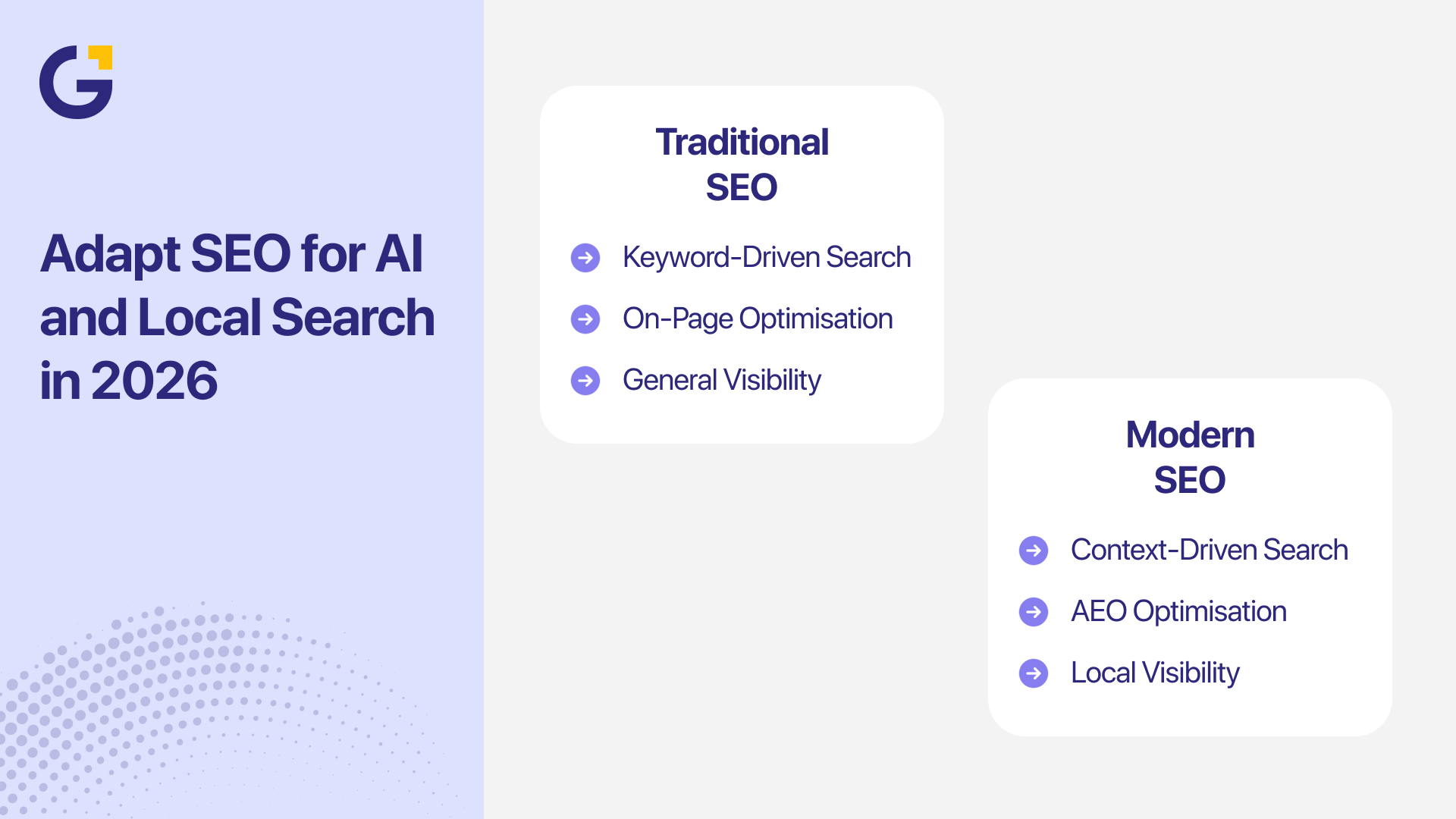
Why Strategic SEO Matters for Your Website
Whether you are launching a brand-new domain with zero historical authority or updating an existing site, search engines need immediate, unmistakable signals to understand:
- What core products or services your company delivers.
- Which specific audience segment you are trying to reach in Australia.
- Where your business operates physically and commercially across Sydney suburbs.
- Which primary commercial pages drive conversions versus secondary support copy.
- What user queries your content answers better than local competitors.
As Harry Sanders (founder of StudioHawk and a leading voice in Australian search) consistently demonstrates, early technical structure and search intent mapping determine how fast Google trusts a website. Baking search engine optimisation into your digital foundation saves you from executing costly, frustrating redesigns later on. Furthermore, understanding what makes a good website in 2025 and beyond ensures your technical setup aligns with modern user expectations.

Step 1: Define Goals, Resources, and SEO Scope
Before researching keywords, decide what commercial success actually looks like for your business and scope out your budget and resources effectively.
A local Sydney trade service might prioritise inbound phone calls and quote submissions. An e-commerce brand focuses on product discoverability and instant checkout conversions (often comparing platform benefits like Shopify vs WooCommerce for Australian businesses). Meanwhile, a B2B firm might aim for high-intent corporate consultation requests across key commercial hubs like Parramatta or the Sydney CBD.
Focus on high-value performance metrics:
- Qualified organic lead submissions and conversion rates.
- Tracked call button clicks from mobile searchers.
- High-intent commercial keyword rankings.
- Visibility in Google’s Sydney Local Pack (Maps).
Avoid measuring vanity traffic alone. A stream of 50 highly targeted local visitors searching for your exact service will always outperform thousands of untargeted global hits.
Step 2: Research Keywords, Search Intent, and AI Overviews
Keyword research reveals how your target audience searches and what explicit information they expect to find.
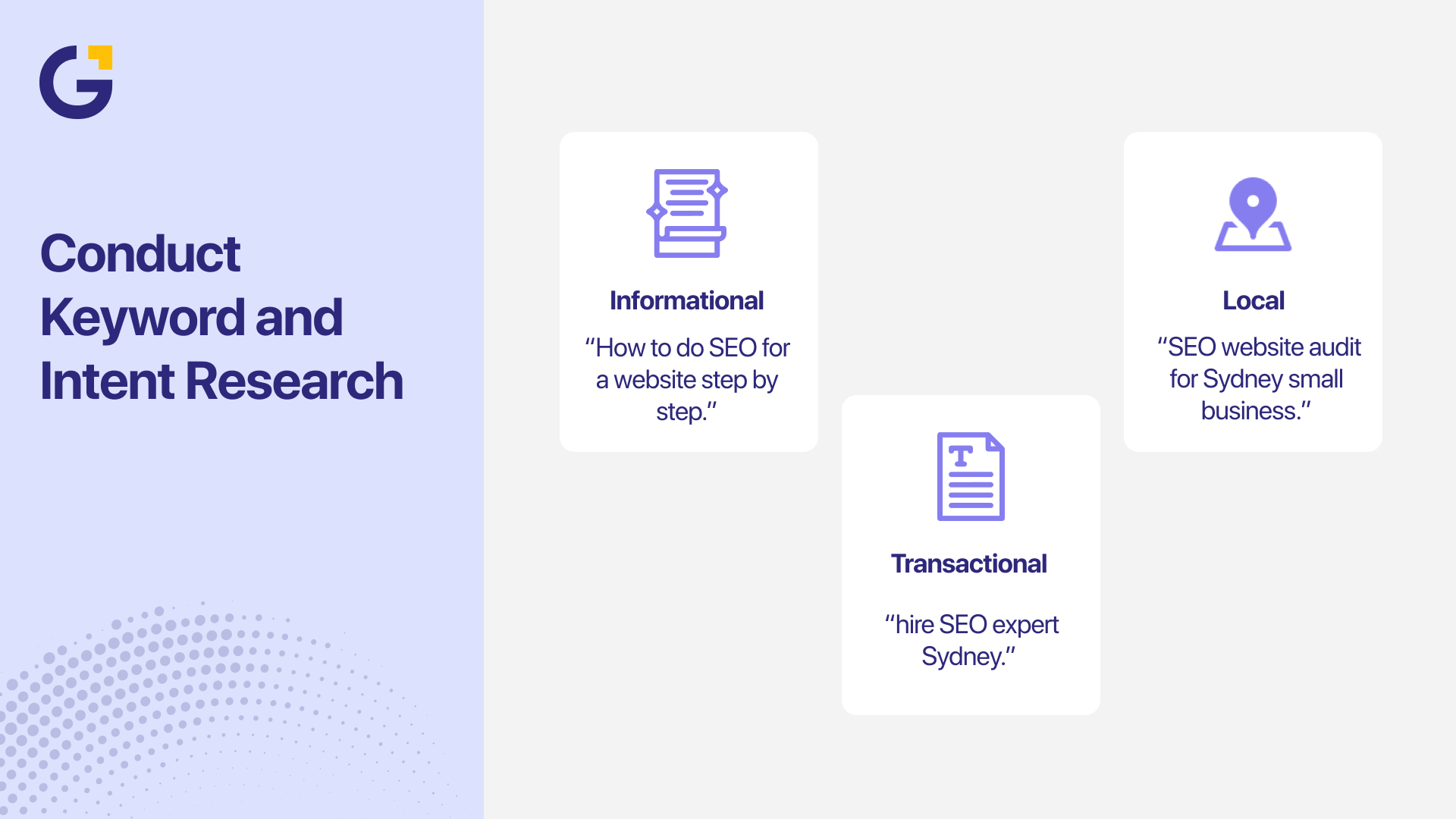
Effective keyword research balances broad head terms (high search volume, higher competition) with high-converting long-tail queries. Grouping queries by search intent ensures every URL serves a dedicated purpose:
- Informational Intent: Educational blog posts and step-by-step guides.
- Commercial Intent: Detailed service breakdowns, comparisons, and case studies.
- Local Intent: Suburb-focused landing pages and localised service descriptions.
- Transactional Intent: Clear pricing pages, offer summaries, and contact forms.
Assign one primary keyword cluster per page. Mapping unique intent to dedicated URLs prevents internal keyword cannibalisation and keeps your architecture clean. In 2026, structuring content to answer direct questions also positions your brand to get featured in Google AI Overviews and Search Generative Experience (SGE).
Step 3: Create a Dynamic Keyword Map
A keyword map explicitly links every target keyword cluster to its corresponding URL.
| Page Type | Target URL | Primary Keyword Topic |
| Homepage | / | SEO agency Sydney |
| Service Page | /services/seo/ | SEO services Sydney |
| Sub-Service Page | /services/seo/on-page-seo/ | On-page SEO Sydney |
| Blog Article | /blog/seo-for-new-website-sydney/ | SEO for a new website in Sydney |
| Contact | /contact/ | SEO consultation Sydney |
Drafting a keyword map early ensures every page targets a clear topic. It also highlights missing content gaps before developers start building templates.
Step 4: Plan a Logical Website Architecture
Search crawlers and human visitors both benefit from a logical, easy-to-navigate site hierarchy.
Organise your main navigation around user priorities. A standard Sydney business platform should include a homepage, core service pages, an about page, case studies, contact options, and a supporting blog hub.
Keep your URL strings short, clean, and descriptive:
- Good: /services/local-seo-sydney/
- Bad: /index.php?page_id=883&category=seo
Build your core commercial pages first before launching a blog. If your service pages are struggling to hold their search position after launch, review our breakdown on why your service pages are not staying indexed.
Step 5: Prepare High-Converting, Humanised Copy
Every core page must clearly answer the questions a prospective client asks before deciding to contact your business.
High-converting service copy should explain:
- The specific scope of the service.
- Who the ideal client is (and who it isn’t for).
- What operational or commercial problems it solves.
- How your onboarding process works.
- What sets your team apart from other Sydney providers.
- What step the reader should take next.
Write for human beings first. Use natural, clear language, short paragraphs, and scannable H2/H3 subheadings. Avoid forcing keywords into sentences where they sound awkward. Structuring landing pages using UI/UX page patterns that convert guarantees that your organic search traffic turns into actual business revenue.

Step 6: Optimise Metadata, Headings, and On-Page Elements
On-page SEO gives search engines explicit context regarding the topic of every page.
Every published page requires a unique set of metadata:
- Title Tag: Includes the main keyword near the front, capped at around 60 characters.
- Meta Description: A compelling 140–155 character summary that encourages user clicks.
- H1 Heading: A single, clear title matching the primary page intent.
- Alt Text: Descriptive text for key images to improve accessibility and image search context.
For example, an ideal setup for learning how to do seo for website optimisation includes:
- Title Tag: How to Do SEO for a Website: Step-by-Step Sydney Guide
- Meta Description: Master how to do SEO for a website in Sydney step-by-step. Optimise meta tags, technical setup, and local SEO to rank higher in 2026.
Step 7: Master Technical SEO Sydney Essentials
Technical SEO Sydney for beginners and experienced site owners ensures search bots can effortlessly crawl, understand, and index your website.
Pre-Launch & Post-Launch Technical Checklist:
- Ensure your SSL certificate is active (forcing HTTPS across all pages).
- Confirm your sitemap.xml generates correctly and contains only status 200 URLs.
- Audit your robots.txt file to ensure search bots are not accidentally blocked.
- Verify canonical tags point directly to self-referencing URLs.
- Confirm your staging environment noindex tag is completely removed upon going live.
Consult official Google Search Central documentation to ensure your sitemap and indexing configurations strictly comply with webmaster guidelines.
Step 8: Optimise Website Speed and Mobile Experience
Never assume your website runs fast just because it looks good on a high-speed office desktop. Always test real-world mobile performance on standard 4G/5G mobile networks.
Mobile UX & Speed Checklist:
- Compress image files into modern WebP formats before uploading.
- Eliminate unnecessary scripts, heavy fonts, or redundant plugins.
- Ensure button targets are large enough for thumb taps.
- Verify form fields scale cleanly on smaller screens.
- Ensure phone numbers feature clickable tel: links for instant dialling.
Fast load speeds directly impact both user engagement and organic rankings. Learn more about technical performance in our guide on website speed optimisation for Sydney businesses. Test your landing pages through Google’s PageSpeed Insights to catch layout shifts and slow server response times early.
Step 9: Execute Sydney Local SEO and Schema Markup
For businesses targeting Sydney clients, localised search signals are critical for capturing high-intent commercial traffic.
Local Search Optimisation Playbook:
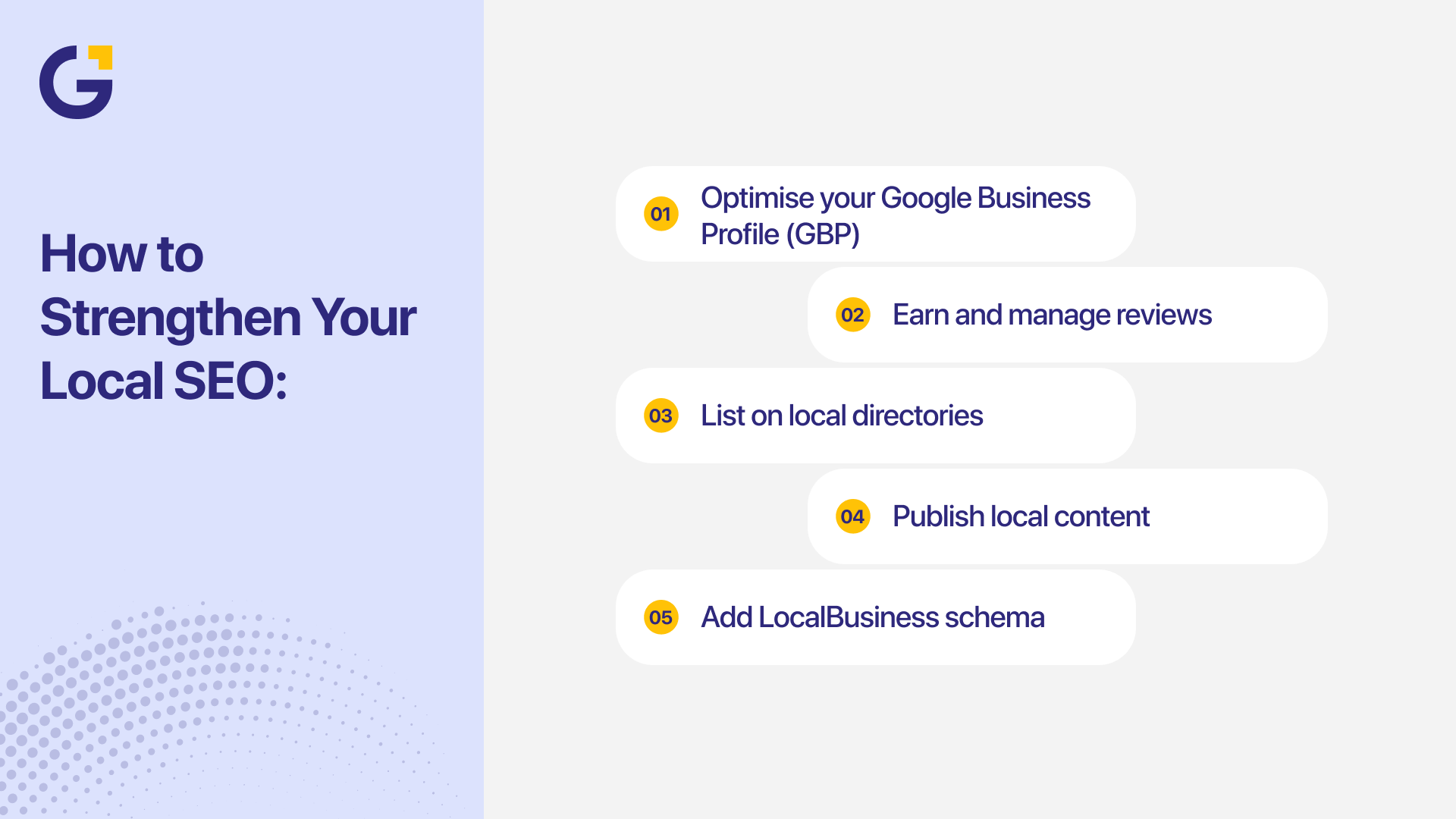
- Claim or update your Google Business Profile (GBP). Ensure your exact business name, physical street address, local phone number, and trading hours match your website footprint perfectly.
- List your official Sydney address or clear local service area radius.
- Highlight team members, local office photos, and verified Sydney case studies.
- Collect authentic customer reviews and respond to inquiries promptly.
Implement Sydney local SEO schema markup across your code. Adding structured JSON-LD data helps search engines identify your business entity, operating hours, geographic coordinates, and service categories.
Avoid publishing duplicate, thin suburb pages that swap out location names. To build a genuine regional presence without risking spam penalties, check out our suburb-by-suburb local SEO playbook. Review official Google Business Profile guidelines to ensure local details comply with Maps policies.
Step 10: Build Contextual Internal Links and Topic Clusters
Internal links distribute page authority across your site and guide search crawlers to newly published content.
When writing articles, link naturally to related service pages using descriptive anchor text:
- Direct readers to specialised local SEO services when discussing Sydney map rankings.
- Connect technical performance sections to your overall web development services.
Additionally, add relevant Schema Markup (Structured Data) to help search engines understand your entity type. Learn more about setting up modern search tags in our guide to Schema Markup for AI Search.
Step 11: Connect Tracking, Analytics, and Search Console
Set up your analytics tools early so you can establish a clean baseline for performance tracking.
Essential Tracking Suite:
- Google Search Console: To submit your sitemap, monitor index status, and fix crawl errors.
- Google Analytics 4 (GA4): To track visitor paths, engagement, and traffic sources.
- Conversion Tracking: Set up goals for contact form fills, phone clicks, and resource downloads.
While organic rankings are useful indicators, tracking real conversions proves whether your search strategy is generating genuine business revenue.
Step 12: Test, Monitor, and Refine Continuously
On launch day, run through a thorough quality check across every core user path. Test form delivery, verify tracking scripts fire, confirm HTTPS redirects operate smoothly, and check Search Console for immediate indexing flags.
Ongoing Maintenance Routine:
- Review Search Console weekly for indexing errors or broken links.
- Monitor search impressions, CTR, and positions for queries like sydney seo help for my website or technical seo sydney.
- Audit site speed after adding new media or plugins.
- Update outdated content and add fresh answers to customer FAQs.
If you need fast revenue while building organic authority, pairing early search work with targeted Google Ads services can deliver instant leads from day one. You can also re-engage prospective leads who leave your site through targeted email marketing campaigns.
Common SEO Mistakes on Website Launches
Many business owners miss out on search visibility simply because SEO was treated as an afterthought.
Avoid these frequent traps:
- Launching a site without performing keyword research.
- Duplicating title tags across multiple service pages.
- Forgetting to remove the staging site’s noindex tag upon launch.
- Changing site URLs without setting up proper 301 redirects.
- Ignoring mobile page speed and layout stability.
- Creating dozens of low-quality, duplicate location pages.
- Failing to verify Google Search Console before pushing live.

How Genix Digital Can Help
At Genix Digital, we build search-ready websites designed to rank high and convert visitors into long-term clients.
Our Sydney team handles everything from technical audits, keyword mapping, and on-page optimisation to custom web development, structured schema implementation, and local search tracking.
Whether you are launching a brand-new platform or rebuilding an existing domain, integrating SEO into the development process ensures immediate visibility. Visit our agency homepage or contact our team today to discuss your launch strategy.
Final Thoughts
Executing a successful SEO process for a website requires meticulous planning before launch and consistent monitoring after going live.
Start by defining clear goals, mapping target keywords, and building a clean, mobile-first site structure. Once your platform is live, track your conversion metrics, strengthen your local Sydney signals, and continuously refine your content based on real search data.
FAQs
1. How do you do SEO for a website before launch?
Before launching, conduct keyword research, map keywords to specific URLs, design a clean navigation structure, draft optimised copy, configure title tags and meta descriptions, resolve technical crawl settings, and verify staging links.
2. How long does SEO take for a new or redesigned website?
For a brand-new domain, initial indexing and early local impressions usually appear within a few weeks. However, competitive rankings generally require 3 to 6 months of consistent content optimisation, local authority building, and technical refinement.
3. Should I do SEO before or after launching a website?
Both. SEO planning must occur before launch so your architecture, technical settings, and content map are correctly configured. Post-launch SEO focuses on monitoring index status, tracking conversions, building backlinks, and refining content.
4. Do I need Sydney local SEO schema markup if my business is local?
Yes. Implementing Sydney local SEO schema markup helps search engines identify your exact business name, physical address, phone number, and service area. This significantly improves your chances of ranking in local search queries and Google Maps.
5. Can I do SEO for my website myself?
You can handle basic tasks like keyword research, simple content edits, and updating your Google Business Profile. However, handling technical site migrations, advanced schema markup, and competitive Sydney local SEO often requires professional agency support.
6-How can I align my new website’s optimisation strategy with official search standards?
Reviewing Google’s SEO Starter Guide is the most effective way to ensure your site’s technical foundation and content architecture comply with modern search engine best practices.





 31 Jul 2026
 8 Min Read